File convert · free, in your browser
Convert XML to JSON
Turn an XML feed, export or config file into JSON you can read in code. The structure is kept: every element, its attributes, its text and its children.
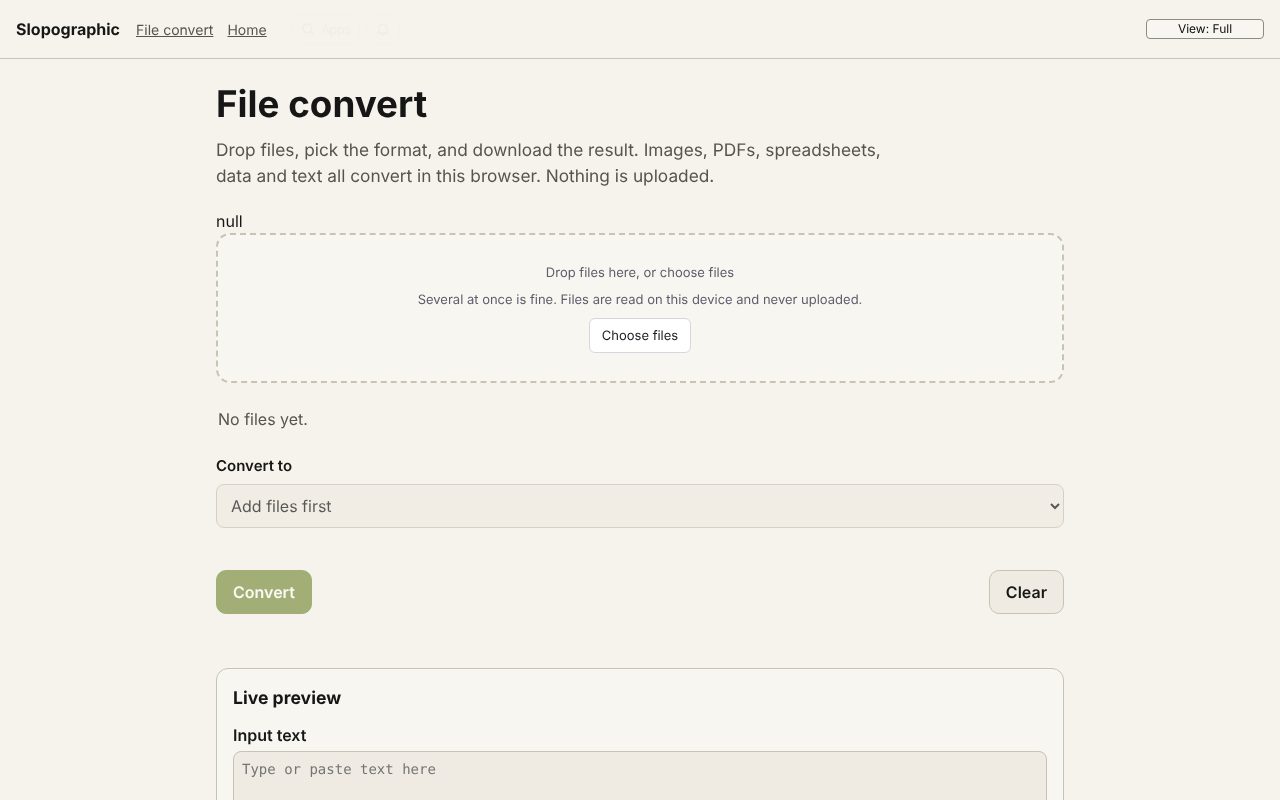
How to do it
- Drop the .xml file on the page.
- XML to JSON is chosen for you. Choose Convert.
- Download the .json file, indented for reading.
Your files stay on this device: File convert runs in your browser, with no upload, no account and no watermark.
Questions
What does the JSON look like?
Each element is an object such as { "name": "item", "attributes": { "id": "1" }, "text": "…", "children": [ … ] }, so nothing in the XML is lost.
What if my XML is broken?
The converter says the XML could not be read and asks you to check it is well formed, instead of writing a half-finished file.
Is the file uploaded?
No. The XML is parsed by your browser and the JSON is written on your device.
More with File convert
- Convert a PDF to Word (DOCX)
- Convert a PDF to Excel (XLSX)
- Convert a PDF to PowerPoint (PPTX)
- Convert AVIF to JPG
- Convert an ICS calendar to CSV
- A free CloudConvert alternative that stays on your device
- 3D file converter
- Convert a 3D model to STL for printing
- Open an SIE file online
- Convert an SIE file to Excel
- Convert OFX to Excel
- Convert MT940 to Excel
- View a camt.053 bank statement
- DNG converter: RAW photos to JPG, PNG or WebP
Related apps
 Slop Press
Beta
InDesign, rebuilt for the browser.- Slop Compare
Beta
Compare two texts, files, PDFs or pictures and see every change. Nothing uploaded. 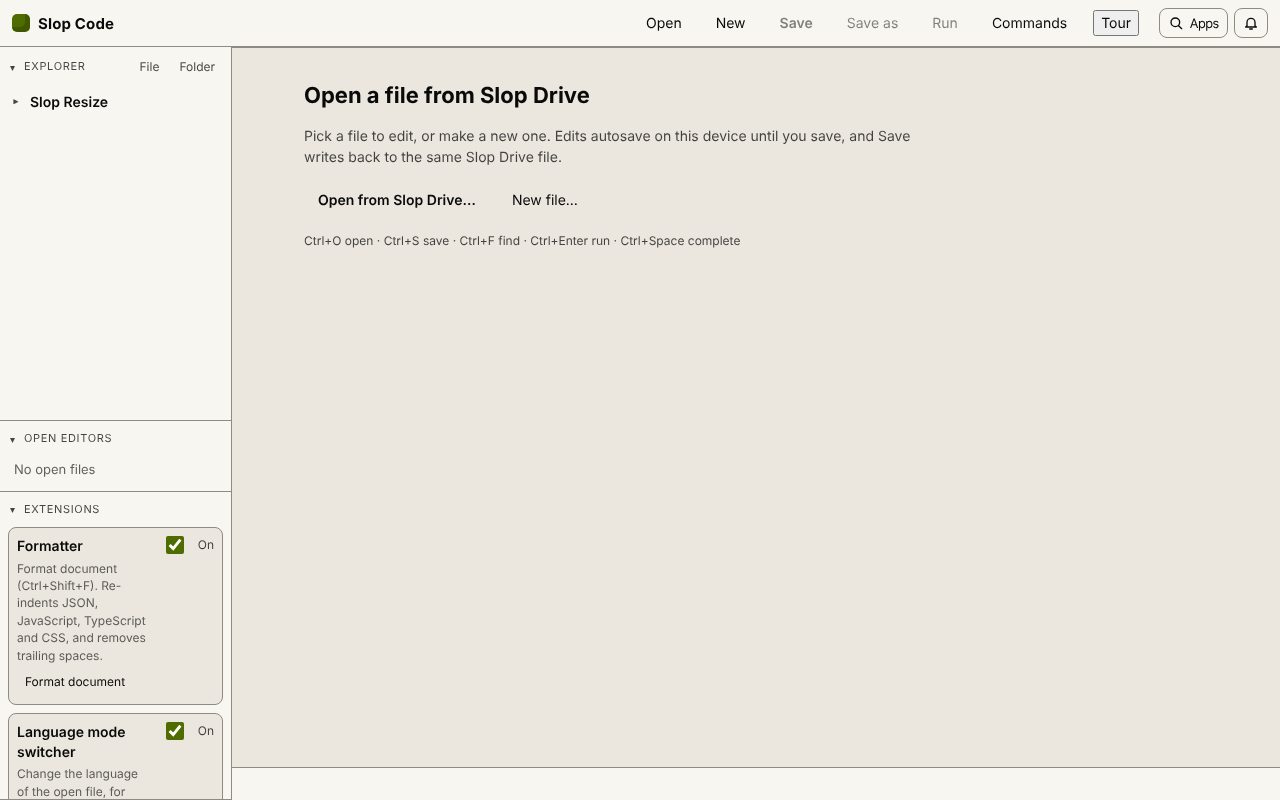 Slop Code
In development
A code editor for your Slop Drive files. Nothing uploaded.