File convert · free, in your browser
Convert a PDF to PowerPoint (PPTX)
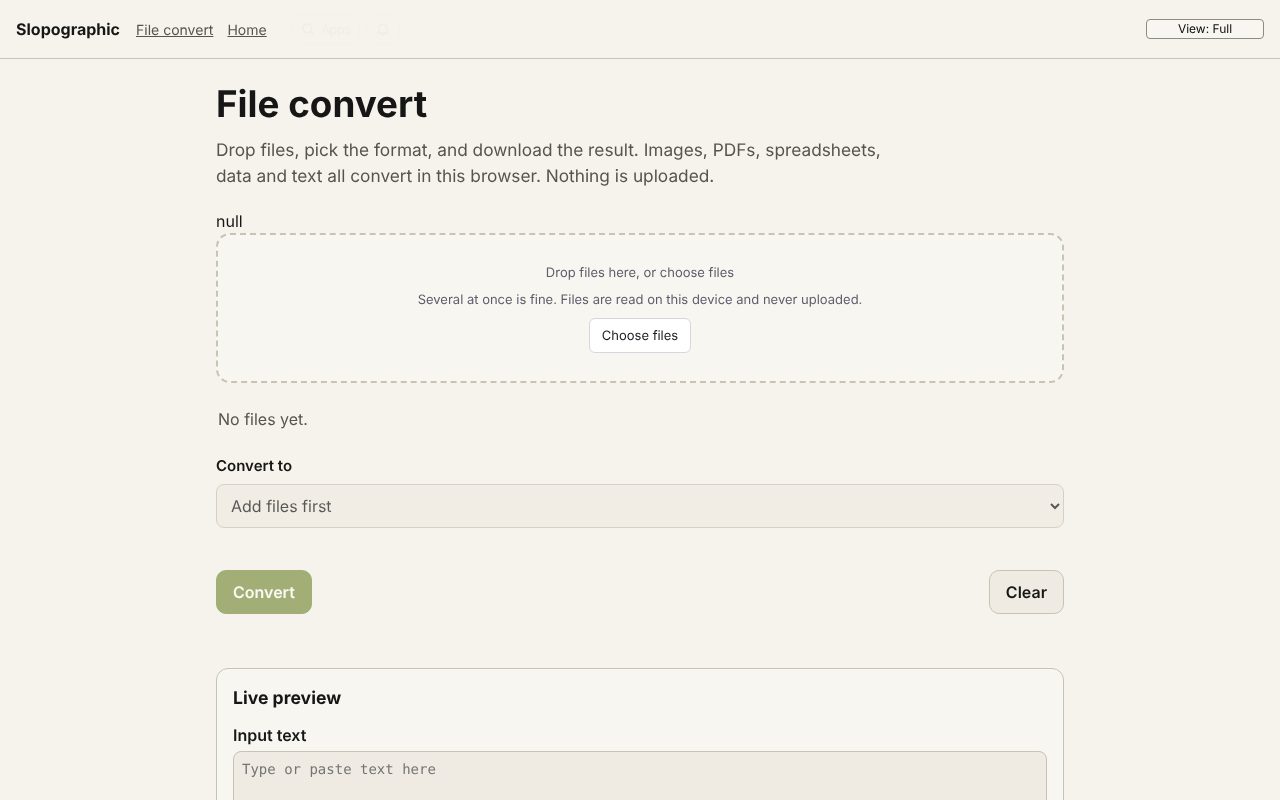
Present a PDF as a slide deck. Each page becomes one slide, drawn as a picture at 144 dpi, ready to show or to build on in your presentation app.
How to do it
- Drop the PDF on the page.
- PDF to PowerPoint (PPTX) is chosen for you. Pick pages with the Pages box, or leave it blank for all.
- Choose Convert.
- Download the .pptx file and open it in PowerPoint, Keynote or LibreOffice Impress.
Your files stay on this device: File convert runs in your browser, with no upload, no account and no watermark.
Questions
Can I edit the text on the slides?
No. Each slide is a picture of the page, so it looks exactly like the PDF but the text is not editable. Use PDF to Word if you need the text.
How sharp are the slides?
Each page is drawn at 144 dpi, which looks crisp on a normal screen or projector.
Is the PDF uploaded?
No. The pages are drawn and the deck is written in your browser.
More with File convert
- Convert a PDF to Word (DOCX)
- Convert a PDF to Excel (XLSX)
- Convert AVIF to JPG
- Convert an ICS calendar to CSV
- Convert XML to JSON
- A free CloudConvert alternative that stays on your device
- 3D file converter
- Convert a 3D model to STL for printing
- Open an SIE file online
- Convert an SIE file to Excel
- Convert OFX to Excel
- Convert MT940 to Excel
- View a camt.053 bank statement
- DNG converter: RAW photos to JPG, PNG or WebP
Related apps
 Slop Press
Beta
InDesign, rebuilt for the browser.- Slop Compare
Beta
Compare two texts, files, PDFs or pictures and see every change. Nothing uploaded. 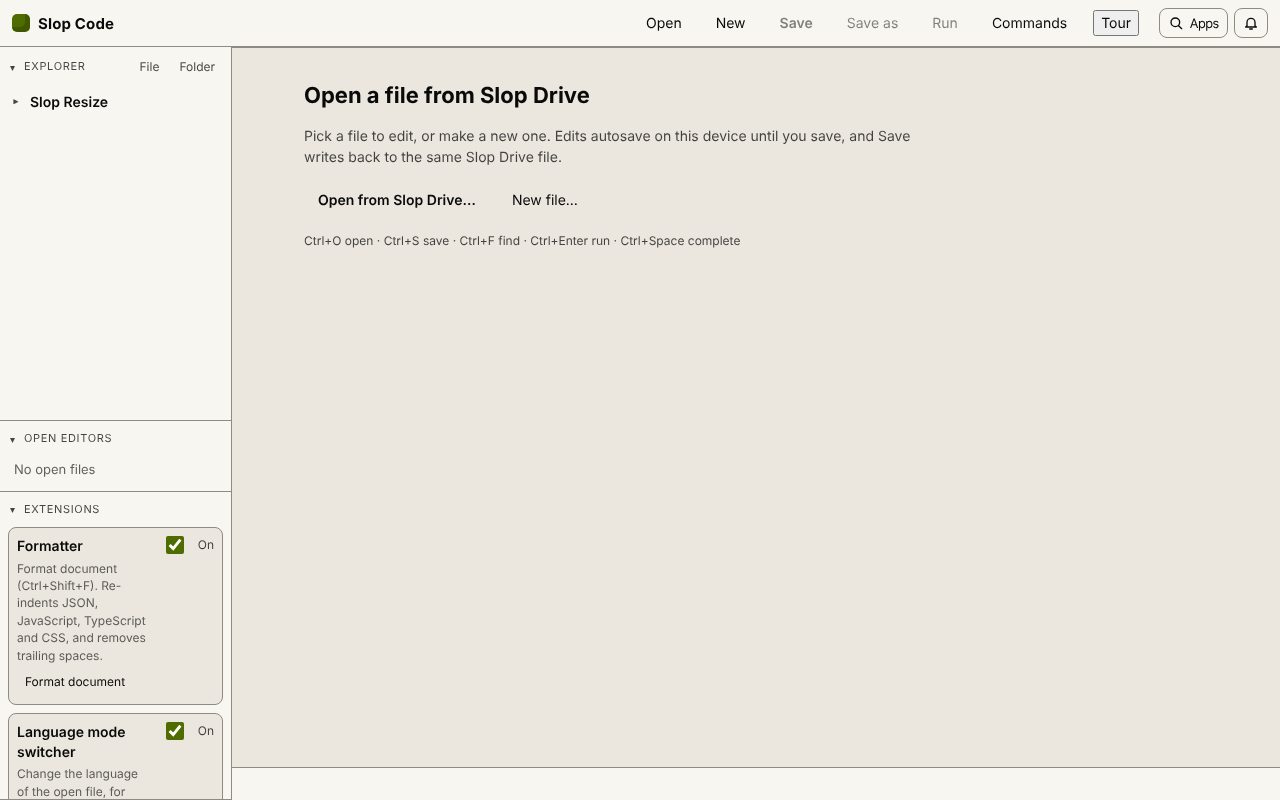 Slop Code
In development
A code editor for your Slop Drive files. Nothing uploaded.