File convert · free, in your browser
A free CloudConvert alternative that stays on your device
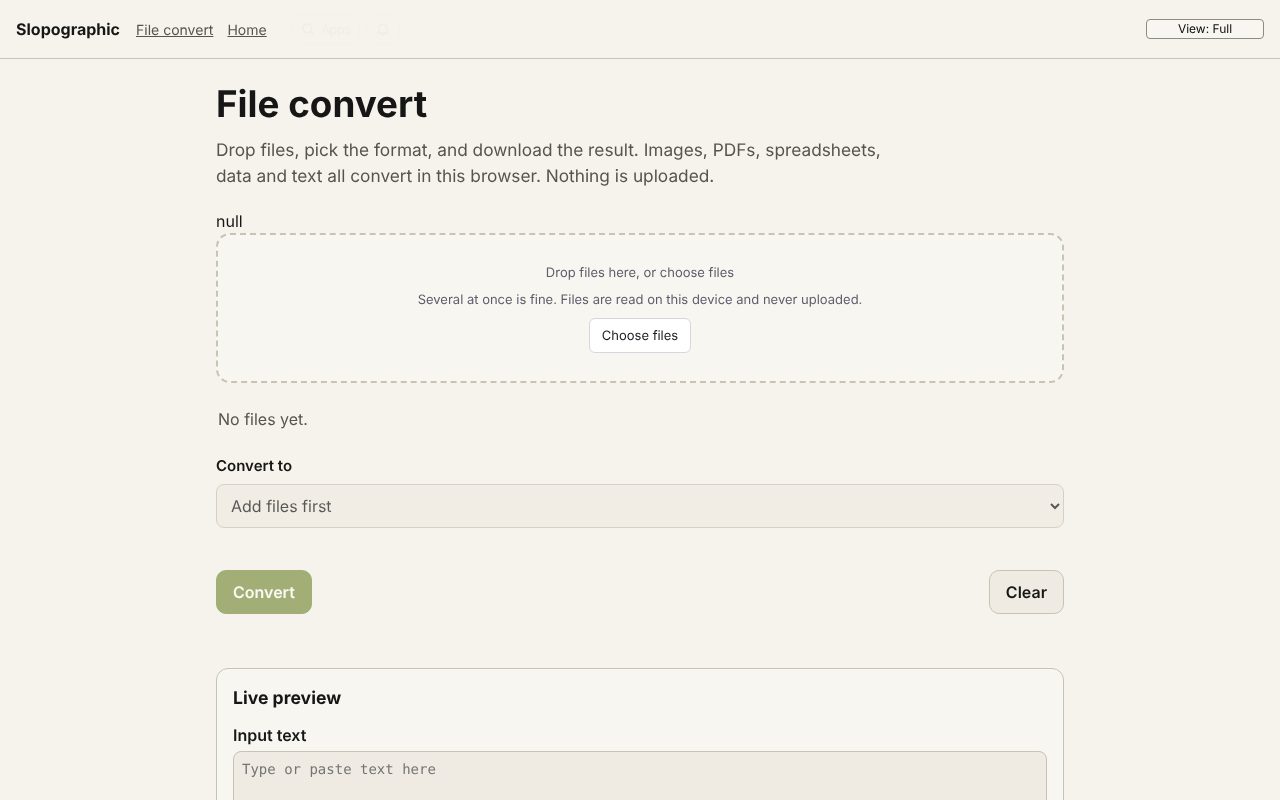
File convert does everyday conversions in a browser tab, without sending your files anywhere: pictures, PDFs, video, sound, spreadsheets, contacts, calendars and text.
How to do it
- Open File convert and drop one file or many.
- Pick the format you want from the list of conversions those files allow.
- Set the options, such as quality, size or page range.
- Choose Convert, then download each file or everything as a ZIP.
Among the conversions: PNG, JPG, WebP, BMP, ICO and PDF for pictures; PDF to images, Word, Excel, PowerPoint or HTML; merging and splitting PDFs; MOV to MP4, video to GIF, MP3 or WAV; CSV, JSON, XLSX and vCard; e-mail, calendar and XML files; Base64 and URL encoding; and ZIP files.
Your files stay on this device: File convert runs in your browser, with no upload, no account and no watermark.
Questions
Is File convert part of CloudConvert?
No. Slopographic is not affiliated with CloudConvert. CloudConvert is a trademark of its owner, named here only to describe what people search for.
Are my files uploaded?
No. Every conversion runs in your browser, including video through a copy of ffmpeg that runs on your device.
Is there a limit on files?
There is no account or quota. Large videos are limited only by your device's memory and speed.
Do I need to sign up?
No. Open the page and drop your files; nothing asks for an account or an e-mail address.
More with File convert
- Convert a PDF to Word (DOCX)
- Convert a PDF to Excel (XLSX)
- Convert a PDF to PowerPoint (PPTX)
- Convert AVIF to JPG
- Convert an ICS calendar to CSV
- Convert XML to JSON
- 3D file converter
- Convert a 3D model to STL for printing
- Open an SIE file online
- Convert an SIE file to Excel
- Convert OFX to Excel
- Convert MT940 to Excel
- View a camt.053 bank statement
- DNG converter: RAW photos to JPG, PNG or WebP
Related apps
 Slop Press
Beta
InDesign, rebuilt for the browser.- Slop Compare
Beta
Compare two texts, files, PDFs or pictures and see every change. Nothing uploaded. 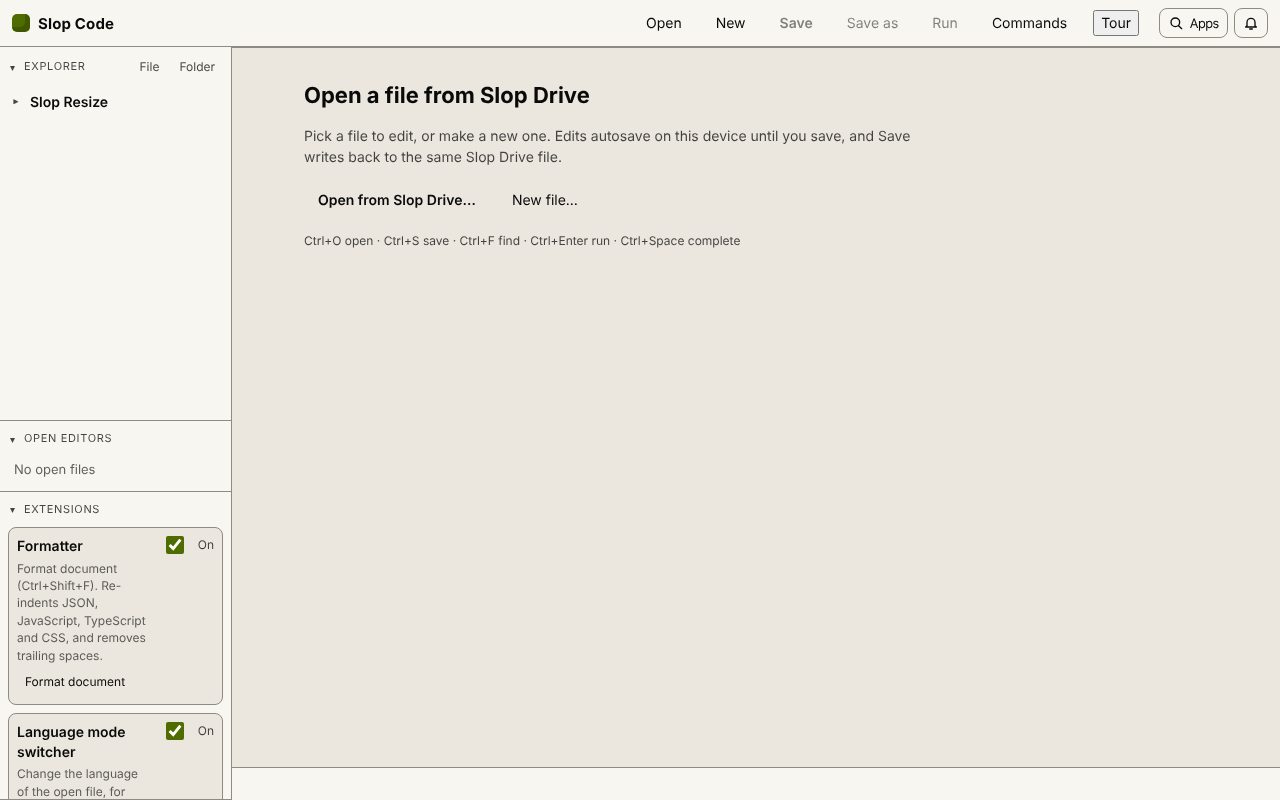 Slop Code
In development
A code editor for your Slop Drive files. Nothing uploaded.