Slop Docs · In development
Document editor
Word and Google Docs, rebuilt for the browser.
Nothing to install: just open it in the browser on your phone, tablet or computer. It keeps working without internet after your first visit. Want an icon on your home screen? On iPhone or iPad, tap Share, then Add to Home Screen. On Android, open the browser menu and tap Add to Home screen. On a computer, click the install icon in the address bar.
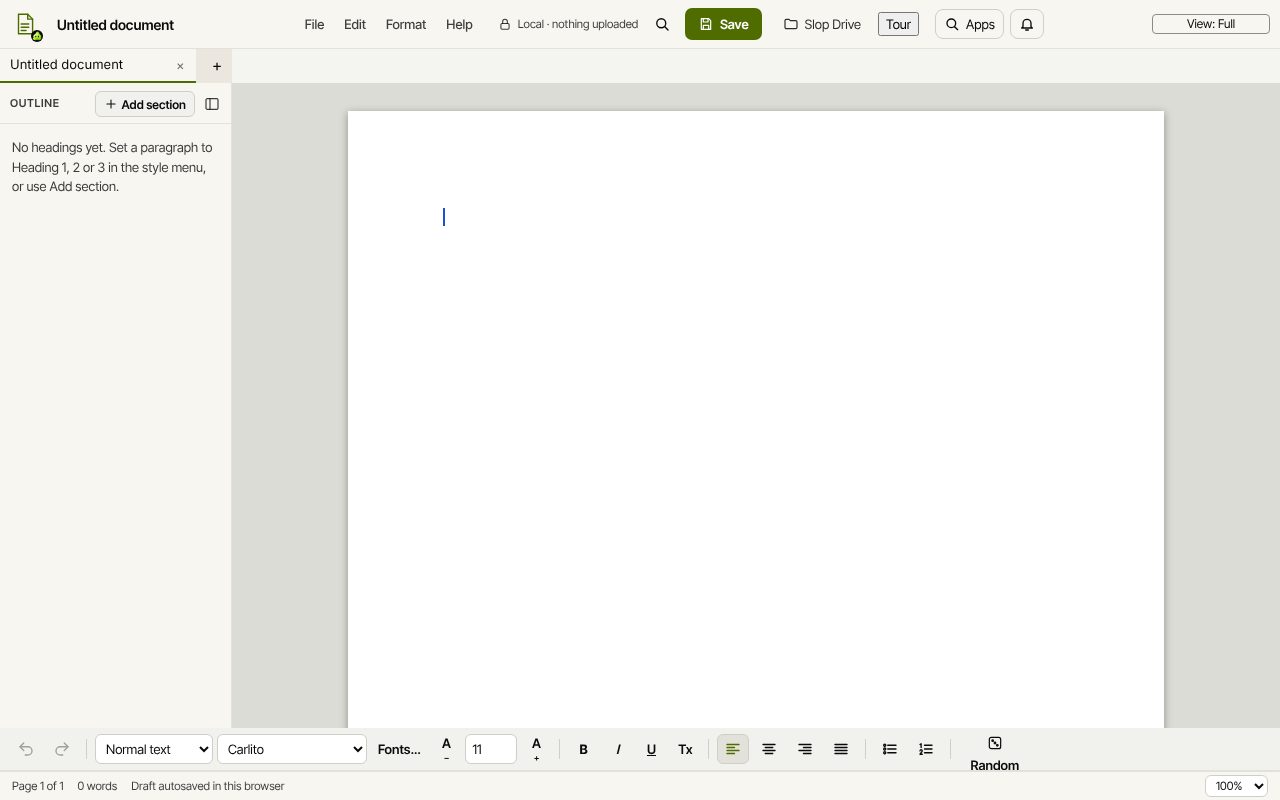
Slop Docs has these main features: Real pages, styles and lists; Opens & saves DOCX and Markdown. It opens Word (.docx), Markdown, Plain text, HTML.
In development: some features listed below may not be finished yet.
What you can do with Slop Docs
- A free word processor in your browser
- Convert Markdown to Word (.docx)
- A free Microsoft Word alternative in your browser
How Slop Docs compares
Slop Docs next to Google Docs, LibreOffice Writer, Microsoft Word for the web, Zoho Writer: facts from each tool's own pages, checked 2026-10-24. We make Slop Docs.
| Tool | Price | Account | Runs in | Documents kept in | Word files (DOCX) |
|---|---|---|---|---|---|
| Slop Docs ours | Free | Not needed | In the browser on any device; works offline after the first visit | Slop Drive, in this browser on your device | Opens and saves DOCX |
| Google Docs | Free with a Google Account; some features need a Workspace plan | Google Account | Browser and mobile apps | Google Drive (15 GB free, shared with Gmail and Photos) | Converts or edits Word files directly |
| LibreOffice Writer | Free and open source (MPL 2.0) | Not stated | Windows, macOS and Linux app | Not stated | Loads and saves DOCX |
| Microsoft Word for the web | Free; Microsoft 365 Personal $9.99 a month or $99.99 a year (US) adds desktop apps | Microsoft account | Browser | OneDrive (5 GB free) | Native format |
| Zoho Writer | Free for individuals and organisations | Zoho account (sign up) | Browser; Windows, Mac and Linux apps; mobile | Not stated | Imports, edits and exports (DOCX up to 50 MB) |
| Feature | Slop Docs ours | Google Docs | LibreOffice Writer | Microsoft Word for the web | Zoho Writer |
|---|---|---|---|---|---|
| Free to use | Yes | Yes | Yes | Yes | Yes |
| No account needed | Yes | No | Not stated | No | No |
| Works in the browser, no install | Yes | Yes | No | Yes | Yes |
| Opens and saves DOCX | Yes | Yes | Yes | Yes | Yes |
| ODT files | No | Not stated | Yes | SharePoint only | Yes |
| PDF export | Yes | Yes | Yes | Yes | Yes |
| Real-time co-editing | No | Yes | Not stated | Yes | Yes |
| Comments | No | Yes | Not stated | Yes | Yes |
| Tracked changes | No | Not stated | Yes | Yes | Yes |
| Version history | No | Yes | Not stated | Not stated | Yes |
| Templates | Yes | Yes | Not stated | Yes | Yes |
| AI assistant that uses the app | Local model or your own key | Not stated | Not stated | Not stated | Yes |
| Works offline | After the first visit | Chrome or Edge, with an extension | Desktop app | Not stated | Desktop apps |
| Where documents are kept | Your browser | Google Drive | Not stated | OneDrive | Not stated |
The full comparison, with sources: The best free word processors, compared
Feature matrix
| Feature | Status | File types |
|---|---|---|
| Real pages, styles and lists | In development | Word (.docx), Markdown, Plain text, HTML |
| Opens & saves DOCX and Markdown | In development | Word (.docx), Markdown, Plain text, HTML |
| Exports a PDF that matches the page | In development | Word (.docx), Markdown, Plain text, HTML |
| Headers, footers and page numbers | In development | Word (.docx), Markdown, Plain text, HTML |
| Arabic, Hebrew, Chinese, Hindi and more | In development | Word (.docx), Markdown, Plain text, HTML |
| Offline .html | In development | Word (.docx), Markdown, Plain text, HTML |
File types
Slop Docs opens Word (.docx), Markdown, Plain text, HTML.
Related apps
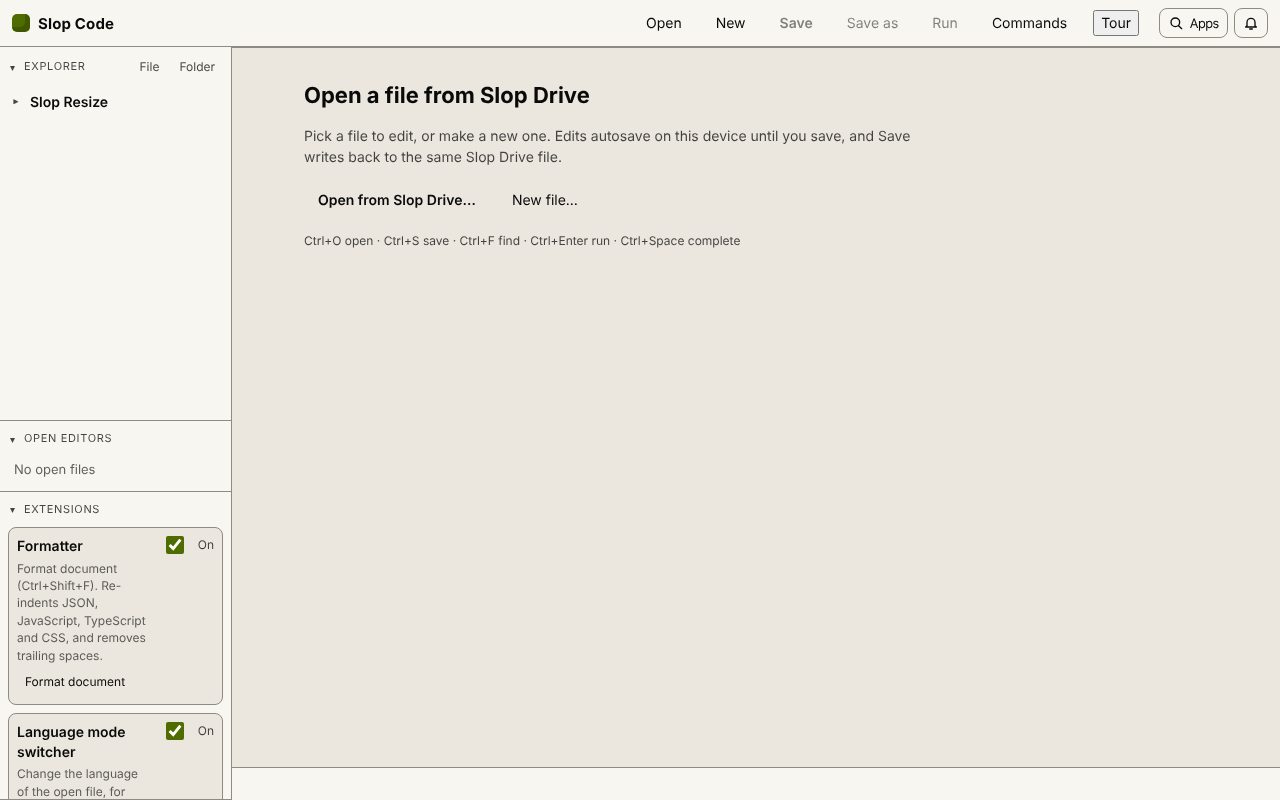 Slop Code
In development
A code editor for your Slop Drive files. Nothing uploaded.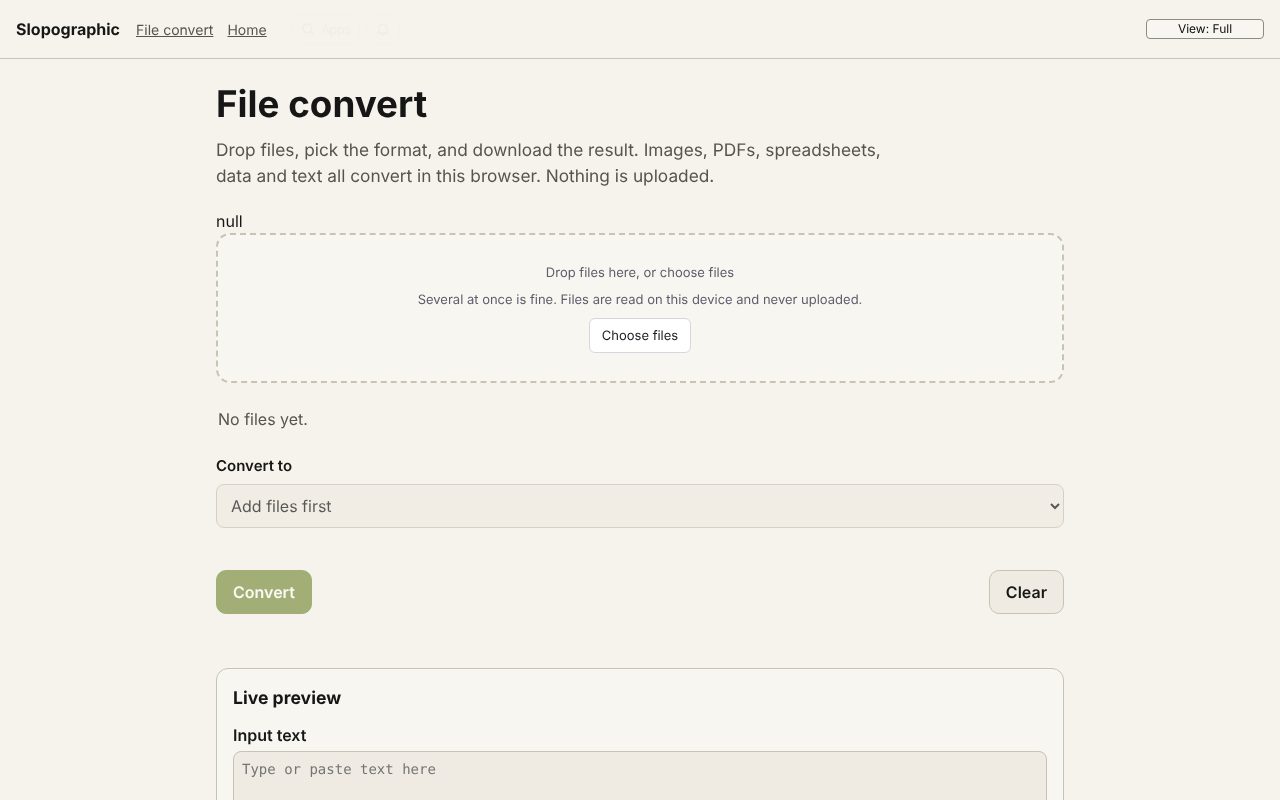 File convert
In development
Images, PDFs, data and text, converted on your device.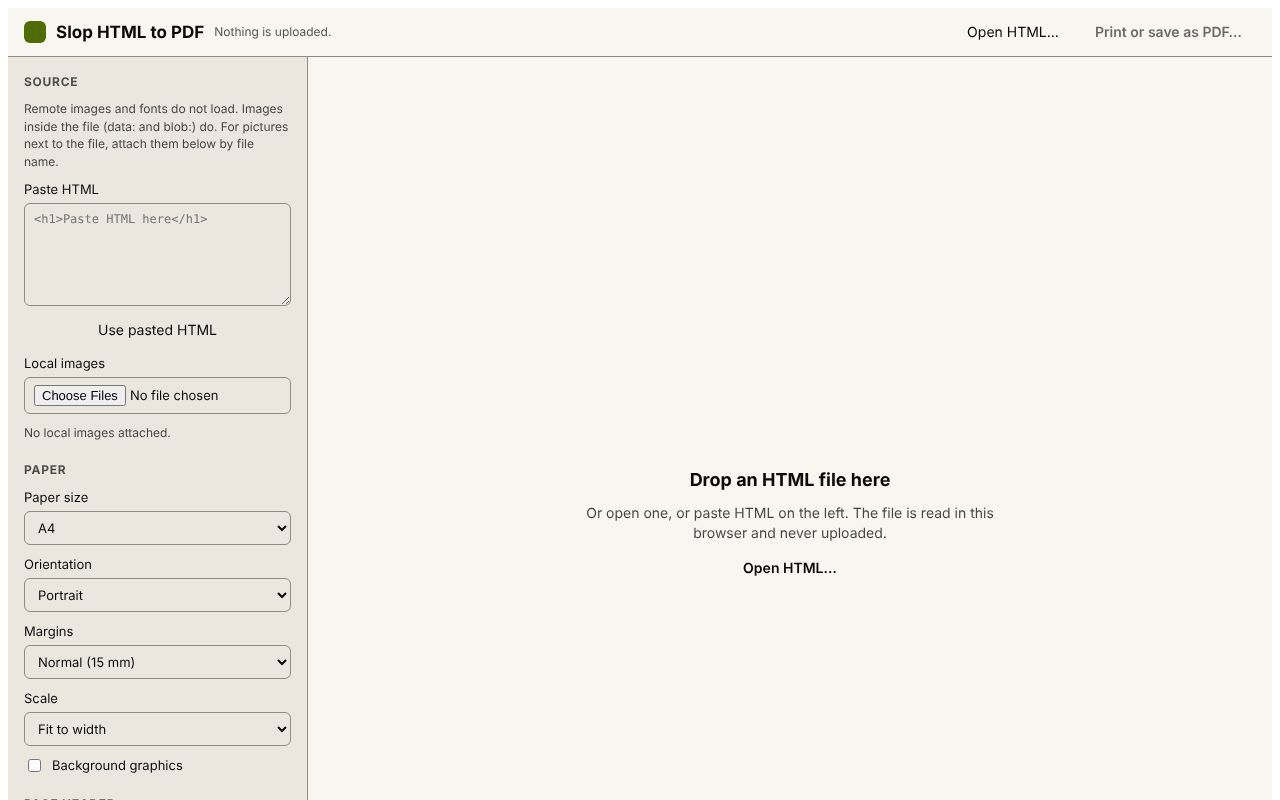 Slop HTML to PDF
Beta
Print an HTML file to PDF with a header and QR code. Nothing uploaded. Slop Press
Beta
InDesign, rebuilt for the browser. Slop PDF
Live
Organise, edit and sign PDFs. Nothing uploaded. SlopLabel
Beta
Design and print barcode labels.