Slop Purchases · Beta
Purchase orders
Purchase orders to suppliers, received into stock. Nothing uploaded.
Nothing to install: just open it in the browser on your phone, tablet or computer. It keeps working without internet after your first visit. Want an icon on your home screen? On iPhone or iPad, tap Share, then Add to Home Screen. On Android, open the browser menu and tap Add to Home screen. On a computer, click the install icon in the address bar.
Slop Purchases has these main features: Purchase orders with a PDF, in the same templates; Receive into stock in one step.
Beta: still being tested, so some parts may change.
What you can do with Slop Purchases
Feature matrix
| Feature | Status | File types |
|---|---|---|
| Purchase orders with a PDF, in the same templates | Beta | Not listed yet |
| Receive into stock in one step | Beta | Not listed yet |
| The supplier bill posted as an expense | Beta | Not listed yet |
| Late deliveries and unbilled orders at a glance | Beta | Not listed yet |
File types
No specific file types are listed for this app yet.
Related apps
 Slop PDF
Live
Organise, edit and sign PDFs. Nothing uploaded. SlopLabel
Beta
Design and print barcode labels. Slop Reports
Beta
Totals and lists across Contacts, Invoices, Expenses and CRM, with profit by month. Read-only. Slop OCR
Beta
Read text from images and scanned PDFs on your device. Nothing uploaded.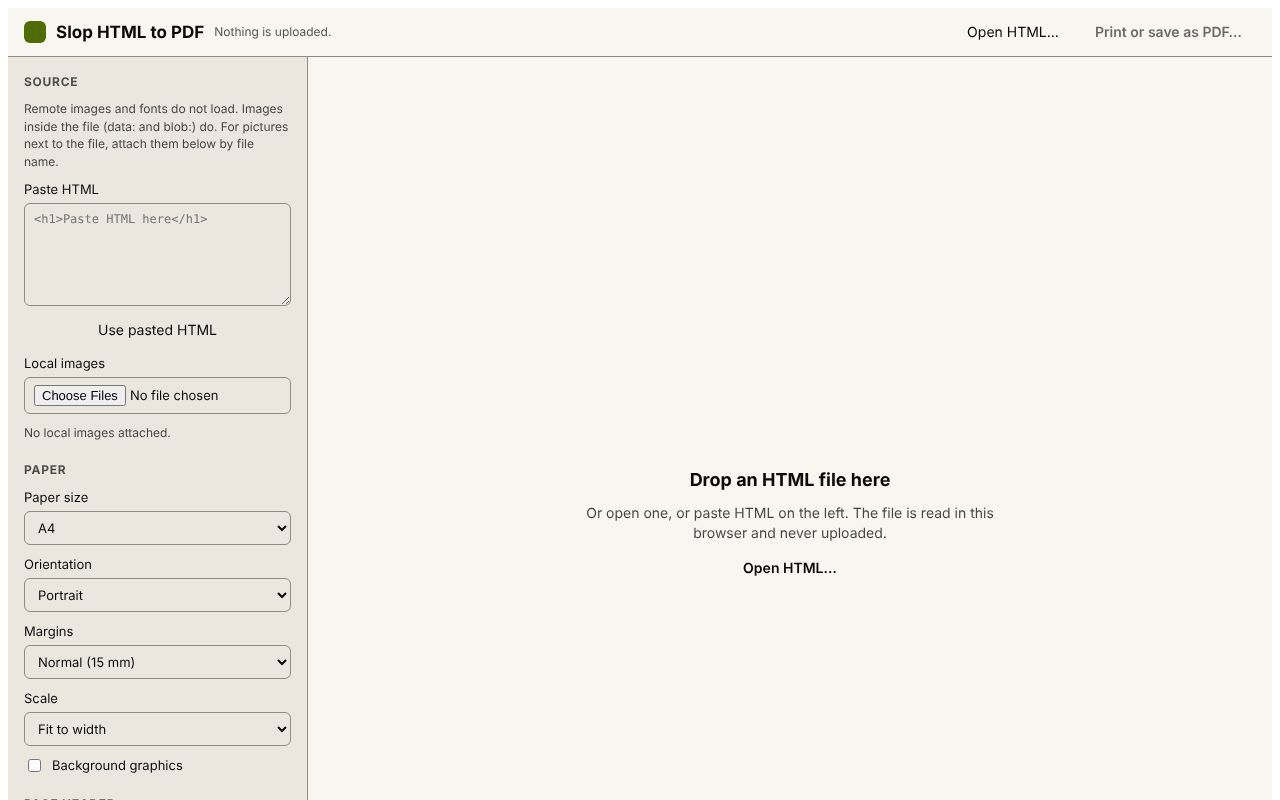 Slop HTML to PDF
Beta
Print an HTML file to PDF with a header and QR code. Nothing uploaded.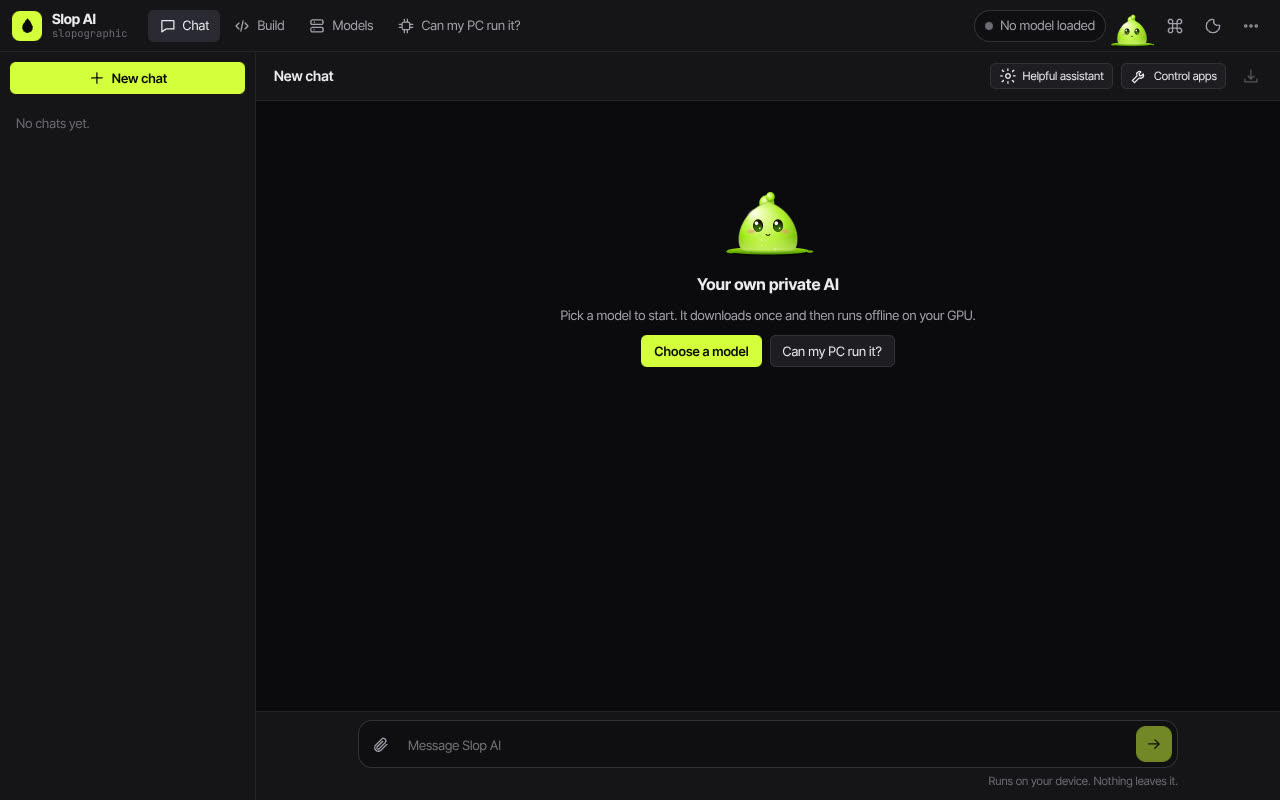 Slop AI
Beta
Chat with an AI that runs on your own computer.