Slop Hex · In development
Hex editor
View and edit any file as bytes. Saved to Slop Drive.
Nothing to install: just open it in the browser on your phone, tablet or computer. It keeps working without internet after your first visit. Want an icon on your home screen? On iPhone or iPad, tap Share, then Add to Home Screen. On Android, open the browser menu and tap Add to Home screen. On a computer, click the install icon in the address bar.
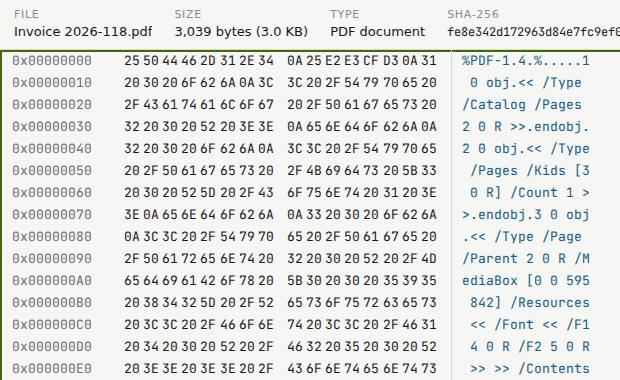
Slop Hex has these main features: Offset, hex and ASCII columns, with undo and redo; Find bytes or text, and go to any offset.
In development: some features listed below may not be finished yet.
What you can do with Slop Hex
How Slop Hex compares
Slop Hex next to ImHex, Hex Fiend, HexEd.it, 010 Editor: facts from each tool's own pages, checked 2026-10-24. We make Slop Hex.
| Tool | Price | Runs on | Install | Large files |
|---|---|---|---|---|
| Slop Hex ours | Free | Any modern browser | None | Read in 64 KB pages (100 MB opens) |
| ImHex | Free, open source (LGPL 2.1) | Windows 7+, macOS 15+, Linux | Desktop app | Not stated |
| Hex Fiend | Free, open source (2-clause BSD) | macOS 10.14.6+ | Desktop app | As big as you can create |
| HexEd.it | Free | Any modern OS, in the browser | None | Not stated |
| 010 Editor | $59.95 home, $149.95 commercial (perpetual); 30-day trial | Windows 11/10, macOS, Linux | Desktop app | 50 GB+ |
| Feature | Slop Hex ours | ImHex | Hex Fiend | HexEd.it | 010 Editor |
|---|---|---|---|---|---|
| Free | Yes | Yes | Yes | Yes | No |
| No install | Yes | No | No | Yes | No |
| Windows | Yes | Yes | No | Yes | Yes |
| Mac | Yes | Yes | Yes | Yes | Yes |
| Linux | Yes | Yes | No | Yes | Yes |
| Overwrite bytes | Yes | Yes | Yes | Yes | Yes |
| Insert and delete bytes | No | Not stated | Yes | Not stated | Not stated |
| Undo and redo | Yes | Yes | Not stated | Not stated | Yes |
| Find hex or text | Yes | Yes | Yes | Not stated | Yes |
| Very large files | Partly | Not stated | Yes | Not stated | 50 GB+ |
| Data inspector | No | Yes | Yes | Not stated | Not stated |
| Structure templates | No | Yes | Not stated | Not stated | Yes |
| Compare two files | No | Yes | Yes | Not stated | Yes |
| Hashes | SHA-256 | Yes | Not stated | Not stated | Yes |
| File type from magic bytes | Yes | Yes | Not stated | Not stated | Not stated |
The full comparison, with sources: The best free hex editors
Feature matrix
| Feature | Status | File types |
|---|---|---|
| Offset, hex and ASCII columns, with undo and redo | In development | Not listed yet |
| Find bytes or text, and go to any offset | In development | Not listed yet |
| Pages large files, so a 100 MB file opens | In development | Not listed yet |
| Open from and save to Slop Drive | In development | Not listed yet |
File types
No specific file types are listed for this app yet.
Related apps
 Slop PDF
Live
Organise, edit and sign PDFs. Nothing uploaded. SlopLabel
Beta
Design and print barcode labels. Slop Reports
Beta
Totals and lists across Contacts, Invoices, Expenses and CRM, with profit by month. Read-only. Slop OCR
Beta
Read text from images and scanned PDFs on your device. Nothing uploaded.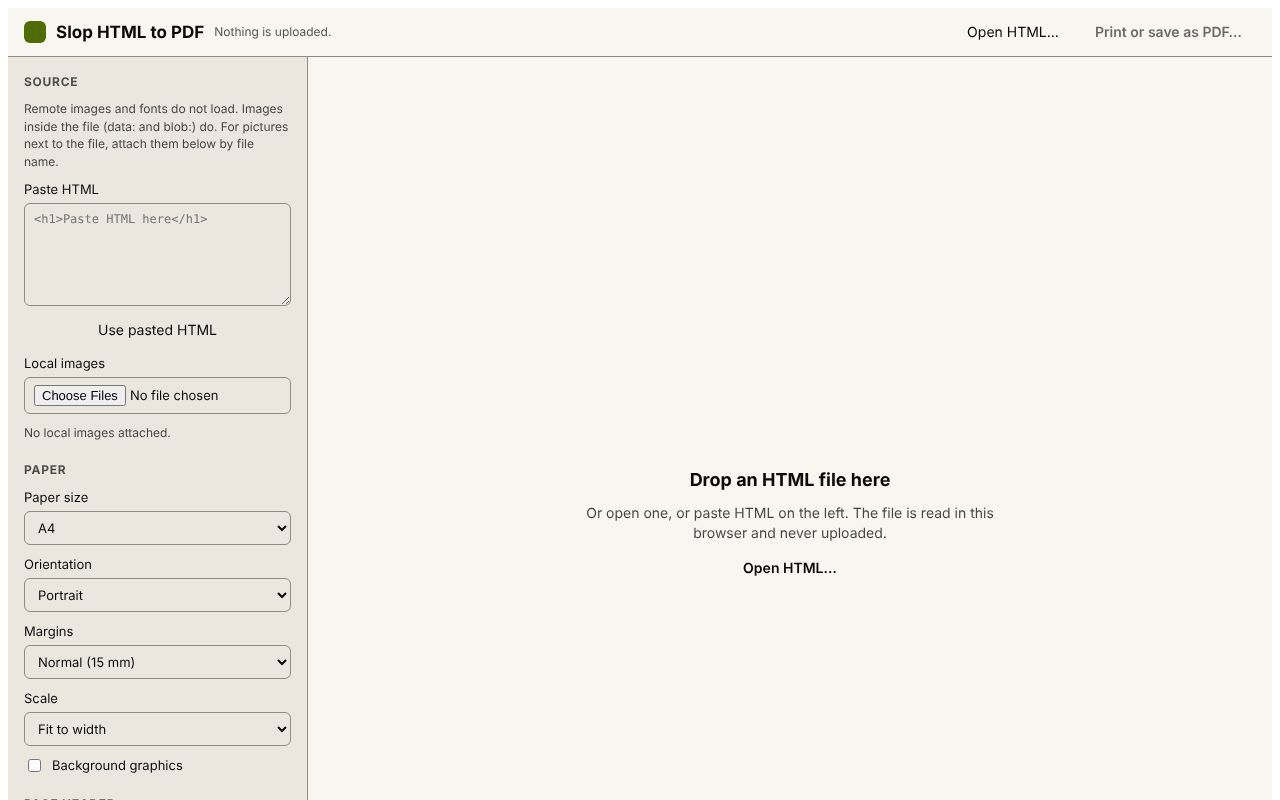 Slop HTML to PDF
Beta
Print an HTML file to PDF with a header and QR code. Nothing uploaded.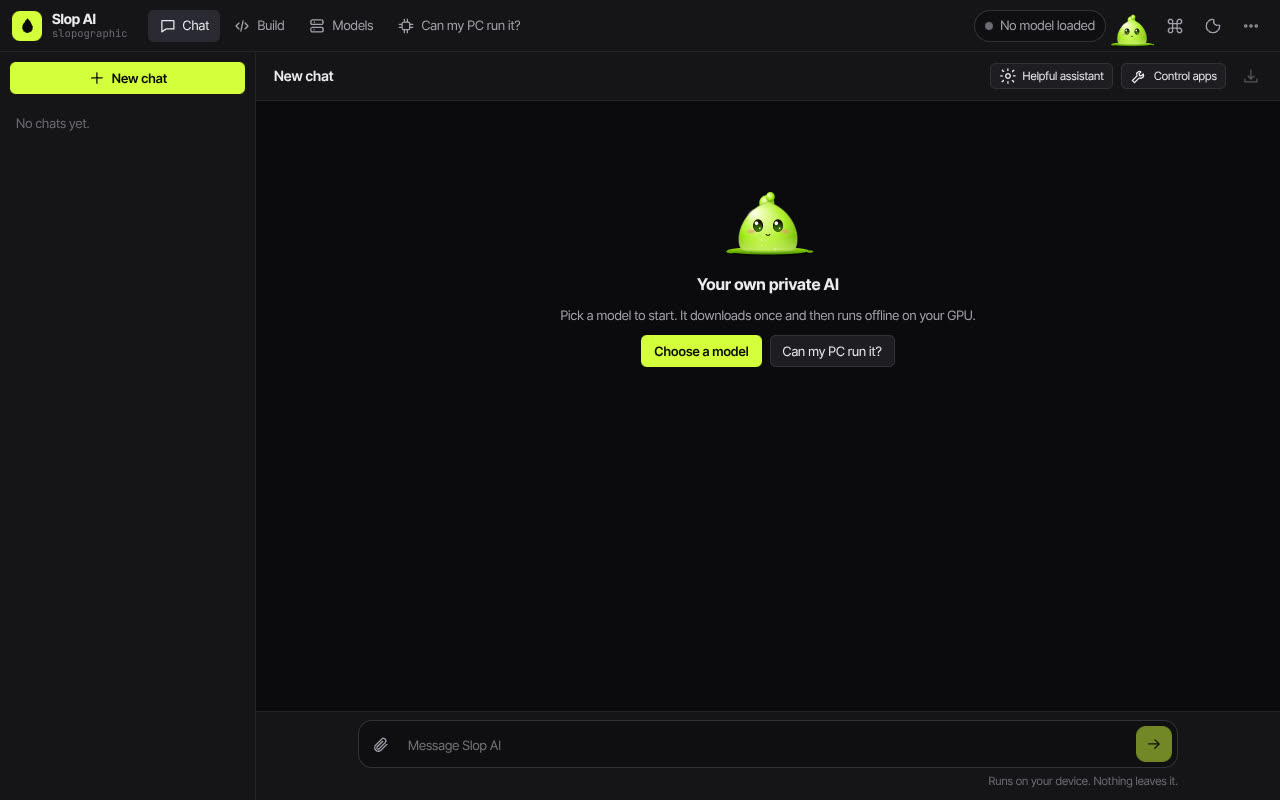 Slop AI
Beta
Chat with an AI that runs on your own computer.