Slop Gallery · In development
Photo gallery
Your photo library, on this device.
Nothing to install: just open it in the browser on your phone, tablet or computer. It keeps working without internet after your first visit. Want an icon on your home screen? On iPhone or iPad, tap Share, then Add to Home Screen. On Android, open the browser menu and tap Add to Home screen. On a computer, click the install icon in the address bar.
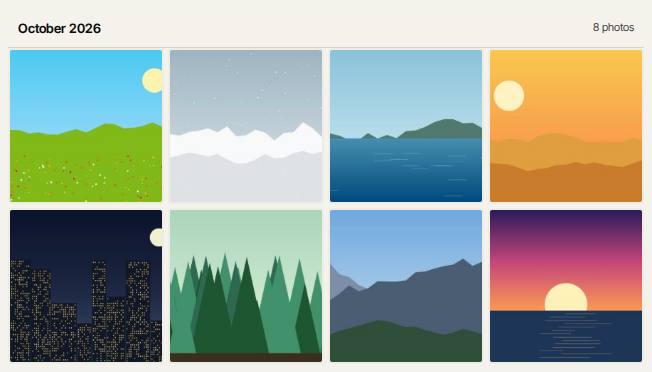
Slop Gallery has these main features: Timeline, albums & favourites; Camera RAW thumbnails and viewer. It opens Any image.
In development: some features listed below may not be finished yet.
What you can do with Slop Gallery
- Find and remove duplicate photos
- Organise your photos without a cloud
- RAW photo viewer: NEF, CR2, ARW and DNG
Feature matrix
| Feature | Status | File types |
|---|---|---|
| Timeline, albums & favourites | In development | Any image |
| Camera RAW thumbnails and viewer | In development | Any image |
| Sort mode: like, dislike and tag | In development | Any image |
| Exact duplicate finder | In development | Any image |
| One-file backup & restore | In development | Any image |
File types
Slop Gallery opens Any image.
Related apps
 PhotoSlop
Live
Photoshop, rebuilt for the browser. SlopVector
Live
Illustrator, rebuilt for the browser. SlopIsolate
Beta
Remove backgrounds with AI that runs on your device. Slop AI Tools
Beta
OCR, speech to text, denoise, auto tags and portrait blur. On your device.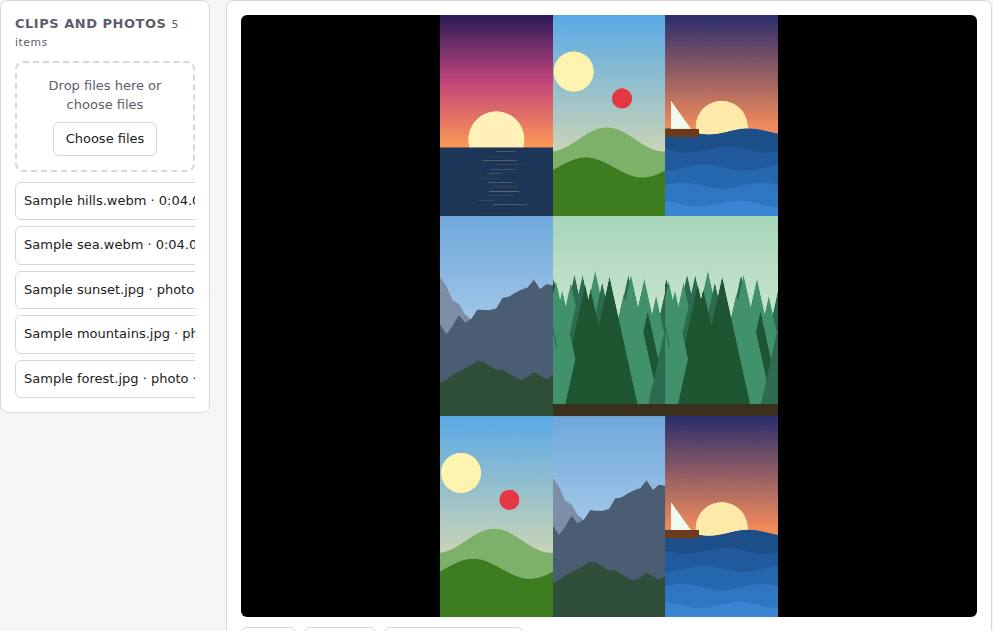 Reel Remix
In development
Clips and photos in, a random edit out, then fine-tune in SlopCut.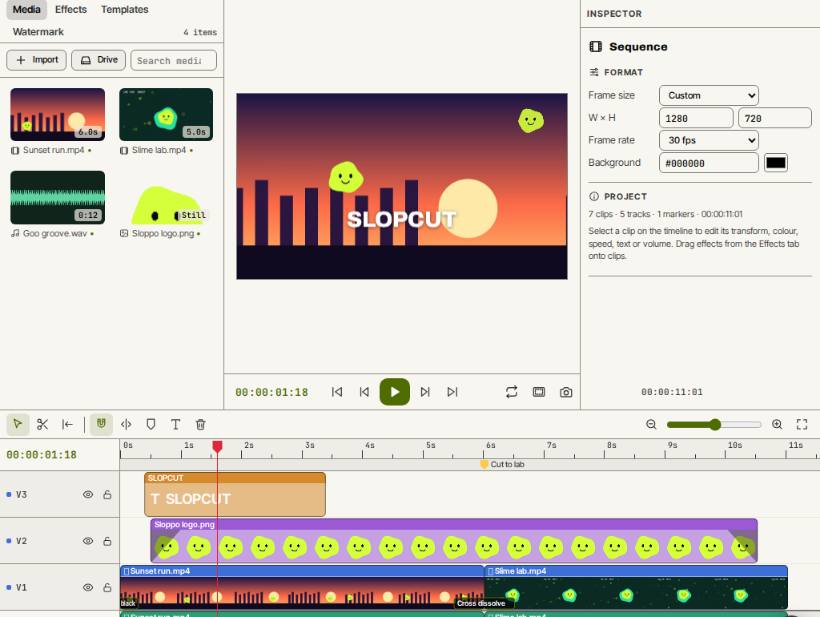 SlopCut
Beta
A video editor that never uploads your footage.