Slop Gallery · free, in your browser
Organise your photos without a cloud
A photo library that does not upload anything: your pictures are sorted by the month they were taken, you make albums and pick favourites, and the whole library backs up to one file you keep.
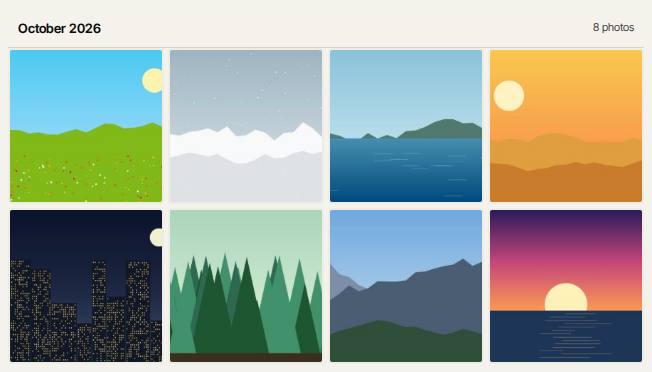
How to do it
- Import photos or a whole folder. Exact copies are skipped.
- Browse the timeline, grouped by month from each photo's date taken (or the file date).
- Make albums with New album and Add to album, and press F to mark favourites.
- Filter by year, month or camera, or search by file name.
- Choose Back up the whole library to save everything, albums and favourites included, as one ZIP.
Your files stay on this device: Slop Gallery runs in your browser, with no upload, no account and no watermark.
Questions
Where are my photos stored?
In your browser's storage on this device. Nothing is sent to a server, so they are not on your other devices unless you restore a backup there.
How do I move my library to another computer?
Use Back up the whole library, then Restore from a backup… on the other computer. The restore checks every file before it writes.
Which formats are supported?
JPEG, PNG, WebP, GIF, AVIF, BMP and SVG. RAW files are not supported, and HEIC only where the browser can show it.
More with Slop Gallery
Related apps
 PhotoSlop
Live
Photoshop, rebuilt for the browser. SlopVector
Live
Illustrator, rebuilt for the browser. SlopIsolate
Beta
Remove backgrounds with AI that runs on your device.