Slop Code · In development
Code editor
A code editor for your Slop Drive files. Nothing uploaded.
Nothing to install: just open it in the browser on your phone, tablet or computer. It keeps working without internet after your first visit. Want an icon on your home screen? On iPhone or iPad, tap Share, then Add to Home Screen. On Android, open the browser menu and tap Add to Home screen. On a computer, click the install icon in the address bar.
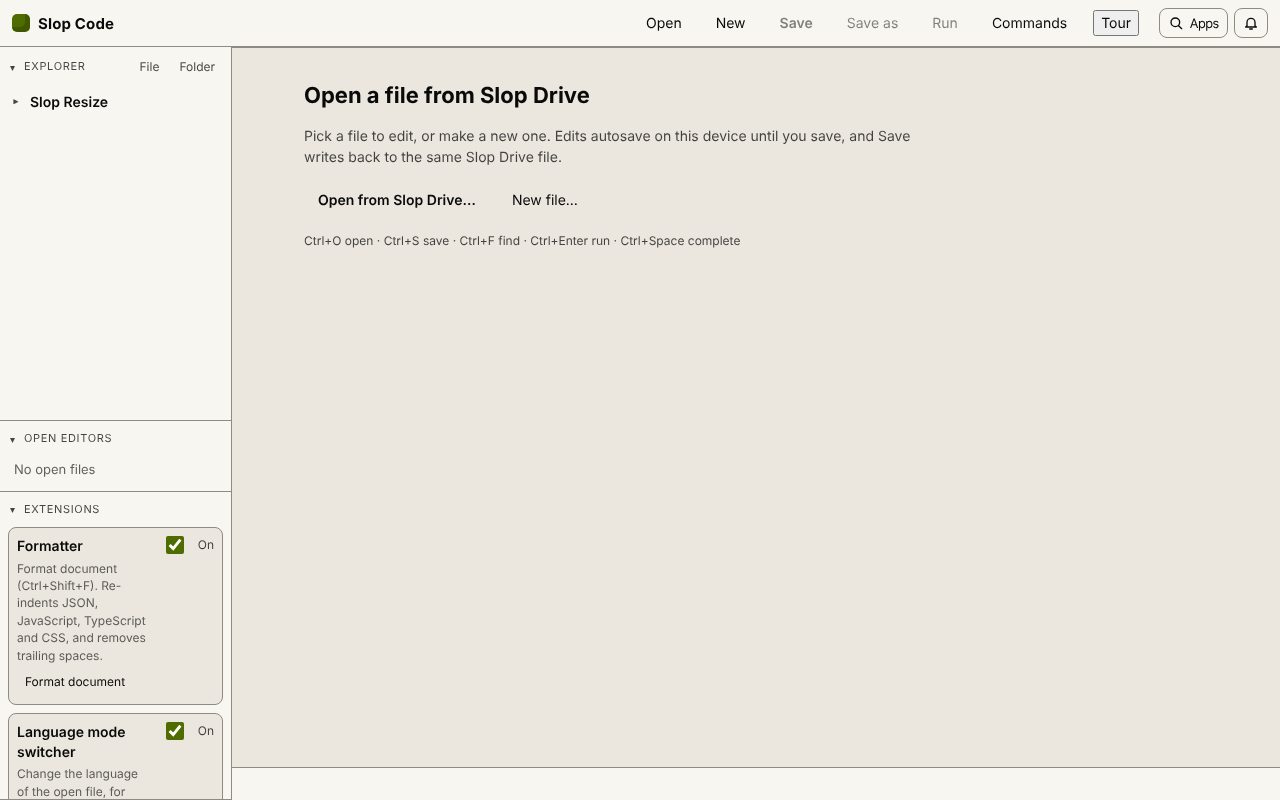
Slop Code has these main features: JavaScript, TypeScript, HTML, CSS, JSON, Markdown and Python; Completion, search and replace, multiple cursors. It opens Plain text, Markdown, HTML, CSS, JavaScript, JSON, Python, TypeScript.
In development: some features listed below may not be finished yet.
What you can do with Slop Code
Feature matrix
| Feature | Status | File types |
|---|---|---|
| JavaScript, TypeScript, HTML, CSS, JSON, Markdown and Python | In development | Plain text, Markdown, HTML, CSS, JavaScript, JSON, Python, TypeScript |
| Completion, search and replace, multiple cursors | In development | Plain text, Markdown, HTML, CSS, JavaScript, JSON, Python, TypeScript |
| Saves back to Slop Drive, with autosaved drafts | In development | Plain text, Markdown, HTML, CSS, JavaScript, JSON, Python, TypeScript |
| Run HTML and JavaScript in a sandboxed preview | In development | Plain text, Markdown, HTML, CSS, JavaScript, JSON, Python, TypeScript |
File types
Slop Code opens Plain text, Markdown, HTML, CSS, JavaScript, JSON, Python, TypeScript.
Related apps
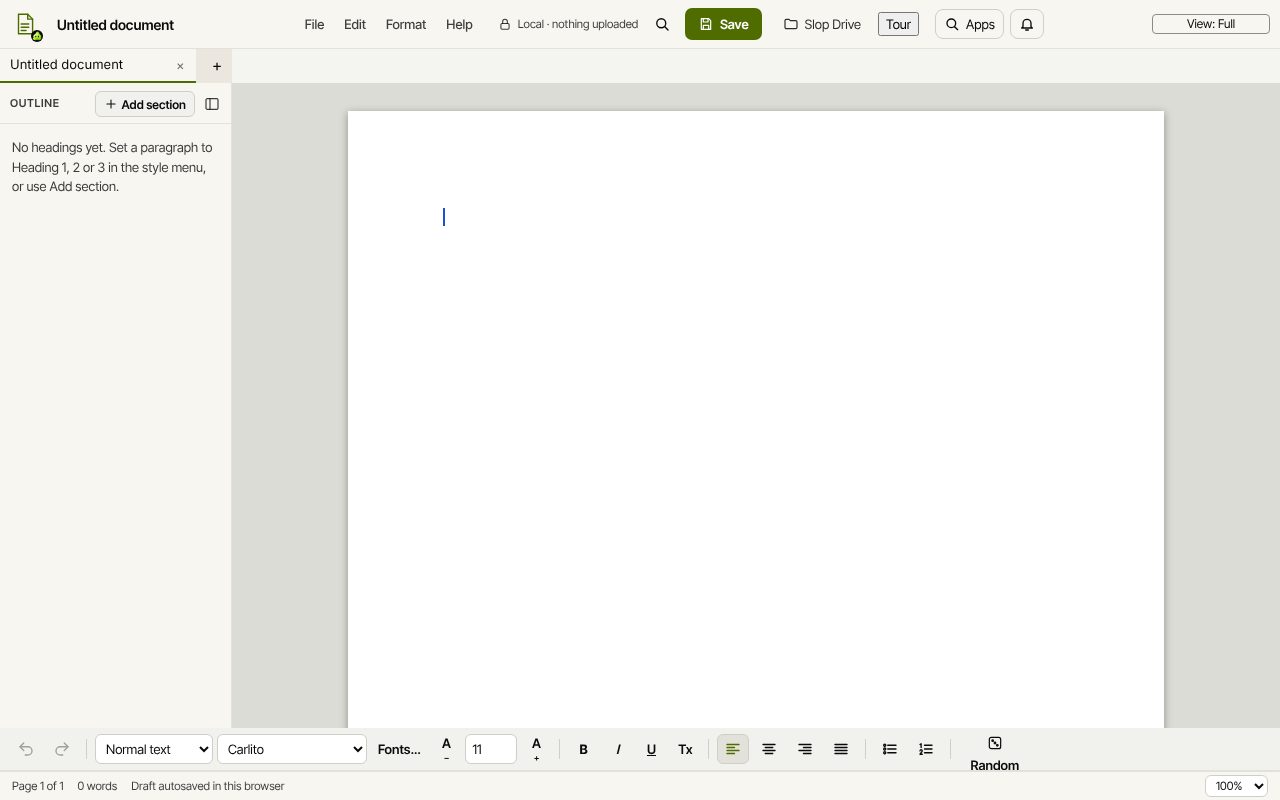 Slop Docs
In development
Word and Google Docs, rebuilt for the browser.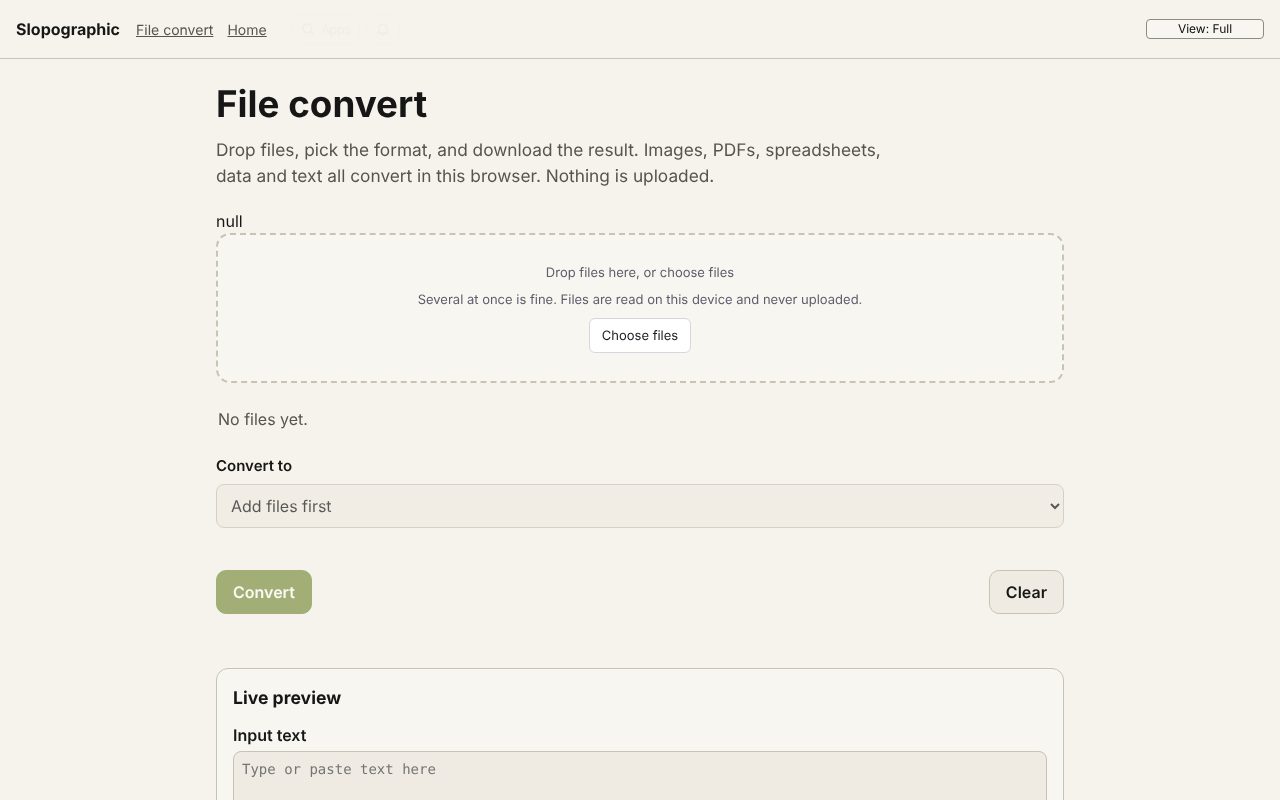 File convert
In development
Images, PDFs, data and text, converted on your device.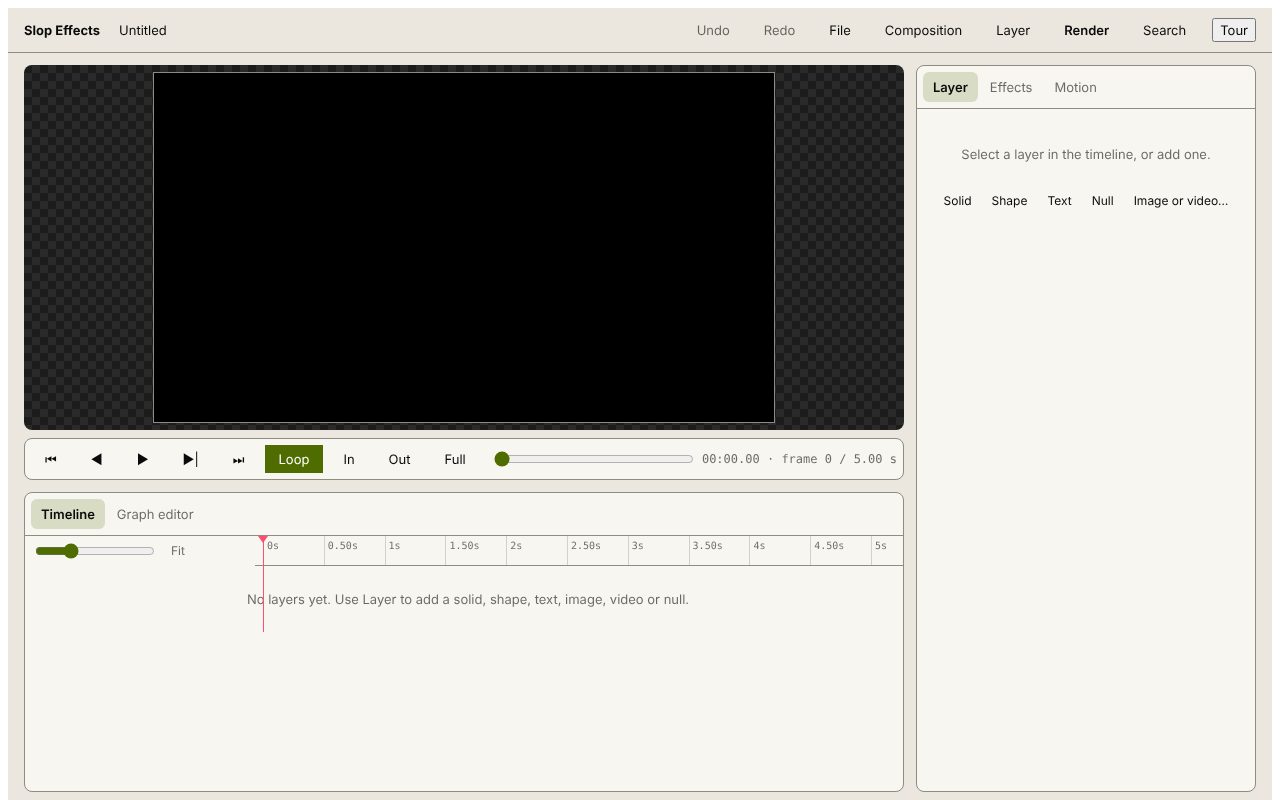 Slop Effects
Beta
Motion design in the browser. Nothing uploaded.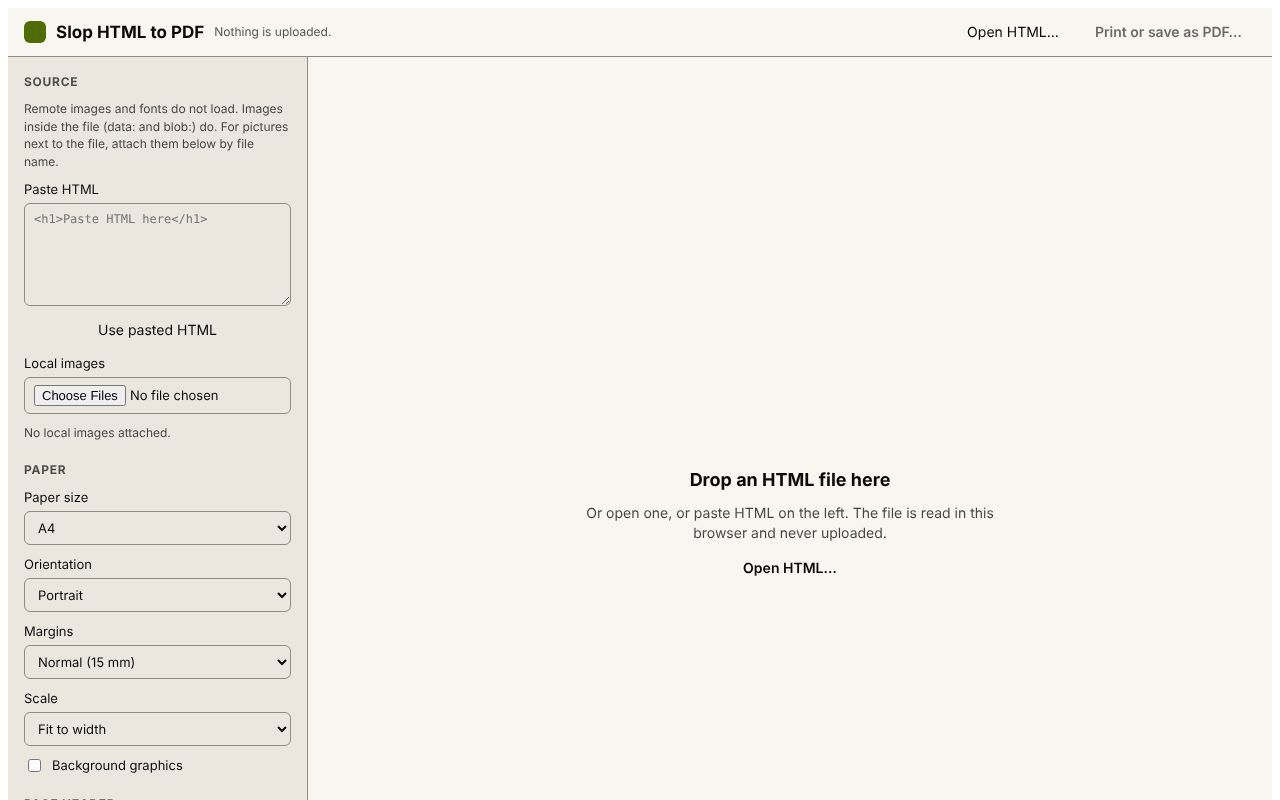 Slop HTML to PDF
Beta
Print an HTML file to PDF with a header and QR code. Nothing uploaded. Slop Press
Beta
InDesign, rebuilt for the browser.- Slop Compare
Beta
Compare two texts, files, PDFs or pictures and see every change. Nothing uploaded.