File convert · In development
File converter
Images, PDFs, data and text, converted on your device.
Nothing to install: just open it in the browser on your phone, tablet or computer. It keeps working without internet after your first visit. Want an icon on your home screen? On iPhone or iPad, tap Share, then Add to Home Screen. On Android, open the browser menu and tap Add to Home screen. On a computer, click the install icon in the address bar.
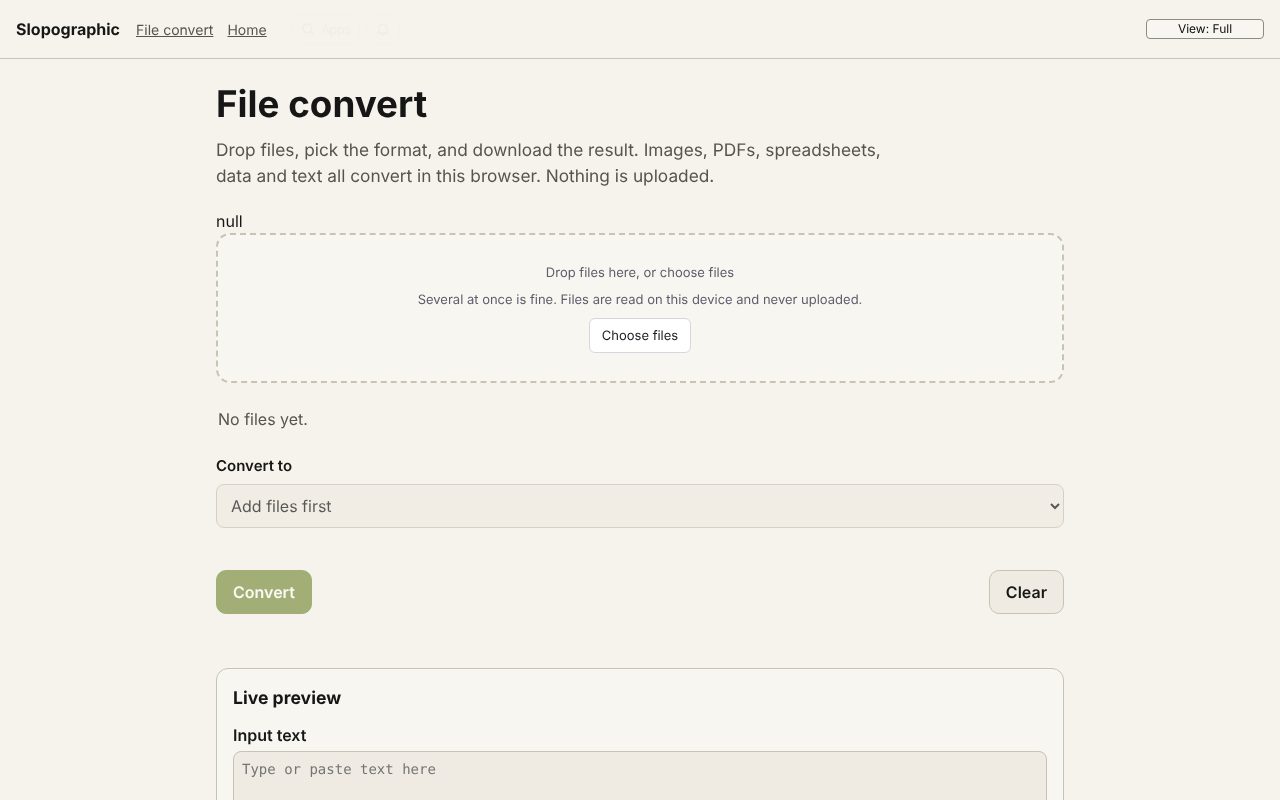
File convert has these main features: iPhone HEIC, camera RAW and images to JPG, PNG, WebP and PDF; PDF to images, Word and Excel; merge and split. It opens Any image, PDF, CSV, JSON, Markdown, Plain text.
In development: some features listed below may not be finished yet.
What you can do with File convert
- Convert a PDF to Word (DOCX)
- Convert a PDF to Excel (XLSX)
- Convert a PDF to PowerPoint (PPTX)
- Convert AVIF to JPG
- Convert an ICS calendar to CSV
- Convert XML to JSON
- A free CloudConvert alternative that stays on your device
- 3D file converter
- Convert a 3D model to STL for printing
- Open an SIE file online
- Convert an SIE file to Excel
- Convert OFX to Excel
- Convert MT940 to Excel
- View a camt.053 bank statement
- DNG converter: RAW photos to JPG, PNG or WebP
How File convert compares
File convert next to CloudConvert, Convertio, FreeConvert: facts from each tool's own pages, checked 2026-10-24. We make File convert.
| Tool | Price | Free limits | Formats | Files processed on | Account |
|---|---|---|---|---|---|
| File convert ours | Free | None set by us | 110+ conversions: images, PDF, Word, PowerPoint, e-books, video, audio, data, text, archives | Your device | Not needed |
| CloudConvert | Free €0; credit packages and subscriptions | 10 conversion credits a day, 1 GB per file | Documents, video, audio, e-books, archives and more | CloudConvert servers (files deleted right after processing) | Not needed to convert |
| Convertio | Free tier; paid from US$6.99 a month billed yearly | Not stated | 300+ formats, 25,600+ conversions | Convertio servers ("in the cloud") | Not stated |
| FreeConvert | Free; Basic US$12.99 a month | 20 conversion minutes a day, 1 GB per file | 1,500+ conversions | FreeConvert servers (files deleted after 8 hours) | Not stated |
| Feature | File convert ours | CloudConvert | Convertio | FreeConvert |
|---|---|---|---|---|
| Images (PNG, JPG, WebP) | Yes | Yes | Yes | Yes |
| PDF to Word | Yes | Yes | Yes | Yes |
| Word to PDF | Yes | Yes | Yes | Yes |
| Merge and split PDF | Yes | Not stated | Not stated | Not stated |
| Video (MP4, MOV, WebM) | Yes | Yes | Yes | Yes |
| Audio to MP3 | Yes | Yes | Yes | Yes |
| CSV to XLSX | Yes | Yes | Yes | Yes |
| E-books (EPUB) | Partly | Yes | Yes | Yes |
| Archives (ZIP) | Yes | Yes | Yes | Yes |
| Contacts and calendars (vCard, ICS) | Yes | Not stated | Not stated | Not stated |
| Batch conversion | Yes | Partly | Not stated | Partly |
| Free conversions a day | No cap | 10 credits | Not stated | 20 minutes |
| Free file size | Device memory | 1 GB | Not stated | 1 GB |
| No account needed | Yes | Yes | Not stated | Not stated |
| Files stay on your device | Yes | No | No | No |
The full comparison, with sources: The best free online file converters, compared
Feature matrix
| Feature | Status | File types |
|---|---|---|
| iPhone HEIC, camera RAW and images to JPG, PNG, WebP and PDF | In development | Any image, PDF, CSV, JSON, Markdown, Plain text |
| PDF to images, Word and Excel; merge and split | In development | Any image, PDF, CSV, JSON, Markdown, Plain text |
| Excel, CSV, JSON, YAML, TOML, XML and subtitles | In development | Any image, PDF, CSV, JSON, Markdown, Plain text |
| Video and audio: MP4, GIF, MP3, FLAC, OGG, M4A | In development | Any image, PDF, CSV, JSON, Markdown, Plain text |
| Batch convert, download as zip | In development | Any image, PDF, CSV, JSON, Markdown, Plain text |
File types
File convert opens Any image, PDF, CSV, JSON, Markdown, Plain text.
Related apps
 Slop Press
Beta
InDesign, rebuilt for the browser.- Slop Compare
Beta
Compare two texts, files, PDFs or pictures and see every change. Nothing uploaded. 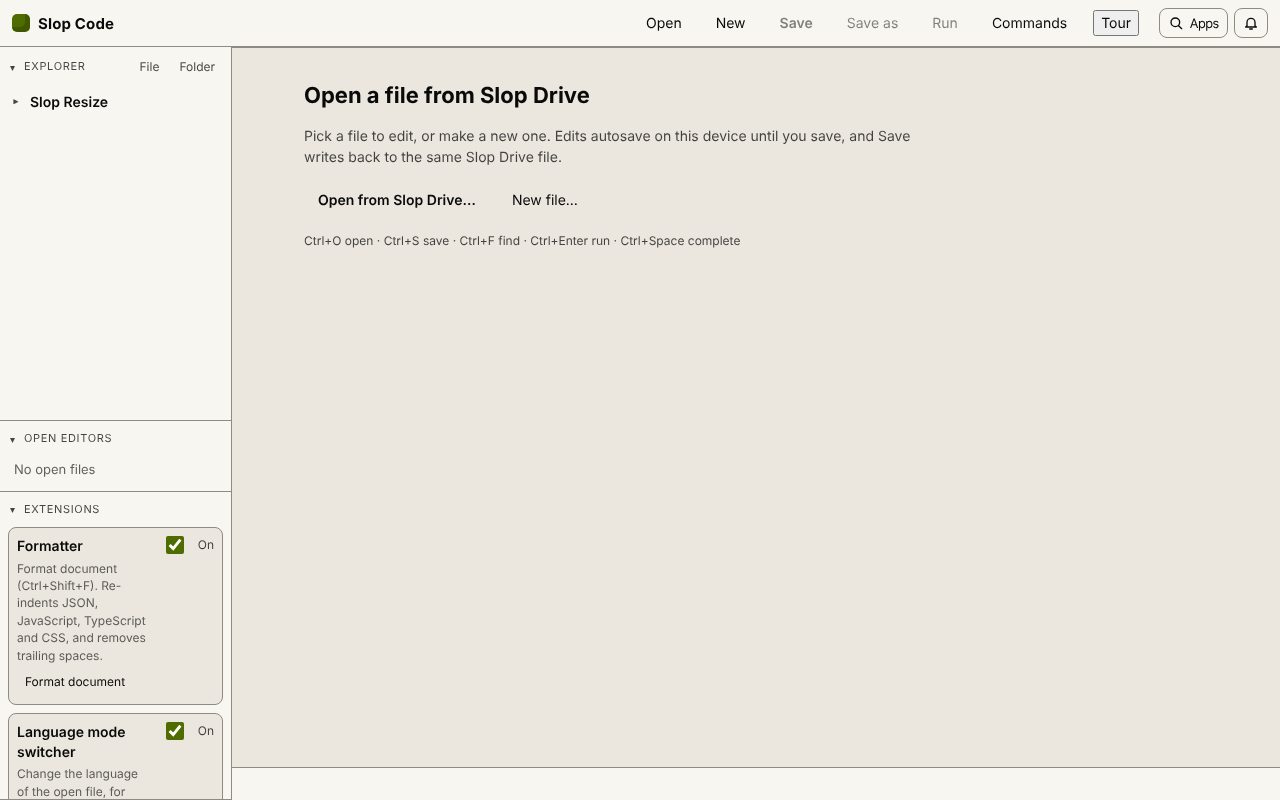 Slop Code
In development
A code editor for your Slop Drive files. Nothing uploaded. Slop PDF
Live
Organise, edit and sign PDFs. Nothing uploaded. SlopLabel
Beta
Design and print barcode labels. Slop OCR
Beta
Read text from images and scanned PDFs on your device. Nothing uploaded.