File convert · free, in your browser
Open an SIE file online
An SIE file is the export Swedish accounting programs make. Drop one on File convert to see what is in it, the transaction lines and the balances, without installing an accounting program.
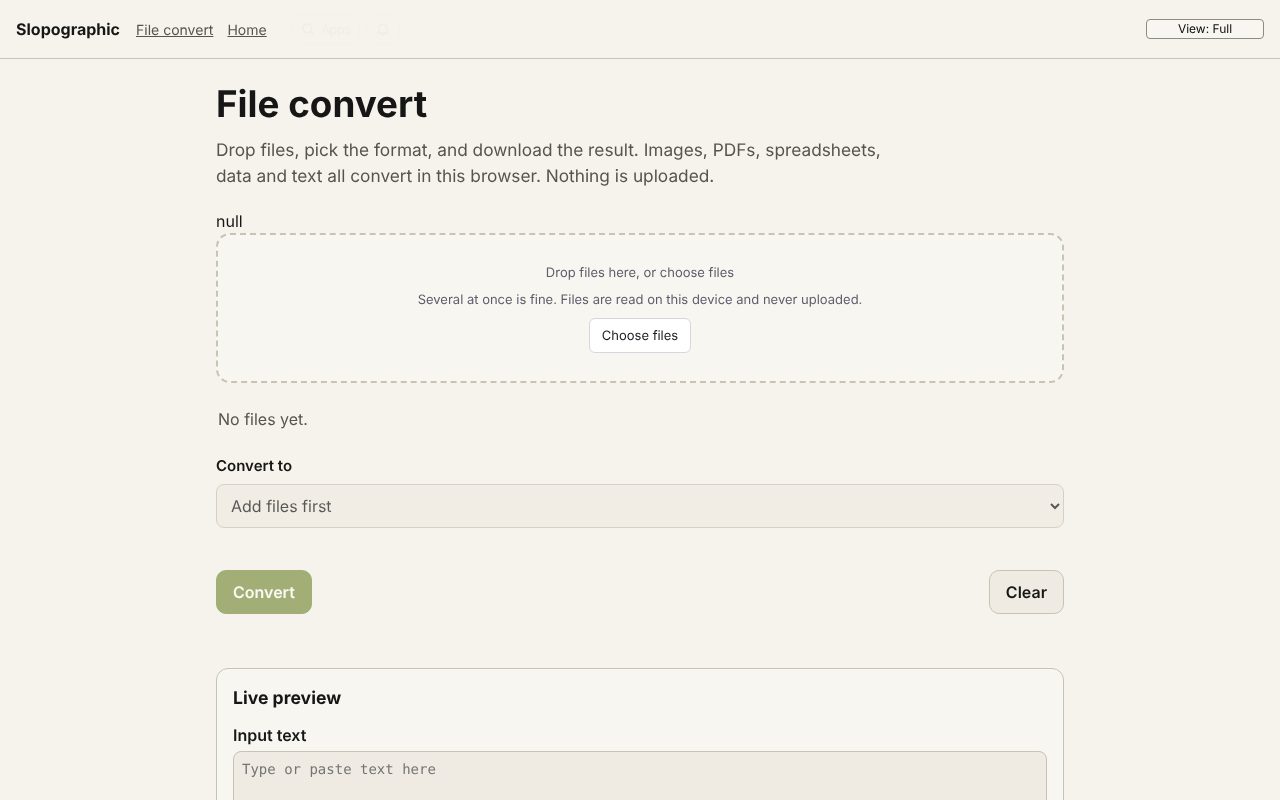
How to do it
- Drop the .se or .si file on the page. It is recognised from its first lines (#FLAGGA, #SIETYP), whatever its name.
- The preview shows the file as it is written, with å, ä and ö decoded from the PC8 character set, and the vouchers as a table.
- The status line says the company, the SIE type, the currency and how many accounts and vouchers the file holds, and whether the checksum matches.
- Choose Download to save the workbook: Info, Vouchers, Accounts, Balances and, when the file has them, Periods.
SIE types 1, 2 and 3 hold balances (year-end, per period and per object); type 4 holds the vouchers too, and 4I is an import file from an invoicing or payroll program. All of them are read. Files written in UTF-8 or Windows-1252 instead of PC8 are read as well, and so are amounts with a decimal comma.
Your files stay on this device: File convert runs in your browser, with no upload, no account and no watermark.
Questions
Can I see the file without an accounting program?
Yes. The page reads the SIE file itself and shows the vouchers and balances as a table. Download gives you an Excel workbook of the same.
Which SIE types can I open?
Types 1, 2, 3, 4 and 4I, as the SIE standard describes them (editions 4B and 4C describe the same file format).
Is the file uploaded?
No. The file is read by the page in your browser and the result is made on this device. Nothing is sent to Slopographic or to anyone else.
What if a voucher does not balance?
It is still listed, marked Voucher does not balance, and the status line says which one and by how much.
More with File convert
- Convert a PDF to Word (DOCX)
- Convert a PDF to Excel (XLSX)
- Convert a PDF to PowerPoint (PPTX)
- Convert AVIF to JPG
- Convert an ICS calendar to CSV
- Convert XML to JSON
- A free CloudConvert alternative that stays on your device
- 3D file converter
- Convert a 3D model to STL for printing
- Convert an SIE file to Excel
- Convert OFX to Excel
- Convert MT940 to Excel
- View a camt.053 bank statement
- DNG converter: RAW photos to JPG, PNG or WebP
Related apps
 Slop Press
Beta
InDesign, rebuilt for the browser.- Slop Compare
Beta
Compare two texts, files, PDFs or pictures and see every change. Nothing uploaded.  Slop Code
In development
A code editor for your Slop Drive files. Nothing uploaded.