File convert · free, in your browser
Convert OFX to Excel
Banks offer OFX and QFX downloads for money programs. Open one as a workbook instead, with the date, amount, payee and memo of every transaction.
How to do it
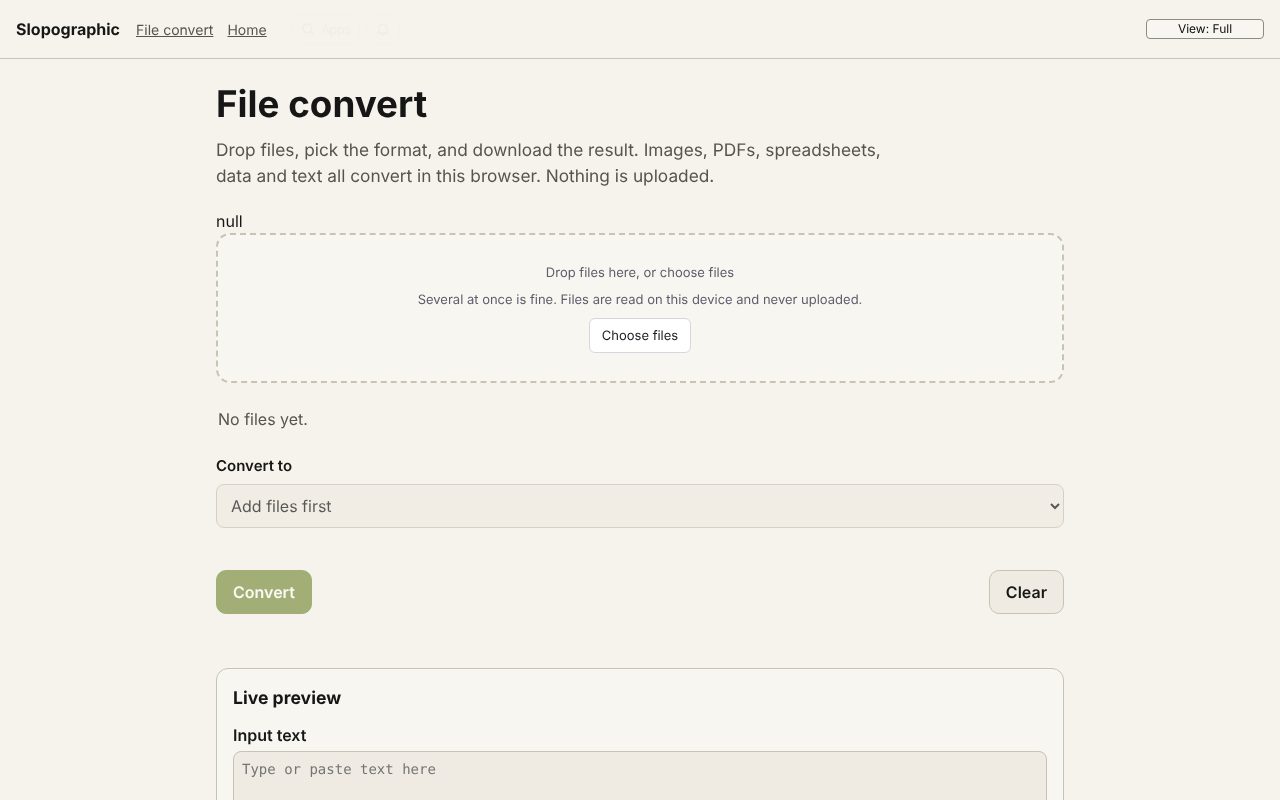
- Download the statement from your bank as OFX, QFX, Money or Quicken format.
- Drop the file on the page. OFX 1.x (SGML) and OFX 2.x (XML) are both read.
- Bank statement to Excel (XLSX) is chosen for you. Choose Convert, then Download.
- The Transactions sheet has one row per line; the Statement sheet has the account, the period and the closing balance.
Your files stay on this device: File convert runs in your browser, with no upload, no account and no watermark.
Questions
Is QFX the same as OFX?
QFX is the name Quicken uses for OFX files, sometimes with a few extra tags. They are read the same way.
Why is there no opening balance?
OFX files give the closing (ledger) balance only, so the Statement sheet says the opening balance is not in the file.
Is my bank file uploaded?
No. The file is read by the page in your browser and the result is made on this device. Nothing is sent to Slopographic or to anyone else.
More with File convert
- Convert a PDF to Word (DOCX)
- Convert a PDF to Excel (XLSX)
- Convert a PDF to PowerPoint (PPTX)
- Convert AVIF to JPG
- Convert an ICS calendar to CSV
- Convert XML to JSON
- A free CloudConvert alternative that stays on your device
- 3D file converter
- Convert a 3D model to STL for printing
- Open an SIE file online
- Convert an SIE file to Excel
- Convert MT940 to Excel
- View a camt.053 bank statement
- DNG converter: RAW photos to JPG, PNG or WebP
Related apps
 Slop Press
Beta
InDesign, rebuilt for the browser.- Slop Compare
Beta
Compare two texts, files, PDFs or pictures and see every change. Nothing uploaded.  Slop Code
In development
A code editor for your Slop Drive files. Nothing uploaded.