File convert · free, in your browser
Convert AVIF to JPG
AVIF pictures are small, but many apps and upload forms still do not take them. Turn them into JPG files that open anywhere.
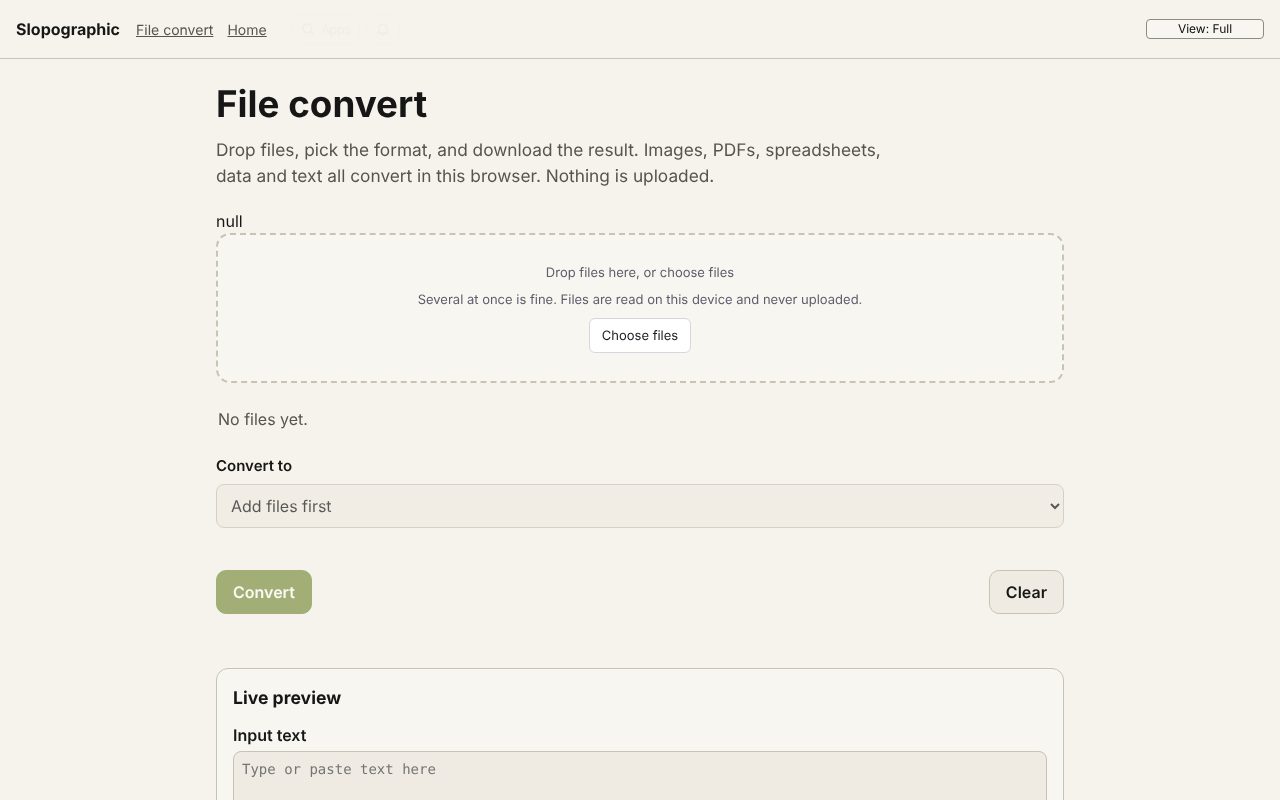
How to do it
- Drop one or more .avif files on the page.
- To JPG is chosen for you. Set the quality, and a width or height if you want them smaller.
- Pick the background colour for transparent areas (white by default).
- Choose Convert, then download each JPG or all of them as a ZIP.
Your files stay on this device: File convert runs in your browser, with no upload, no account and no watermark.
Questions
Why does my AVIF not open?
The picture is decoded by your browser. Current Chrome, Edge, Firefox and Safari read AVIF; an older browser may not.
What happens to transparency?
JPG has no transparency, so transparent areas are filled with the background colour you choose.
Can I convert AVIF to PNG instead?
Yes. Choose To PNG in the list to keep transparency, or To WebP for a smaller file.
Are my pictures uploaded?
No. Each picture is decoded and saved again in your browser.
More with File convert
- Convert a PDF to Word (DOCX)
- Convert a PDF to Excel (XLSX)
- Convert a PDF to PowerPoint (PPTX)
- Convert an ICS calendar to CSV
- Convert XML to JSON
- A free CloudConvert alternative that stays on your device
- 3D file converter
- Convert a 3D model to STL for printing
- Open an SIE file online
- Convert an SIE file to Excel
- Convert OFX to Excel
- Convert MT940 to Excel
- View a camt.053 bank statement
- DNG converter: RAW photos to JPG, PNG or WebP
Related apps
 Slop Press
Beta
InDesign, rebuilt for the browser.- Slop Compare
Beta
Compare two texts, files, PDFs or pictures and see every change. Nothing uploaded. 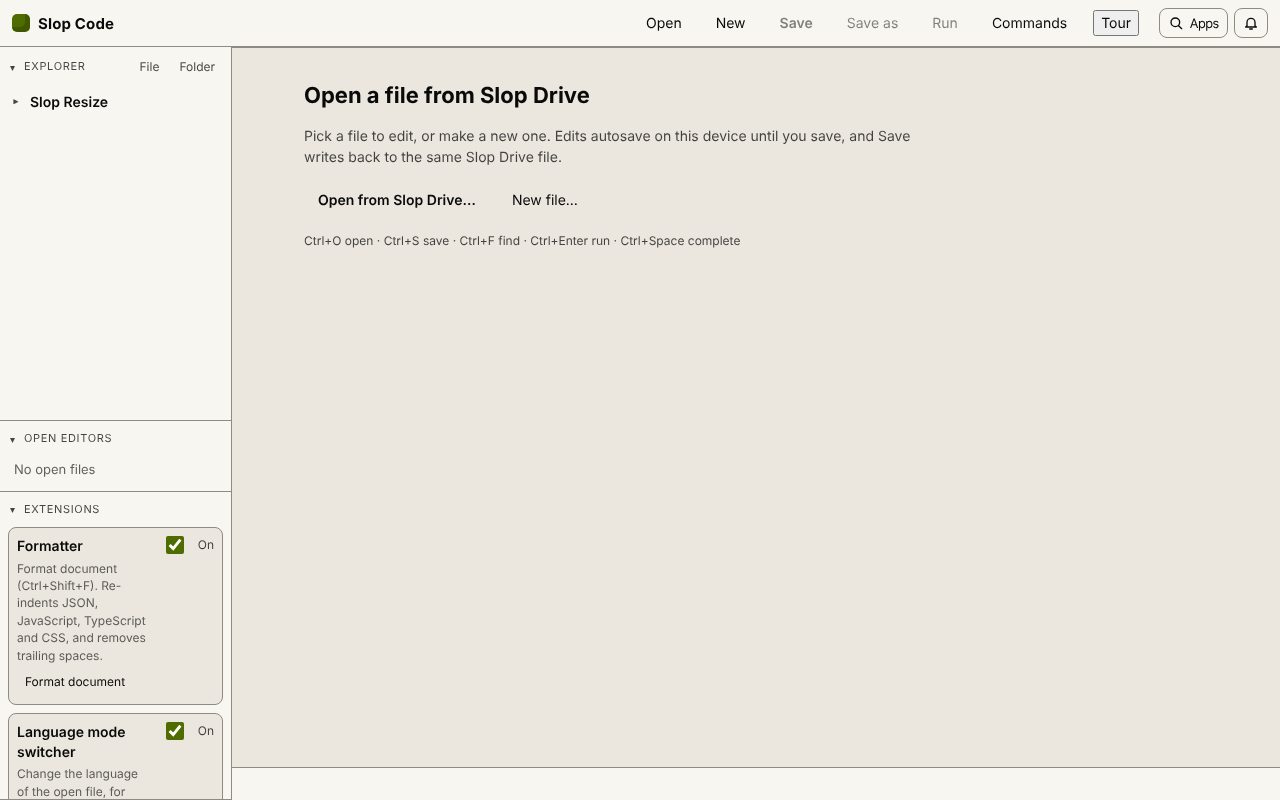 Slop Code
In development
A code editor for your Slop Drive files. Nothing uploaded.