PhotoSlop · Live
PhotoSlop: photo editor
Photoshop, rebuilt for the browser.
Nothing to install: just open it in the browser on your phone, tablet or computer. It keeps working without internet after your first visit. Want an icon on your home screen? On iPhone or iPad, tap Share, then Add to Home Screen. On Android, open the browser menu and tap Add to Home screen. On a computer, click the install icon in the address bar.
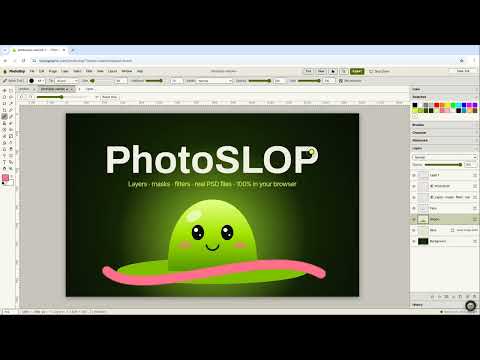
PhotoSlop has these main features: Layers, masks & 17 blend modes; Real PSD open & save. It opens Any image, Photoshop (PSD), OpenRaster.
What you can do with PhotoSlop
- Open and view PSD files online
- Remove blemishes, spots and dust from a photo
- Deep fry a picture for a meme
- A free Photoshop alternative in your browser
- Open camera RAW files online and edit them
How PhotoSlop compares
PhotoSlop next to Photopea, GIMP, Pixlr: facts from each tool's own pages, checked 2026-10-24. We make PhotoSlop.
| Tool | Price | Ads in the free version | Runs where | Account needed | Works offline | PSD files |
|---|---|---|---|---|---|---|
| PhotoSlop ours | Free | No | Browser, on your device | No | Yes, after the first visit or as one .html file | Open and save |
| Photopea | Free; paid Premium | Yes, 5% to 15% of the screen | Browser, on your device | No | Yes | Open and save |
| GIMP | Free, open source (GNU GPL) | No | Desktop: Windows, macOS, Linux | Not stated | Yes; it sends no data | Import and export |
| Pixlr | Free; paid plans from $1.99 a month | Yes (paid plans are ad-free) | Browser, iOS, Android | No; an optional free account saves to the cloud | Desktop app, for subscribers | Opens layered PSD |
| Feature | PhotoSlop ours | Photopea | GIMP | Pixlr |
|---|---|---|---|---|
| Layers | Yes | Yes | Yes | Yes |
| Layer masks | Yes | Yes | Yes | Yes |
| Blend modes | Yes | Yes | Yes | Yes |
| Open PSD | Yes | Yes | Yes | Yes |
| Save PSD | Yes | Yes | Yes | Not stated |
| Camera RAW | Yes | Yes | Partly | Not stated |
| AI tools | Yes | Yes | Not stated | Yes |
| Generative fill and AI edits | With your own key | Yes | Not stated | Yes |
| AI assistant that uses the app | Local model or your own key | Not stated | Not stated | Not stated |
| Photoshop brushes (.abr) | Yes | Partly | Yes | Not stated |
| Text | Yes | Yes | Yes | Yes |
| Runs in a browser | Yes | Yes | No | Yes |
| Works offline | Yes | Yes | Yes | Partly |
| No account needed | Yes | Yes | Not stated | Yes |
| No ads | Yes | No | Yes | Partly |
| Desktop app | Works in the browser | Partly | Yes | Partly |
| Mobile app | Works in the browser | Partly | No | Yes |
| Open source | Yes | No | Yes | No |
The full comparison, with sources: The best free online photo editors
Feature matrix
| Feature | Status | File types |
|---|---|---|
| Layers, masks & 17 blend modes | Live | Any image, Photoshop (PSD), OpenRaster |
| Real PSD open & save | Live | Any image, Photoshop (PSD), OpenRaster |
| Camera RAW: CR2, CR3, NEF, ARW, DNG, RAF | Live | Any image, Photoshop (PSD), OpenRaster |
| 50+ filters, brush packs, .abr import | Live | Any image, Photoshop (PSD), OpenRaster |
| Tabs, autosave, offline .html | Live | Any image, Photoshop (PSD), OpenRaster |
File types
PhotoSlop opens Any image, Photoshop (PSD), OpenRaster.
Related apps
 SlopVector
Live
Illustrator, rebuilt for the browser. SlopIsolate
Beta
Remove backgrounds with AI that runs on your device. Slop AI Tools
Beta
OCR, speech to text, denoise, auto tags and portrait blur. On your device.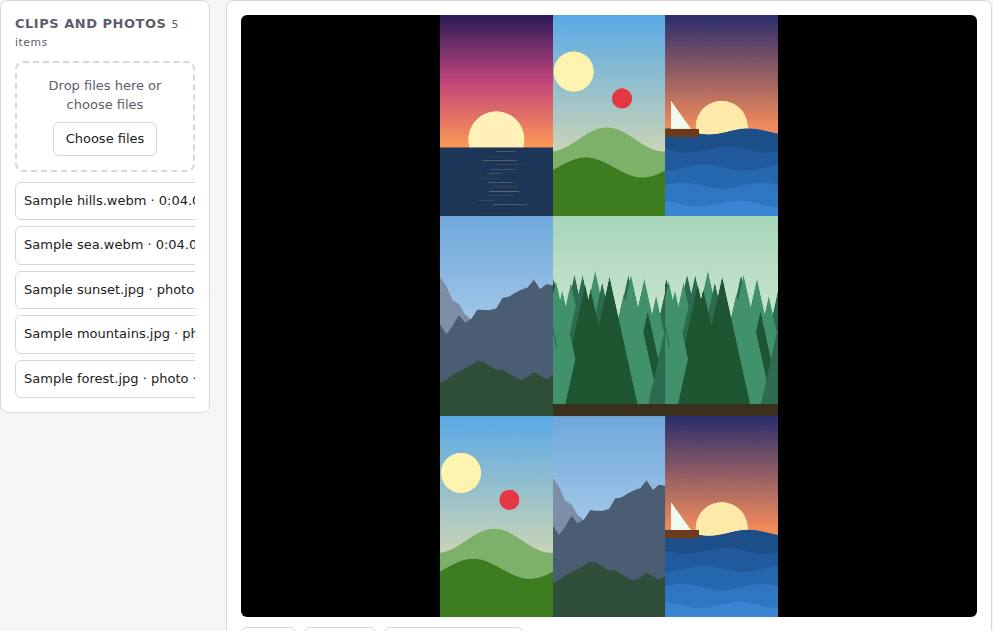 Reel Remix
In development
Clips and photos in, a random edit out, then fine-tune in SlopCut.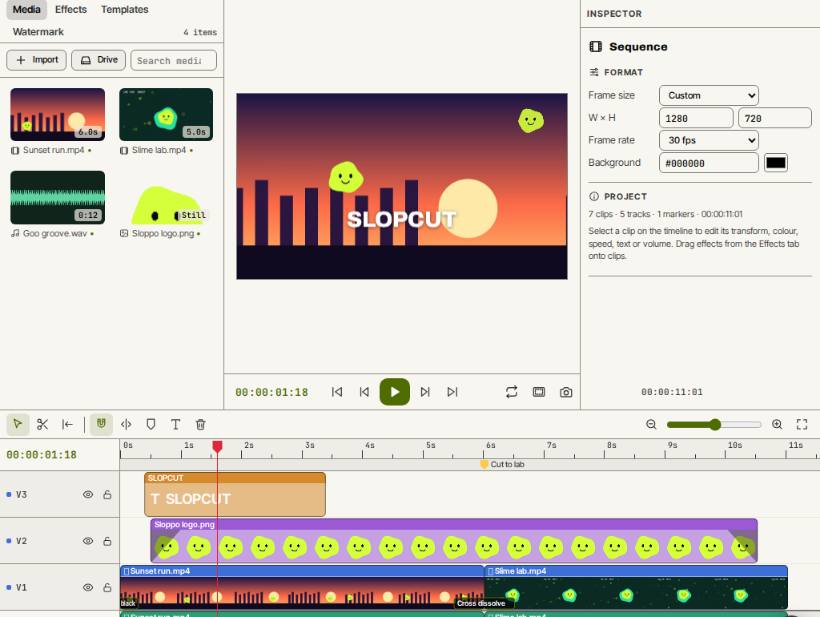 SlopCut
Beta
A video editor that never uploads your footage.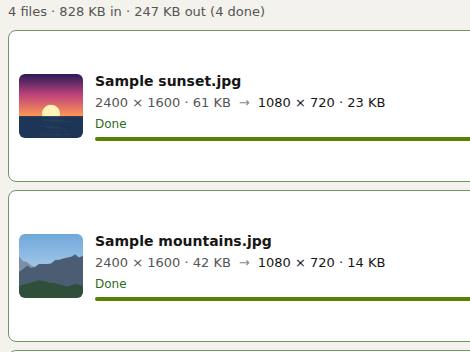 Slop Resize
Beta
Resize pictures and videos to a size, a percentage or a file limit. Nothing uploaded.