PhotoSlop · free, in your browser
Deep fry a picture for a meme
The deep fried look, on demand: oversaturated colour, harsh sharpening and layers of JPEG crunch. Drop in any picture, turn up the Crispiness, and add meme text with the Type tool.

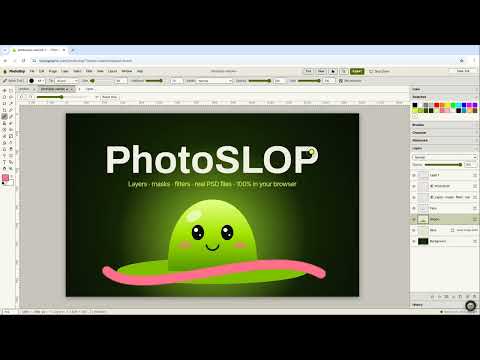
How to do it
- Open the picture with File > Open…, or paste it with Ctrl+V.
- Choose Filter > Slop > Deep Fry… and set the Crispiness. Change the Seed for a different grain.
- Add more if you want: JPEG Crunch…, Glitch…, Chromatic Aberration… or VHS Tape… sit in the same menu.
- Add text with the Horizontal Type Tool (T), with a Stroke layer style for the classic outline.
- Choose File > Export As… and save it as JPEG or PNG.
Your files stay on this device: PhotoSlop runs in your browser, with no upload, no account and no watermark.
Questions
How do I make it even more fried?
Run Deep Fry again, or follow it with JPEG Crunch and raise the number of generations. Each pass adds more artefacts.
Can I undo it?
Yes. Edit > Undo (Ctrl+Z) takes the filter off, and the History panel goes back further.
Does it add a watermark?
No. The picture is saved exactly as it looks, with no watermark and no sign-up.
Can I start from a meme template size?
Yes. File > New… has a Meme preset, along with Instagram, HD, 4K and other sizes.
More with PhotoSlop
- Open and view PSD files online
- Remove blemishes, spots and dust from a photo
- A free Photoshop alternative in your browser
- Open camera RAW files online and edit them
Related apps
 SlopVector
Live
Illustrator, rebuilt for the browser. SlopIsolate
Beta
Remove backgrounds with AI that runs on your device. Slop AI Tools
Beta
OCR, speech to text, denoise, auto tags and portrait blur. On your device.