Slop Upscale · Beta
Image and video upscaler
Bigger pictures and short videos, with AI that runs on your device.
Nothing to install: just open it in the browser on your phone, tablet or computer. It keeps working without internet after your first visit. Want an icon on your home screen? On iPhone or iPad, tap Share, then Add to Home Screen. On Android, open the browser menu and tap Add to Home screen. On a computer, click the install icon in the address bar.
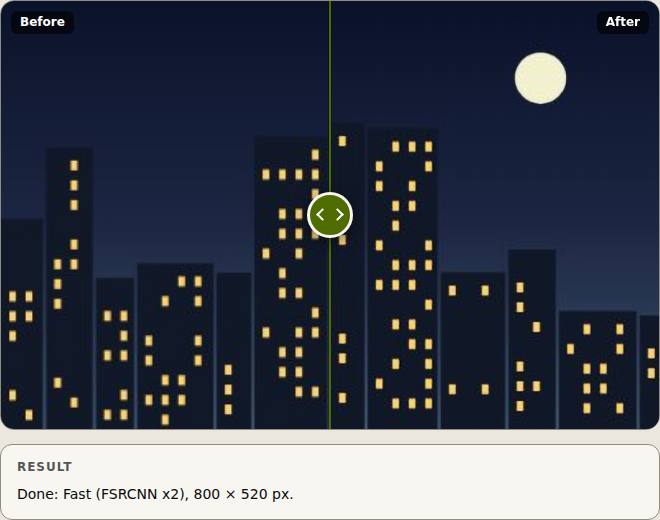
Slop Upscale has these main features: 2× and 4×, Fast (bundled) or Quality (Real-ESRGAN); Tiled with progress and cancel. It opens Any image, Video.
Beta: still being tested, so some parts may change.
What you can do with Slop Upscale
How Slop Upscale compares
Slop Upscale next to Upscayl, Upscale.media, Bigjpg: facts from each tool's own pages, checked 2026-10-24. We make Slop Upscale.
| Tool | Price | Free limits | Runs where | Account needed | Largest scale | Watermark on free results |
|---|---|---|---|---|---|---|
| Slop Upscale ours | Free | Videos up to 15 seconds; up to 64 megapixels | Browser, on your device | No | 4× | No |
| Upscayl | Free, open source (AGPL-3.0) | Not stated | Desktop app for Windows, macOS and Linux; needs a Vulkan graphics card | Not stated | 16× | Not stated |
| Upscale.media | Free tier; paid credits and subscription | Without sign-up 1 image a day; with an account 3 free credits a month | Browser, Android and iOS apps, API | No, for the guest tier | 8× | No |
| Bigjpg | Free; paid from $6 for 2 months | 20 pictures a month, 5 MB uploads, up to 4×, no batch | Web, Windows and Mac apps, iOS and Android; on their servers | No, up to 3000×3000 and 5 MB | 4× free, 16× paid | No |
| Feature | Slop Upscale ours | Upscayl | Upscale.media | Bigjpg |
|---|---|---|---|---|
| Largest scale | 4× | 16× | 8× | 16× (paid; 4× free) |
| Batch of pictures | Yes | Yes | Partly | Partly |
| Video upscaling | 15 s, no sound | Not stated | Up to 1 min | No |
| Choice of AI models | Yes | Yes | Not stated | Partly |
| Custom models | No | Yes | Not stated | No |
| Processed on your device | Yes | Yes | No | No |
| Works in a browser, no install | Yes | Partly | Yes | Yes |
| Desktop app | Works in the browser | Yes | Not stated | Yes |
| Mobile app | Works in the browser | Partly | Yes | Yes |
| API | No | Yes | Yes | Yes |
| No watermark on free results | Yes | Not stated | Yes | Yes |
| Free without an account | Yes | Not stated | Yes | Yes |
| Open source | Yes | Yes | No | Not stated |
The full comparison, with sources: The best free AI image upscalers
Feature matrix
| Feature | Status | File types |
|---|---|---|
| 2× and 4×, Fast (bundled) or Quality (Real-ESRGAN) | Beta | Any image, Video |
| Tiled with progress and cancel | Beta | Any image, Video |
| Before and after slider, PNG, JPEG or WebP | Beta | Any image, Video |
| Sends from Slop Resize, saves to Slop Drive | Beta | Any image, Video |
File types
Slop Upscale opens Any image, Video.
Related apps
 Slop AI Tools
Beta
OCR, speech to text, denoise, auto tags and portrait blur. On your device.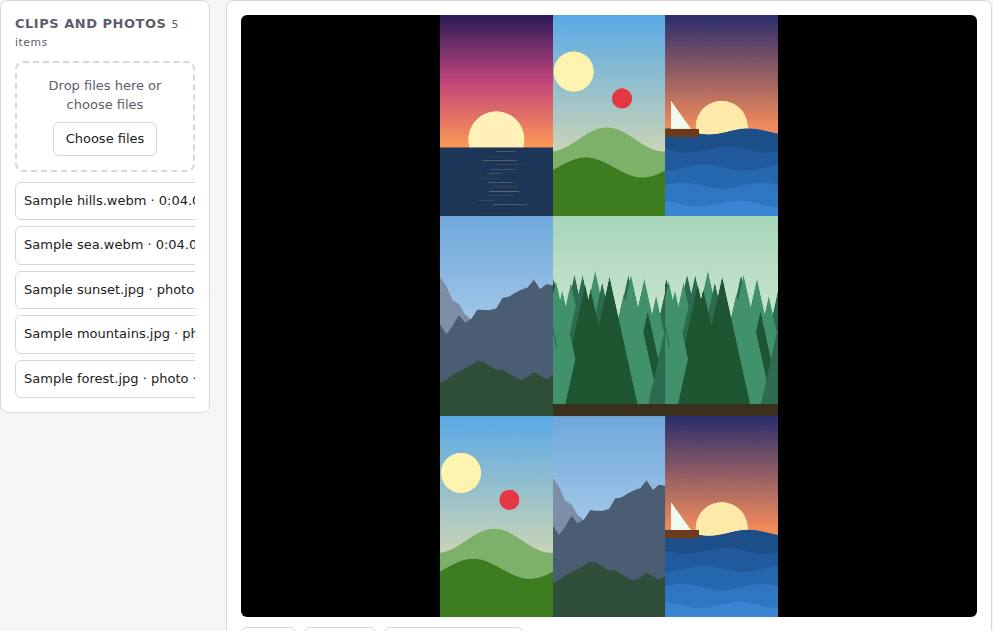 Reel Remix
In development
Clips and photos in, a random edit out, then fine-tune in SlopCut.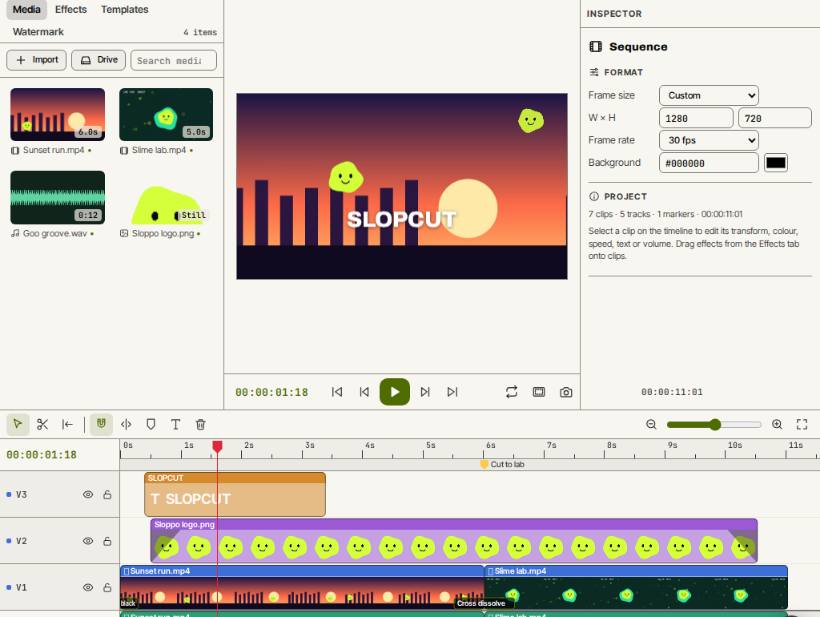 SlopCut
Beta
A video editor that never uploads your footage.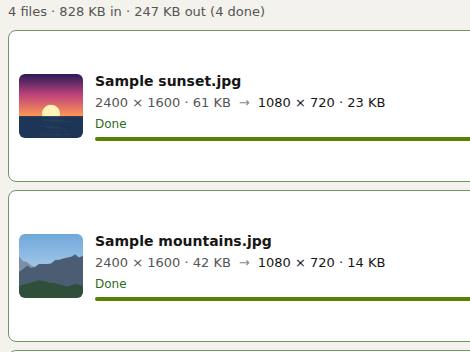 Slop Resize
Beta
Resize pictures and videos to a size, a percentage or a file limit. Nothing uploaded. Slop Watermark
Beta
Watermark photos, videos and PDFs at once with your logo or text. Nothing uploaded.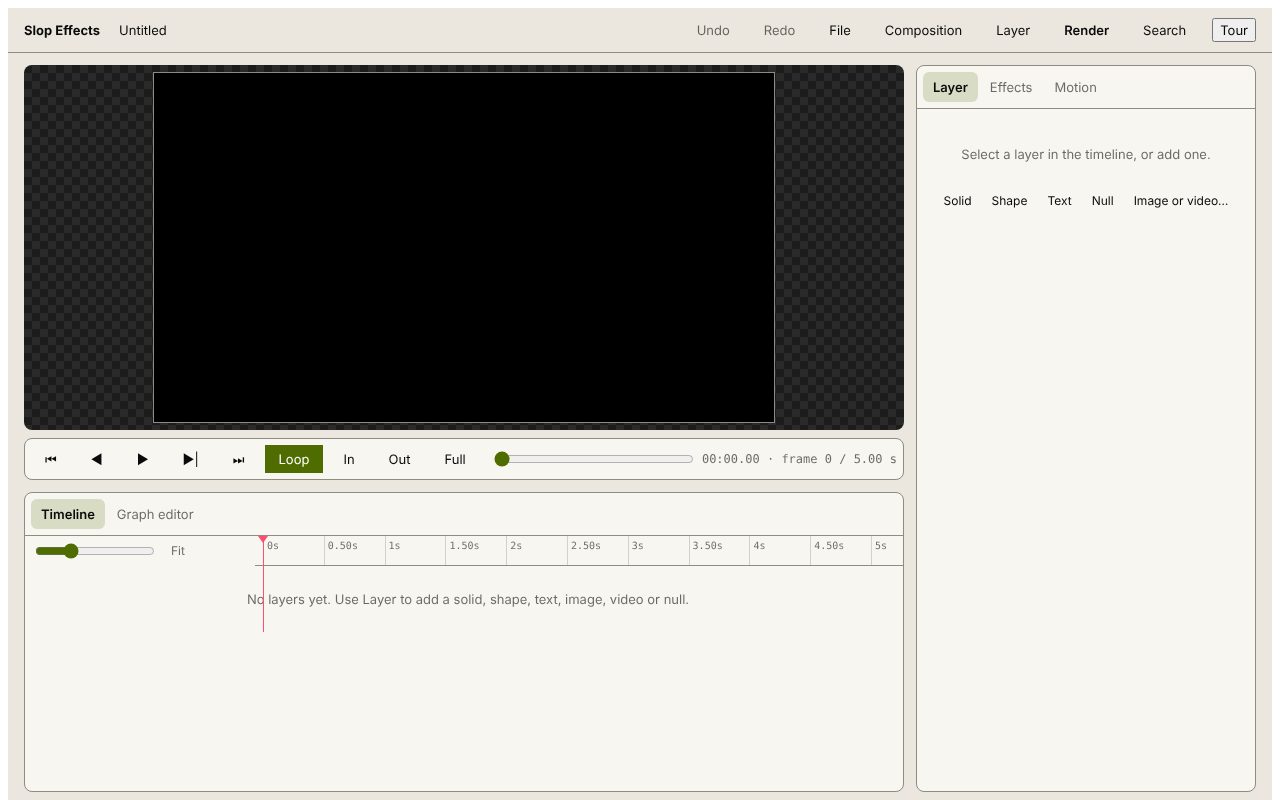 Slop Effects
Beta
Motion design in the browser. Nothing uploaded.