Slop Upscale · free, in your browser
Upscale an image 2× or 4×
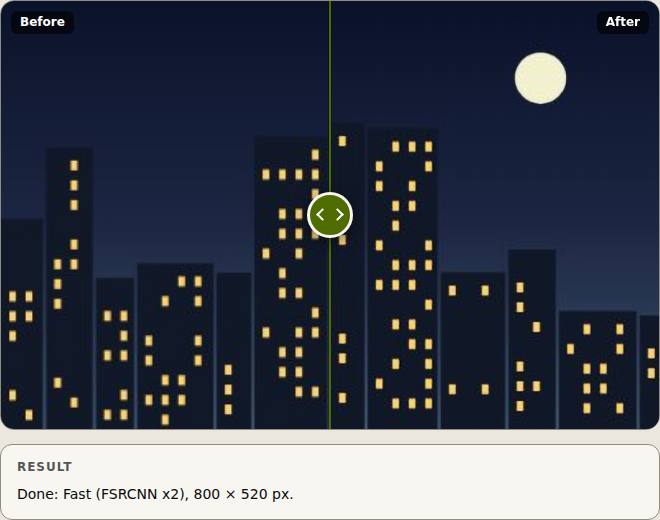
Enlarge a small photo, a screenshot or an old picture with an AI model instead of plain stretching. Slop Upscale runs on your device, shows a before and after slider, and saves the bigger copy.
How to do it
- Drop a picture on the page, or choose Open….
- Choose 2× or 4×.
- Pick the Model: Fast (FSRCNN, bundled), or Quality (Real-ESRGAN, 4× only) once you have added it with Get more….
- Press Upscale (Ctrl+Enter). Progress is shown tile by tile, and Cancel stops at once.
- Drag the slider to compare, then Download as PNG, JPEG or WebP.
The Fast model is small and ships with the page. The Quality model (Real-ESRGAN x4plus, 64 MB) is an optional download: Get more… shows its size and licence before anything downloads. Without a model, the picture is enlarged with Lanczos resampling and the page says so.
Your files stay on this device: Slop Upscale runs in your browser, with no upload, no account and no watermark.
Questions
How big can the result be?
Up to 64 megapixels and 16384 pixels on a side. The picture is worked on in small tiles, so memory stays low.
Which model should I use?
Fast for quick results at 2× or 4×. Quality (Real-ESRGAN) gives more detail at 4× but is slower and is a separate 64 MB download.
Is my picture uploaded?
No. The AI runs in your browser with WebAssembly; the picture never leaves your device.
Can it upscale several pictures at once?
No, one picture or one short video at a time. Download or save each result before you open the next.
More with Slop Upscale
Related apps
 Slop AI Tools
Beta
OCR, speech to text, denoise, auto tags and portrait blur. On your device.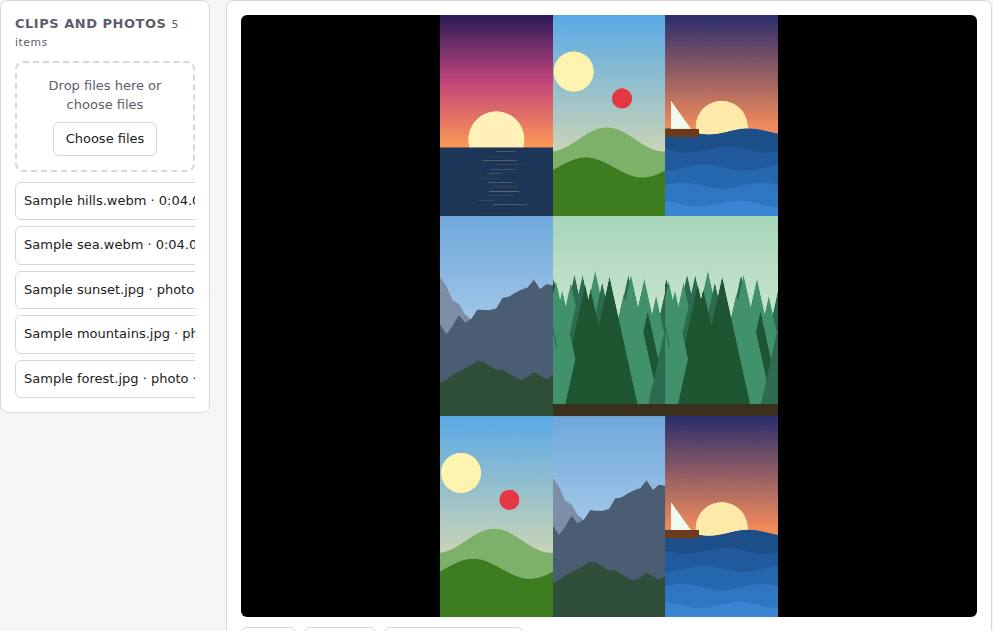 Reel Remix
In development
Clips and photos in, a random edit out, then fine-tune in SlopCut.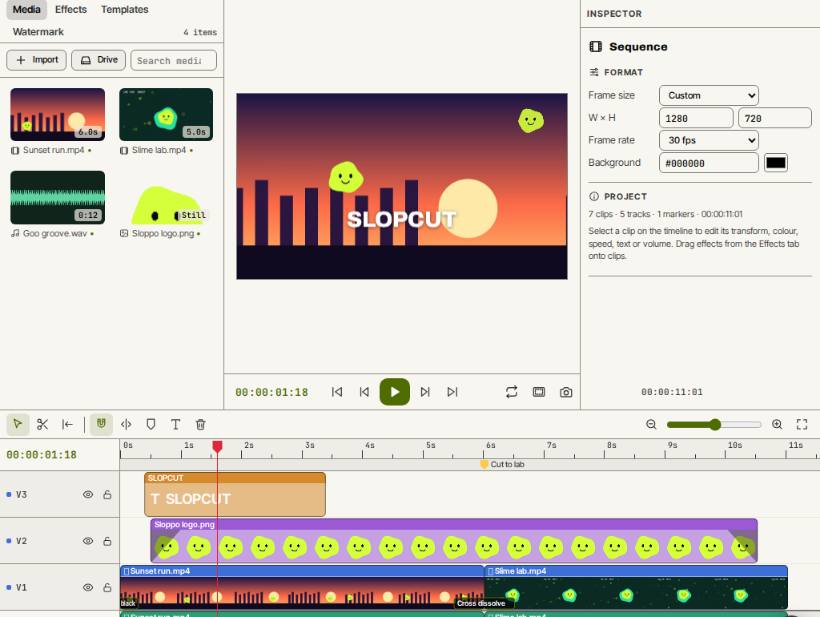 SlopCut
Beta
A video editor that never uploads your footage.