Slop Upscale · free, in your browser
Upscale a short video
Enlarge a short, low-resolution clip, such as an old phone video, a GIF-like loop or a game capture, frame by frame with the same AI as for pictures. Everything runs in your browser.
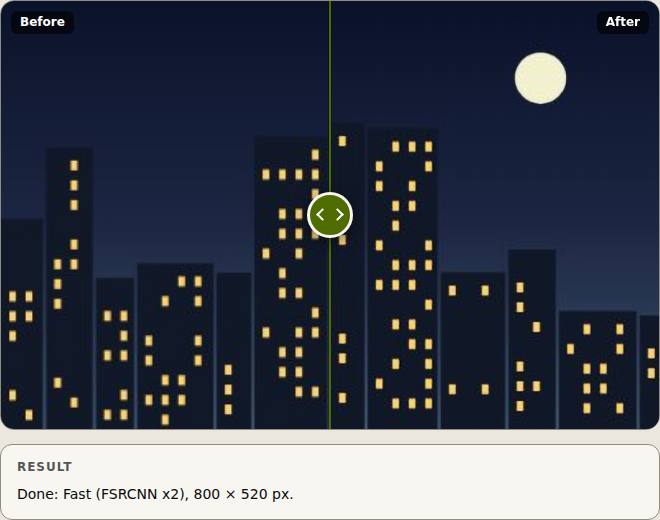
How to do it
- Drop a video of up to 15 seconds on the page.
- Choose 2× or 4× and the model.
- Pick the Video frame rate (24 or 30 fps).
- Press Upscale and wait: every frame is upscaled in turn.
- Download the result as MP4 (H.264) or WebM (VP9), as your browser allows.
Your files stay on this device: Slop Upscale runs in your browser, with no upload, no account and no watermark.
Questions
Is the sound kept?
No. The upscaled video has no audio track, and the page says so. Add the sound back in a video editor such as SlopCut.
Why only 15 seconds?
Every frame goes through the AI on your device, which takes time. Longer clips are refused so a run finishes in a reasonable time.
Which browsers work?
Browsers with WebCodecs video encoding, such as current Chrome and Edge.
More with Slop Upscale
Related apps
 Slop AI Tools
Beta
OCR, speech to text, denoise, auto tags and portrait blur. On your device.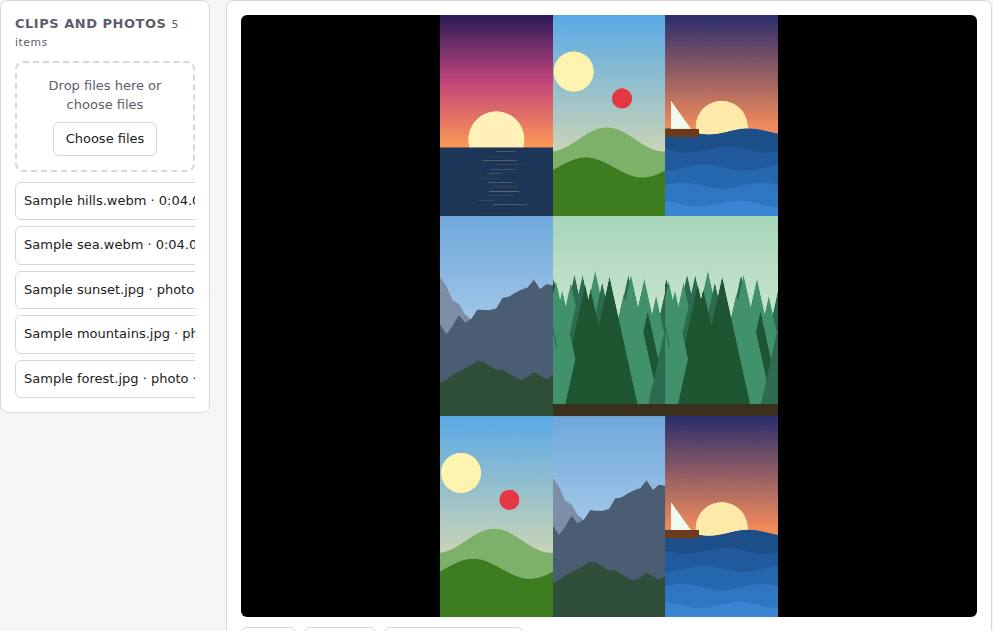 Reel Remix
In development
Clips and photos in, a random edit out, then fine-tune in SlopCut.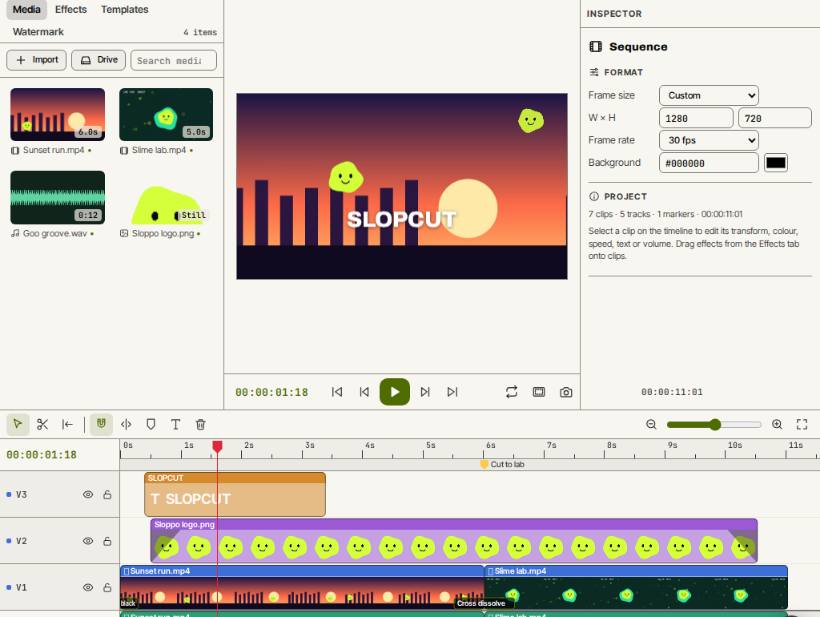 SlopCut
Beta
A video editor that never uploads your footage.