Slop Code · free, in your browser
Write HTML and run it in a preview
Write a page with its CSS and JavaScript and run it beside the code. The preview runs in a locked sandbox, with console output and errors shown under it.
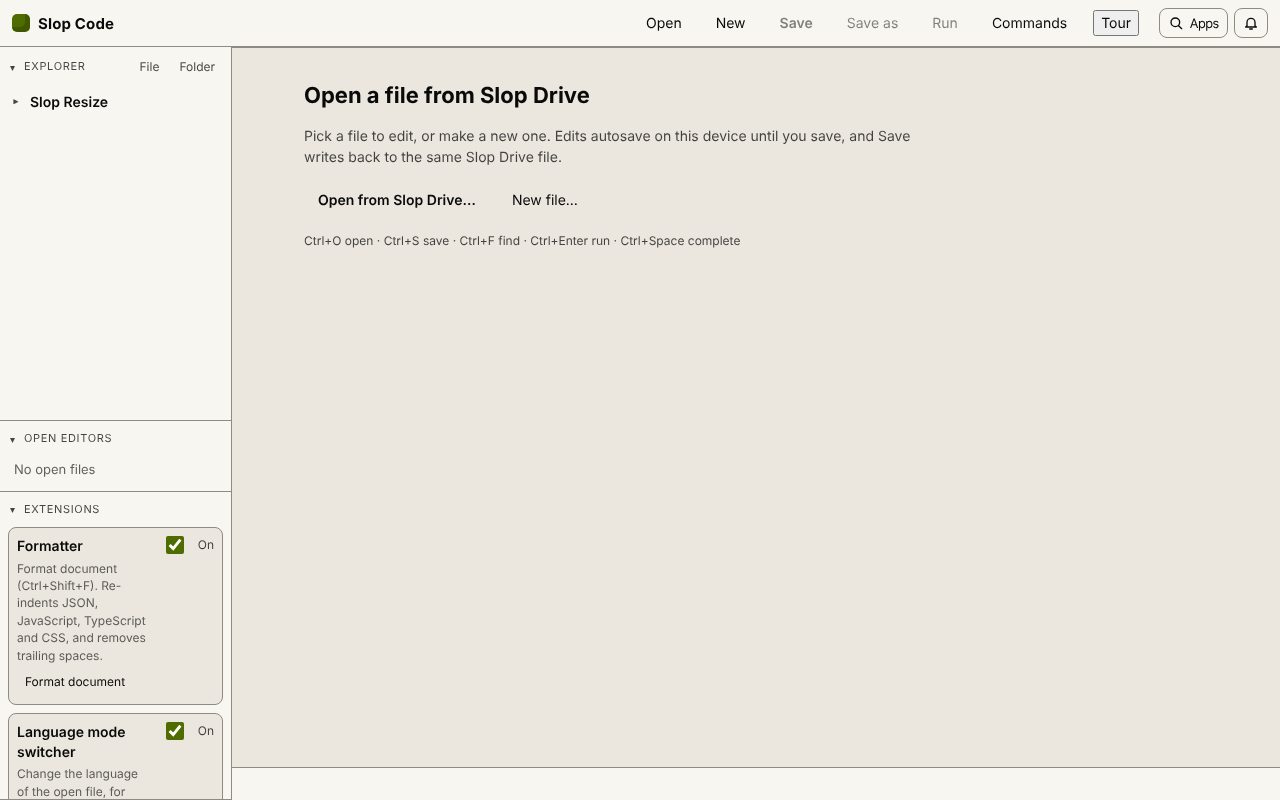
How to do it
- Open Slop Code and choose New, pick HTML and give the file a name.
- Write the page. Ctrl+Space completes tags, attributes and CSS properties.
- Add .css and .js files in the same Slop Drive folder and link them with relative paths.
- Choose Run (Ctrl+Enter) to see the page; console messages and errors appear under it.
- Choose Save (Ctrl+S) to keep the files in Slop Drive.
Your files stay on this device: Slop Code runs in your browser, with no upload, no account and no watermark.
Questions
Can the preview reach the internet?
No. The preview has no network access and cannot read the app's storage. Project files are inlined, and images load as data from your folder.
Are unsaved changes in the preview?
Yes. Open tabs use their current text, so you can try a change before saving it.
Where are my files?
In Slop Drive in this browser. Unsaved text is also kept as a draft, so a closed tab does not lose it.
More with Slop Code
Related apps
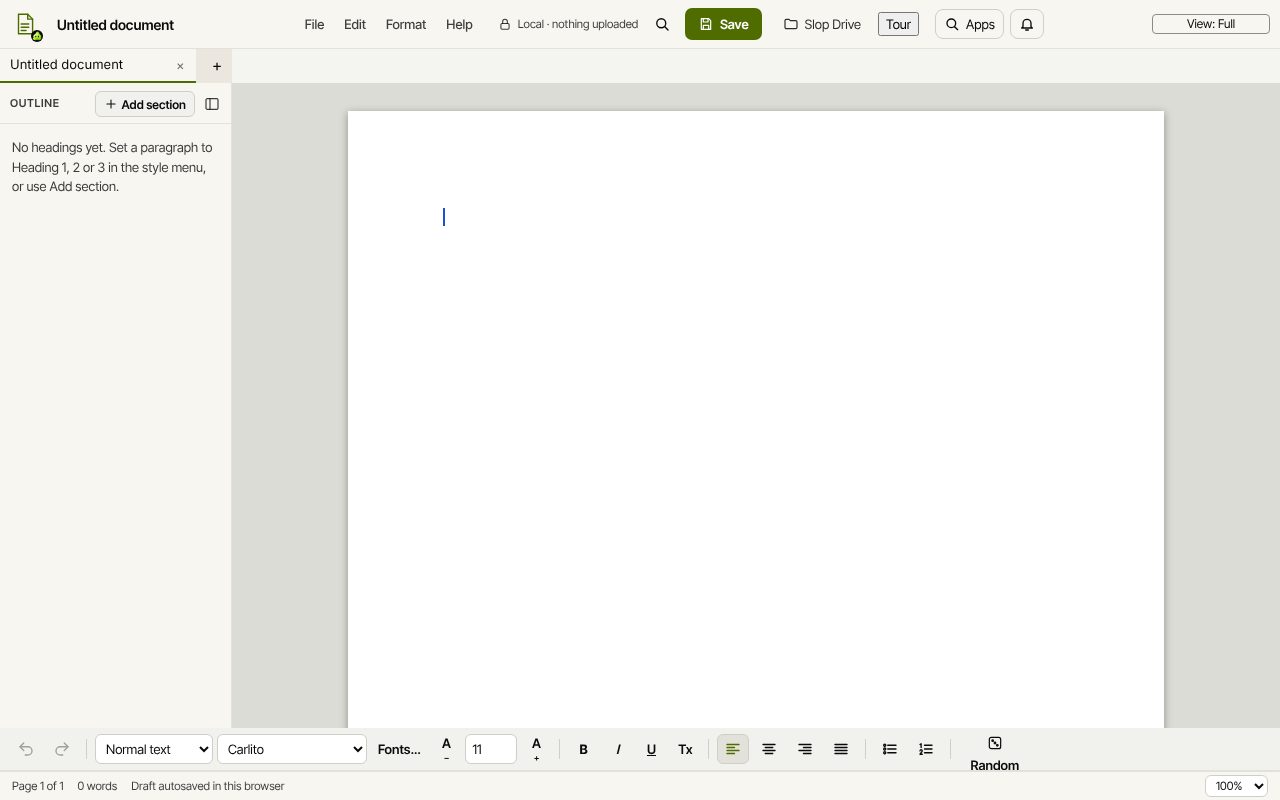 Slop Docs
In development
Word and Google Docs, rebuilt for the browser.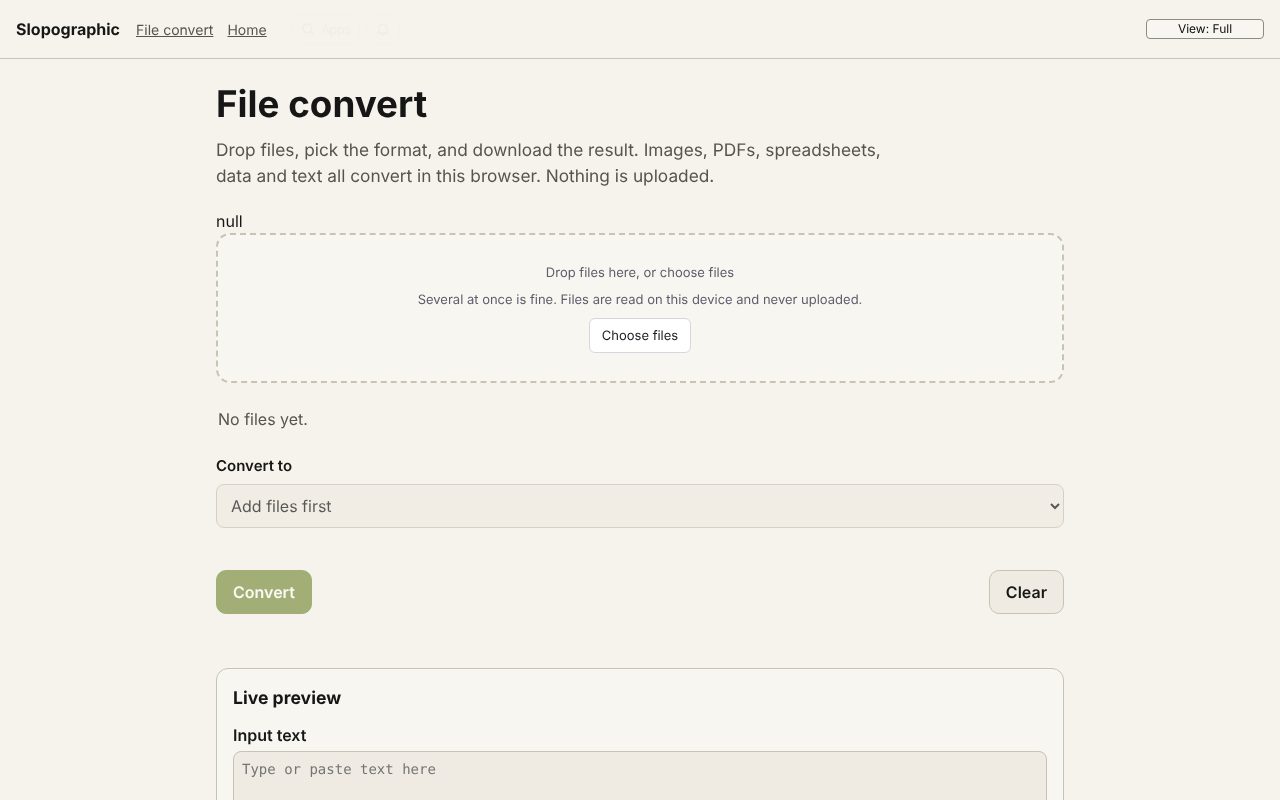 File convert
In development
Images, PDFs, data and text, converted on your device.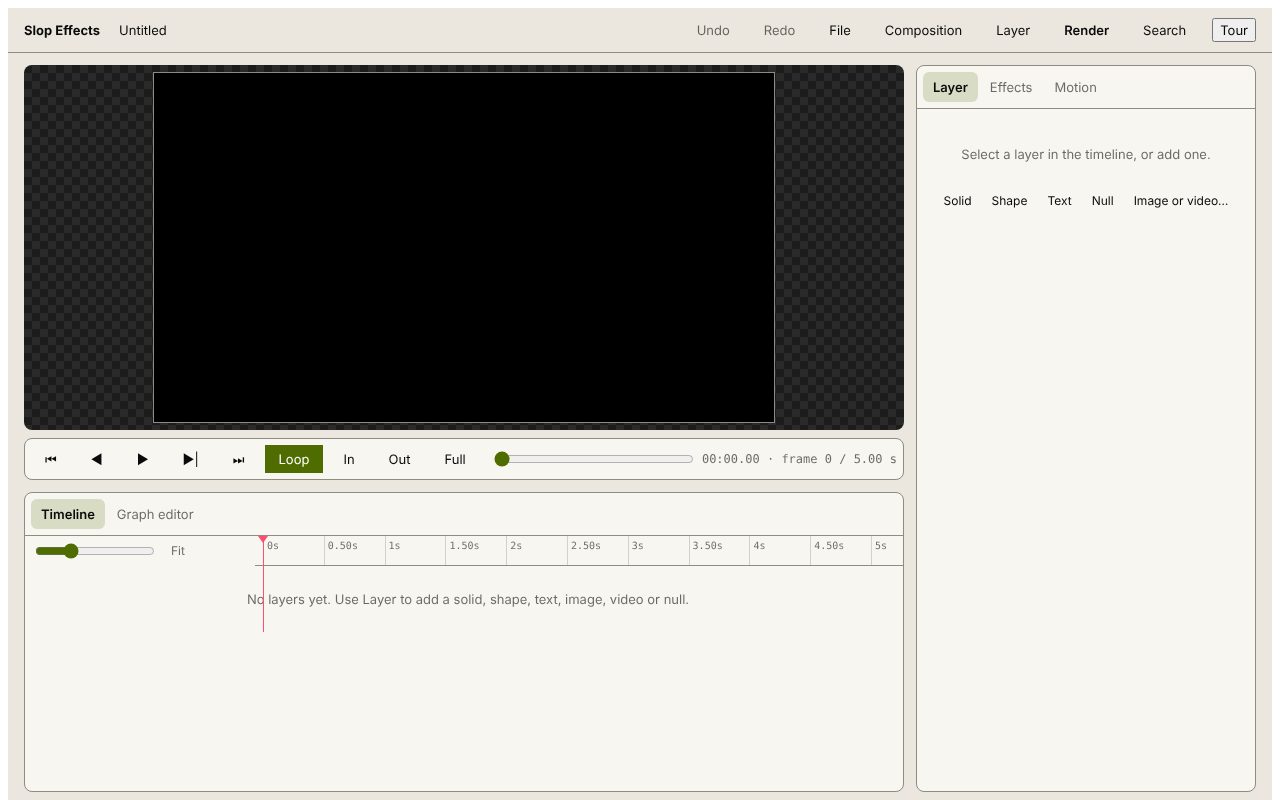 Slop Effects
Beta
Motion design in the browser. Nothing uploaded.