Slop Docs · free, in your browser
Convert Markdown to Word (.docx)
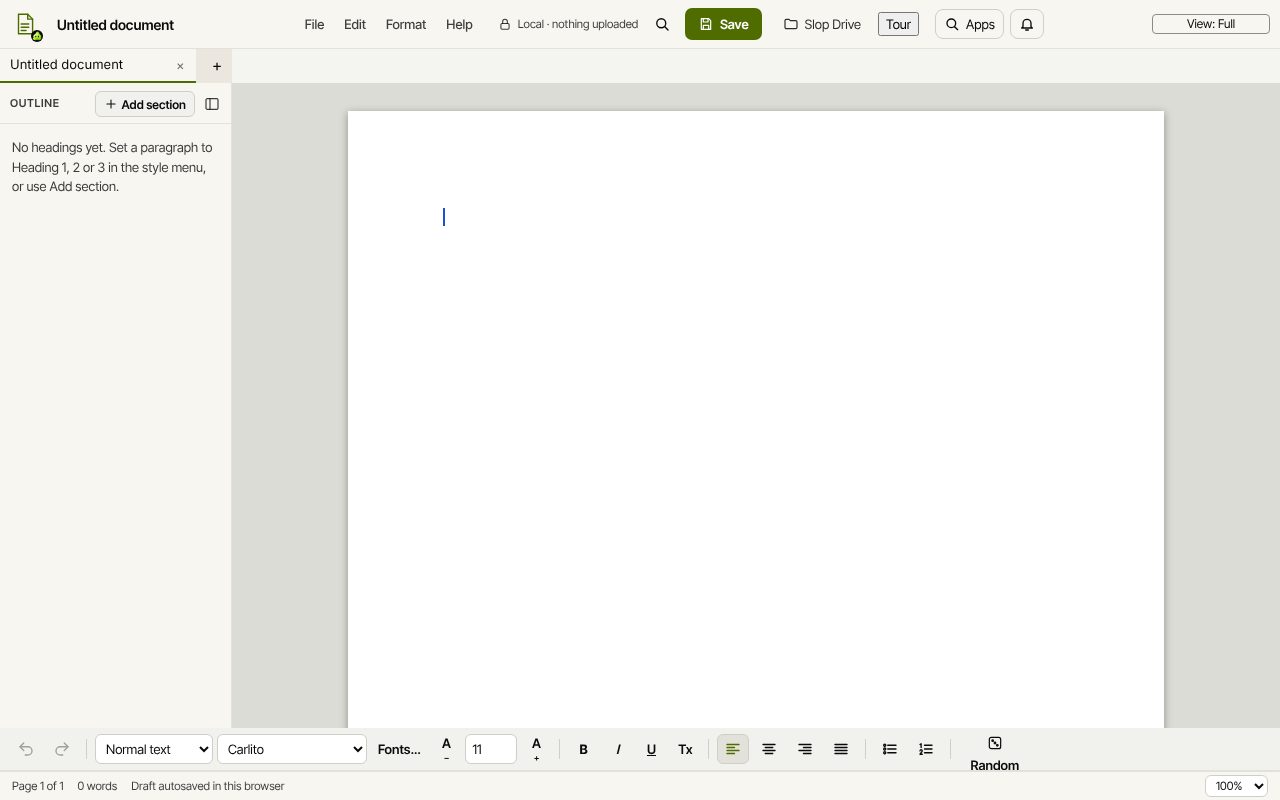
Write in Markdown, hand in a Word file. Slop Docs reads the Markdown into real Word styles, lets you check and edit it on the page, and downloads a .docx.
How to do it
- Drop the file into Slop Drive (it stays in this browser), or keep one already there.
- In Slop Docs, choose File, Import Word, Markdown or text from Slop Drive, and pick the .md file.
- Headings, lists, quotes, code blocks, bold, italic and code spans appear with their styles.
- Edit anything you like on the page.
- Choose File, Download Word (.docx).
Your files stay on this device: Slop Docs runs in your browser, with no upload, no account and no watermark.
Questions
Which Markdown is understood?
Headings, bulleted and numbered lists, quotes, fenced code blocks, bold, italic, underline and code spans.
Do Markdown headings become Word headings?
Yes. They use Word's built-in Heading styles, so the navigation pane and a table of contents in Word pick them up.
Is my original file changed?
No. The import becomes a new document; the .md file in Slop Drive stays as it was.
Can I go the other way, Word to Markdown?
Yes. Import a .docx the same way and choose Download Markdown (.md).
More with Slop Docs
Related apps
 Slop Code
In development
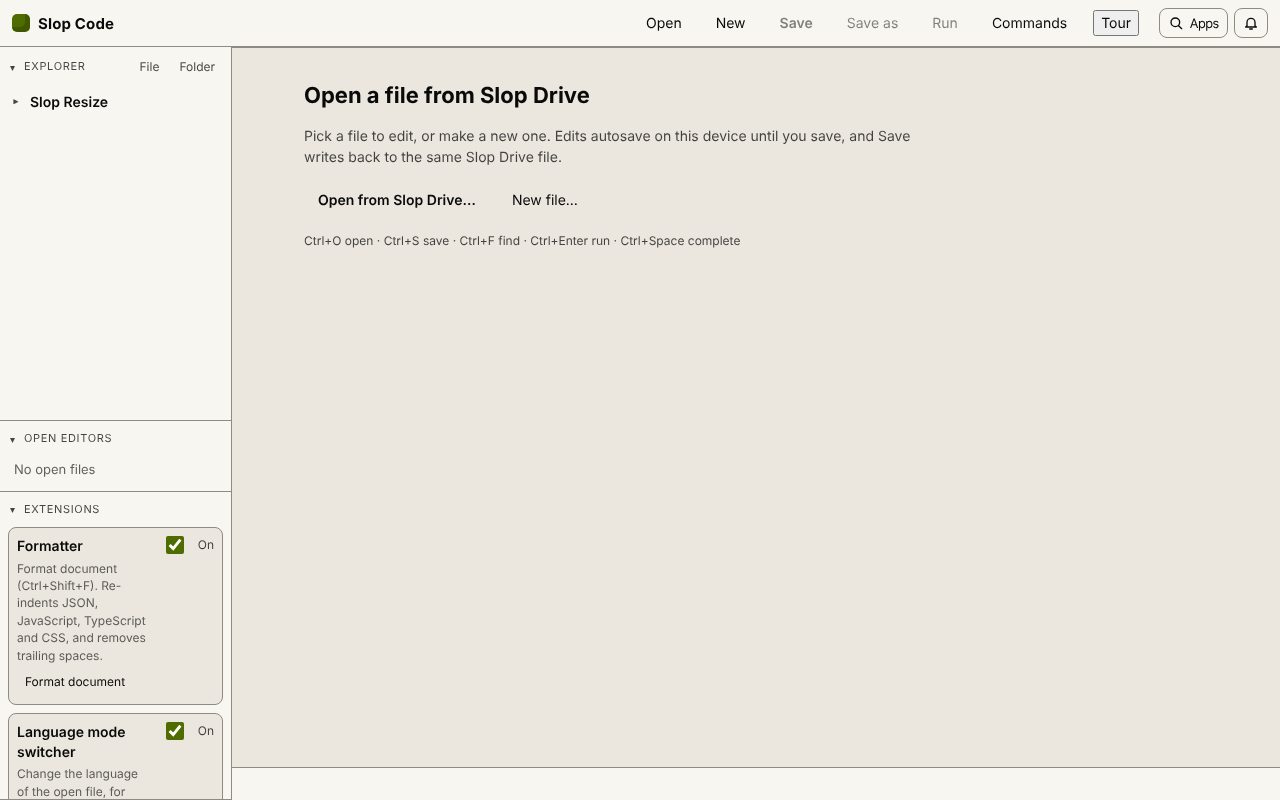
A code editor for your Slop Drive files. Nothing uploaded.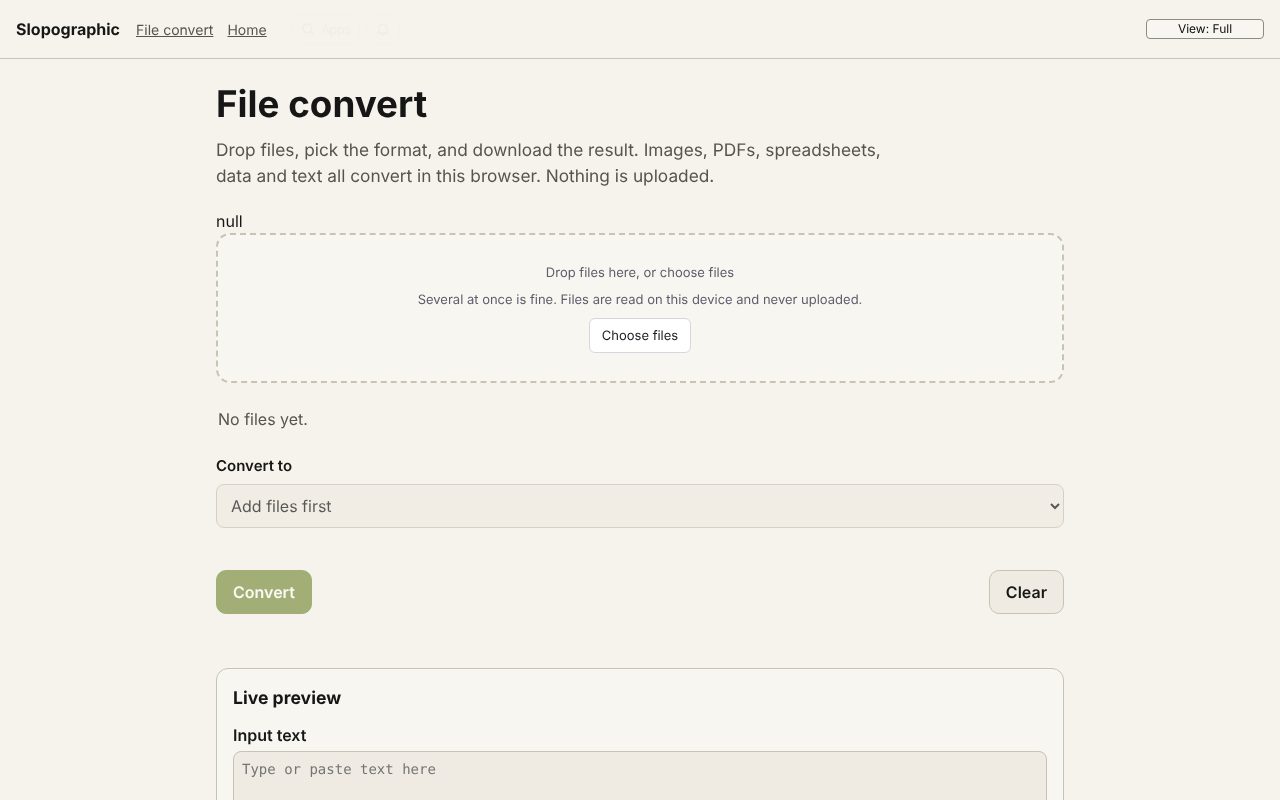 File convert
In development
Images, PDFs, data and text, converted on your device.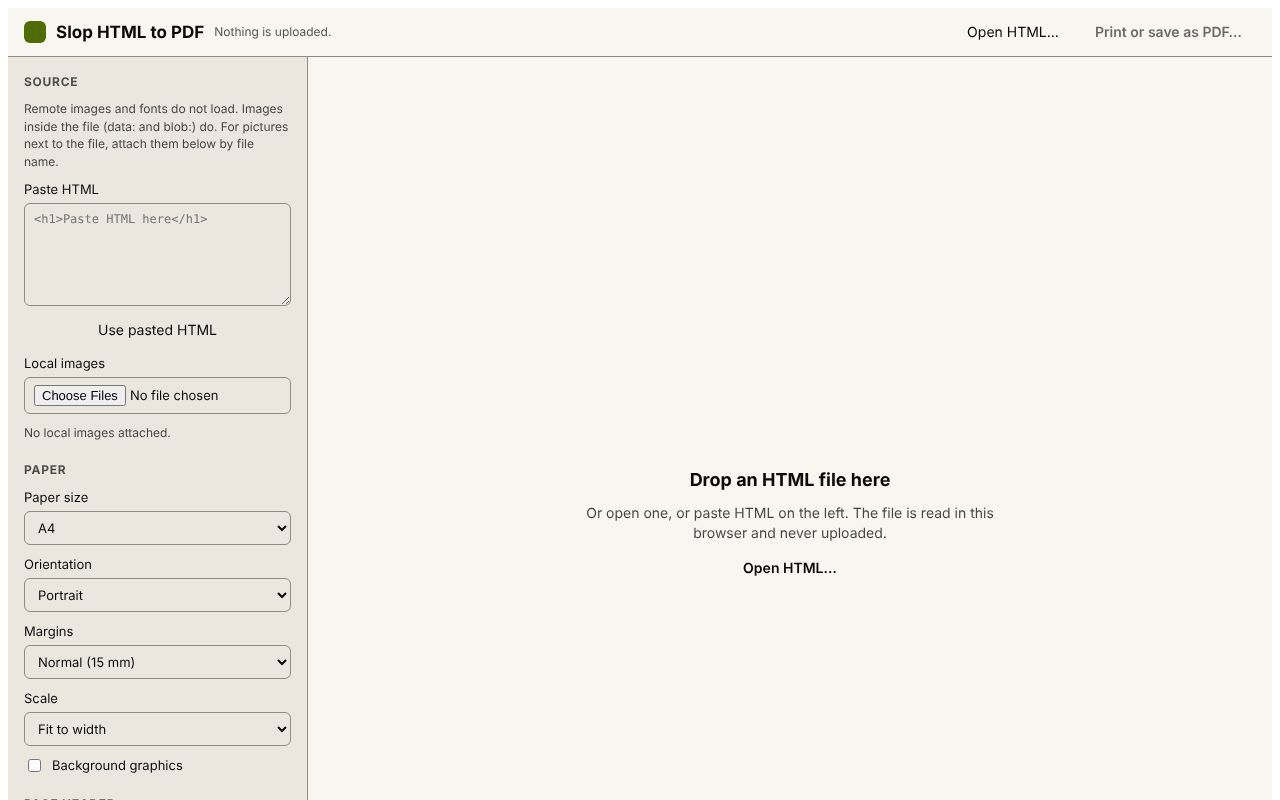 Slop HTML to PDF
Beta
Print an HTML file to PDF with a header and QR code. Nothing uploaded.