Slop Docs guide
Getting started with Slop Docs
Slop Docs is a word processor in your browser. You write on a page, format with the toolbar, and save to Slop Drive on this device. Nothing is uploaded.
Write and format
- Click the name at the top left and type a name for the document.
- Click on the page and start typing. Enter starts a new paragraph.
- Pick a paragraph style in the first list of the toolbar: Normal text, Title, Heading 1 to 3, Quote or Code.
- Use the toolbar for the font, size, bold (Ctrl+B), italic (Ctrl+I), underline (Ctrl+U), alignment and lists.
- Tx clears the formatting of the selected text.
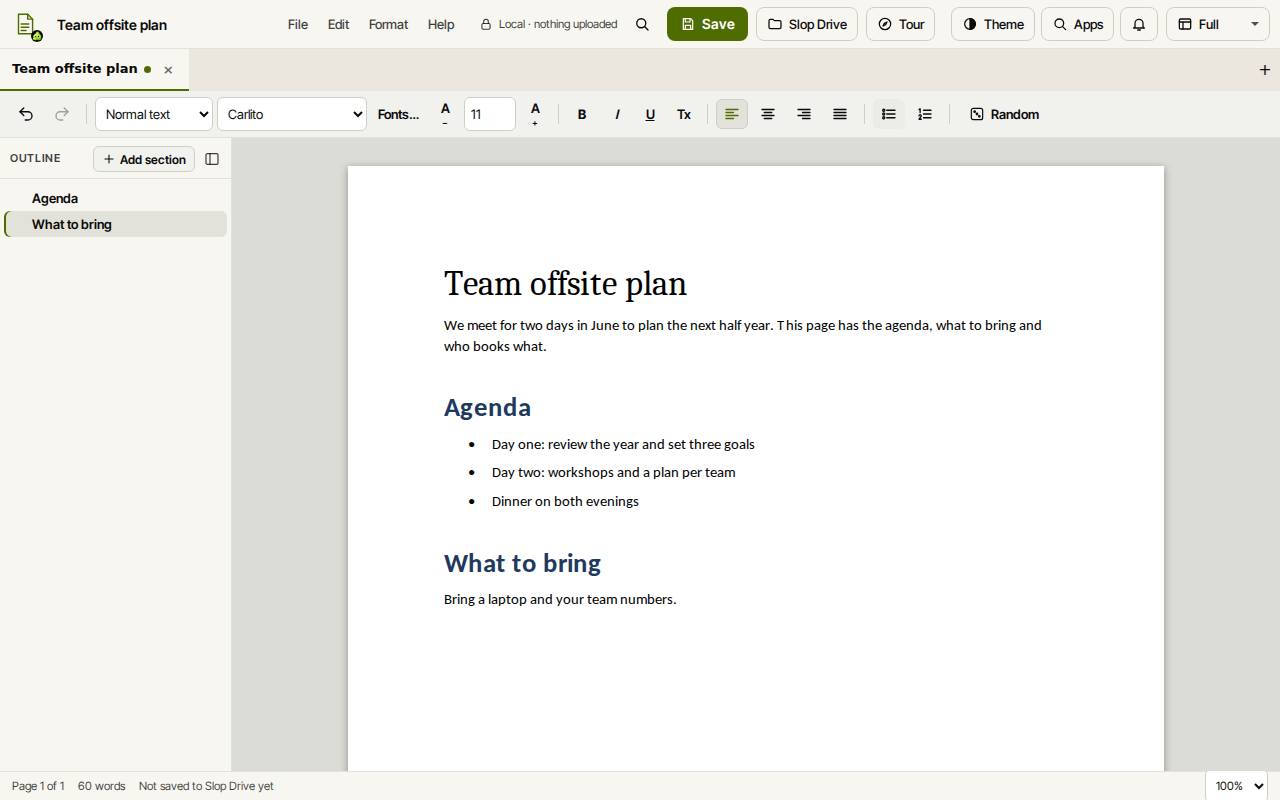
Tip: Random in the toolbar opens a dialog of generated templates. Use this template starts a new document from the one you pick.
Use the outline
The Outline on the left lists your Heading 1 to 3 paragraphs. Click one to jump to it.
A heading owns the text below it, up to the next heading of the same level. Alt+Up and Alt+Down move the whole section. Add section adds a new heading. Ctrl+Shift+O shows or hides the outline.
Save and download
Slop Docs also keeps a draft in this browser after each change, so an unsaved document comes back when you open the app again. To open a Word, Markdown or text file, put it in Slop Drive and choose Import Word, Markdown or text from Slop Drive… in the File menu.
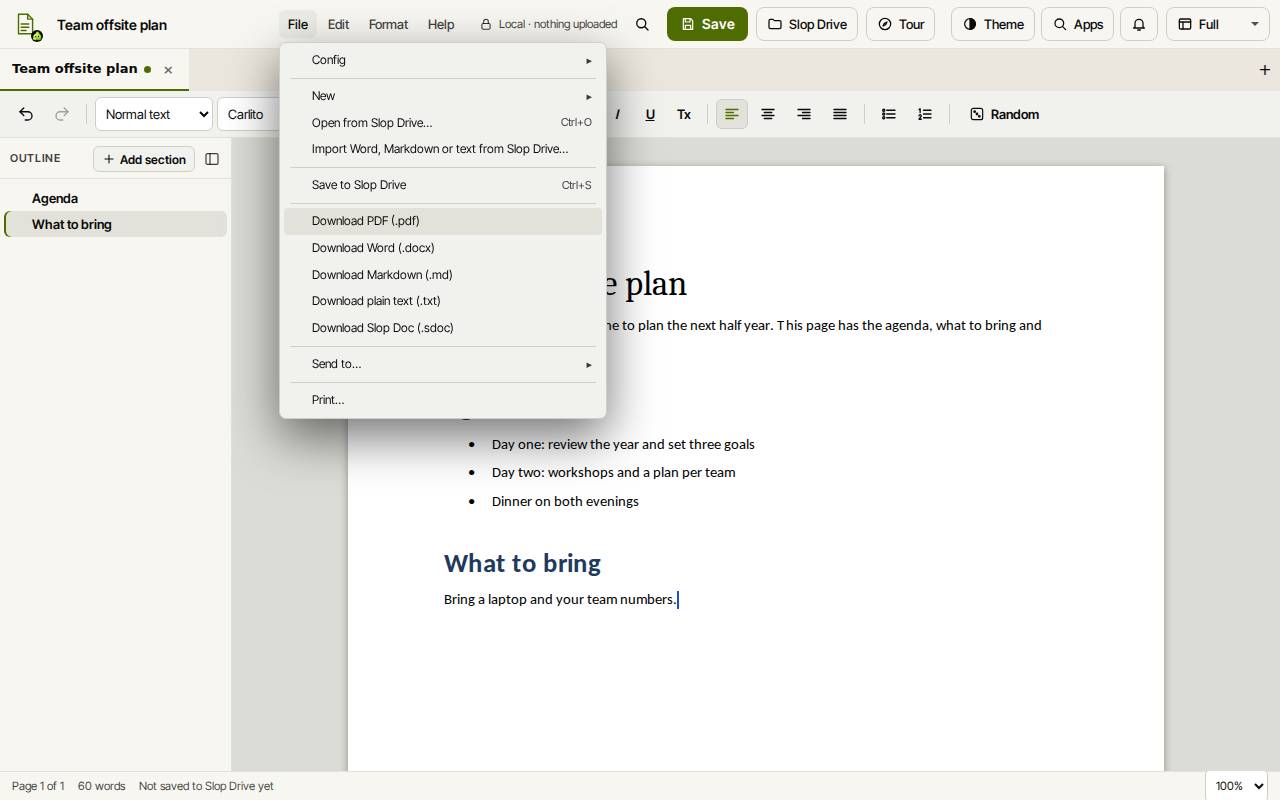
- Click Save (Ctrl+S). The first time, pick a folder in Slop Drive.
- To get a file, open the File menu and choose Download PDF (.pdf), Download Word (.docx), Download Markdown (.md), Download plain text (.txt) or Download Slop Doc (.sdoc).
- File, Print… prints the document.
Tip: Tables in imported Word files are shown and exported, but you cannot edit them yet, and pictures are not supported.
Keyboard shortcuts
| Keys | What it does |
|---|---|
Ctrl+B / Ctrl+I / Ctrl+U | Bold / italic / underline |
Ctrl+Alt+1, 2, 3 | Heading 1, 2, 3 |
Ctrl+Shift+7 | Numbered list |
Ctrl+Shift+L | Bulleted list |
Ctrl+Space | Clear formatting |
Ctrl+Shift+. / Ctrl+Shift+, | Bigger / smaller text |
Alt+Up / Alt+Down | Move the section |
Ctrl+S | Save to Slop Drive |
Ctrl+K | Search commands |