Slop 3D · free, in your browser
View STL files online
Look at an STL file from a model site, a CAD program or a 3D scanner without installing anything. Slop 3D opens it in the browser, on your device.
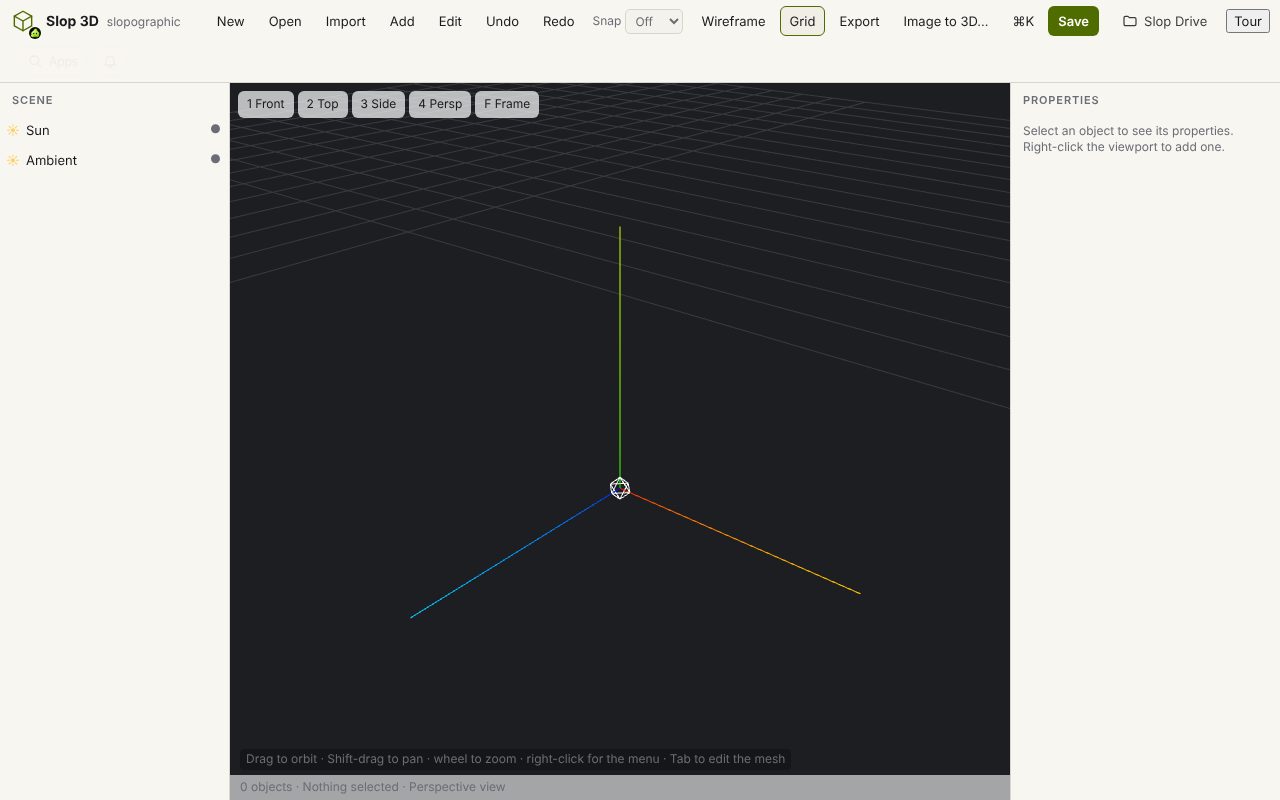
How to do it
- Choose Open, then From disk…, and pick the .stl file. Binary and ASCII STL are both read.
- Drag to orbit, Shift-drag to pan and scroll to zoom. Press Home to frame the whole model.
- Press W for the wireframe, to see how fine the triangles are, and G to show or hide the grid.
- Use Export > Render PNG (1×) for a picture, or export the model as OBJ, GLB, PLY, glTF or USDZ.
STL has no units. Slop 3D shows the numbers as they are, so a part made in millimetres looks large next to the grid: that is normal for files meant for a slicer.
Your files stay on this device: Slop 3D runs in your browser, with no upload, no account and no watermark.
Questions
Is the STL file uploaded?
No. The file is read by the browser on your device and is never sent to a server.
Which other 3D formats does it open?
OBJ (with its MTL file), PLY, glTF, GLB, 3MF, Collada (DAE) and FBX, as well as its own .s3d scenes.
Can I change the model?
Yes. Slop 3D is an editor: move, rotate and scale the part, or use edit mode to move vertices, extrude and delete faces.
Why does my STL look faceted?
An STL stores flat triangles with one normal each, so curves show their facets. That is how the slicer sees the part too.
More with Slop 3D
Related apps
 PhotoSlop
Live
Photoshop, rebuilt for the browser. SlopVector
Live
Illustrator, rebuilt for the browser. SlopIsolate
Beta
Remove backgrounds with AI that runs on your device.