Slop 3D · free, in your browser
Open and view GLB, glTF and OBJ files
Check a 3D model someone sent you without installing a 3D program. Drop the file into Slop 3D to orbit, zoom, see the wireframe and the parts in the outliner, then render a picture of it.
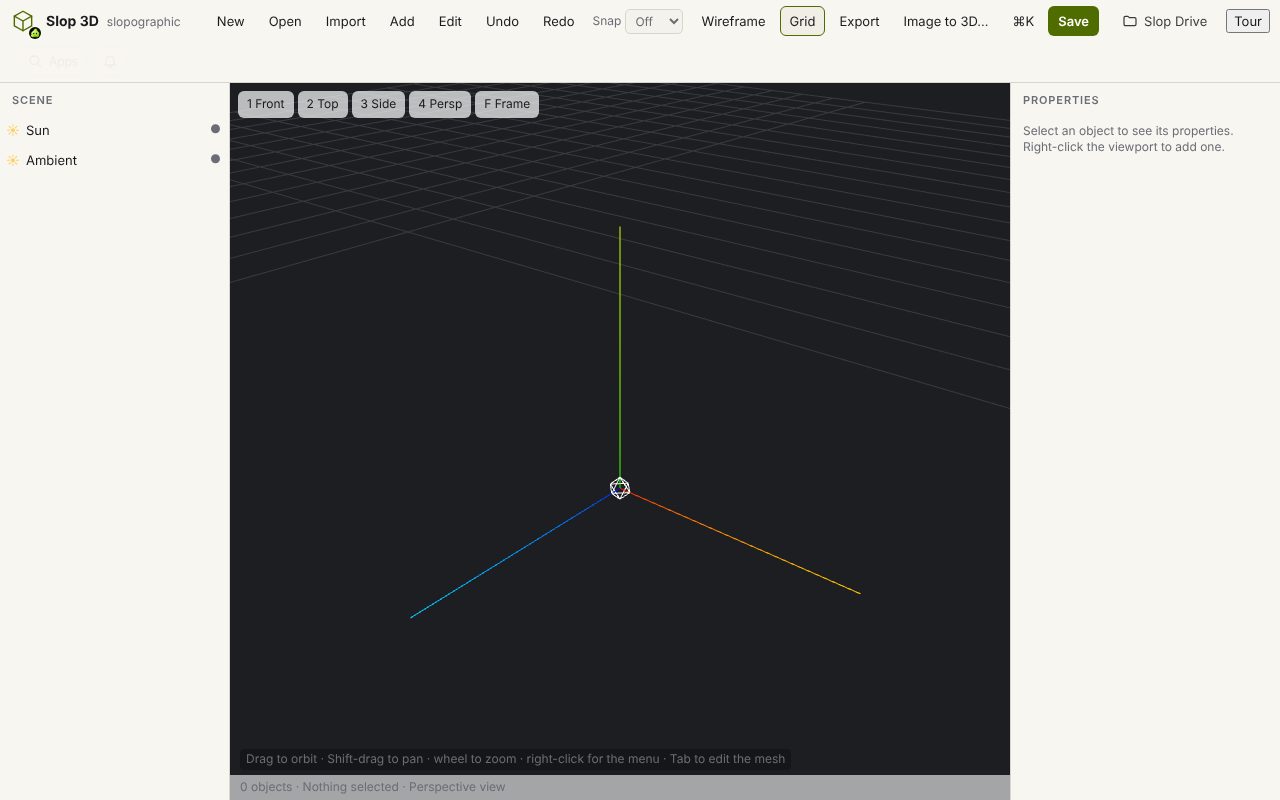
How to do it
- Choose Import and pick the model: GLB, glTF, OBJ, STL, PLY, 3MF, DAE or FBX. Pick its .bin, .mtl or texture files with it, or drop them all on the page.
- Orbit, pan and zoom with the mouse; turn on Wireframe or Grid from the toolbar.
- Select parts in the outliner to see and change their colour, roughness and metallic settings.
- Use Export > Render PNG (1×) or Render PNG (2×) for a picture, or export the model as OBJ, STL, PLY, GLB, glTF or USDZ.
glTF and GLB come in with their node hierarchy, geometry, materials and textures; a .gltf with a separate .bin file opens when you pick both. Models open in their current pose: Slop 3D does not keep animations.
Your files stay on this device: Slop 3D runs in your browser, with no upload, no account and no watermark.
Questions
Will textures show?
Yes. Textures from GLB, glTF and OBJ with its MTL file are imported. Pick the texture files together with the model when they are separate files.
Can I edit the model?
Yes. Slop 3D is an editor: move, rotate and scale parts, add primitives and lights, and edit vertices, edges and faces.
Does it open STL or FBX?
Yes. It opens GLB, glTF, OBJ, STL, PLY, 3MF, DAE and FBX, its own .s3d scenes, and pictures as a textured plane.
Is the model uploaded?
No. The file is read in your browser and never leaves your device.
More with Slop 3D
Related apps
 PhotoSlop
Live
Photoshop, rebuilt for the browser. SlopVector
Live
Illustrator, rebuilt for the browser. SlopIsolate
Beta
Remove backgrounds with AI that runs on your device.