Slop 3D · free, in your browser
View FBX files online
Check an FBX from a model store, Mixamo, Blender or Maya without a 3D suite. Slop 3D reads FBX version 7.0 and newer, binary or ASCII.
How to do it
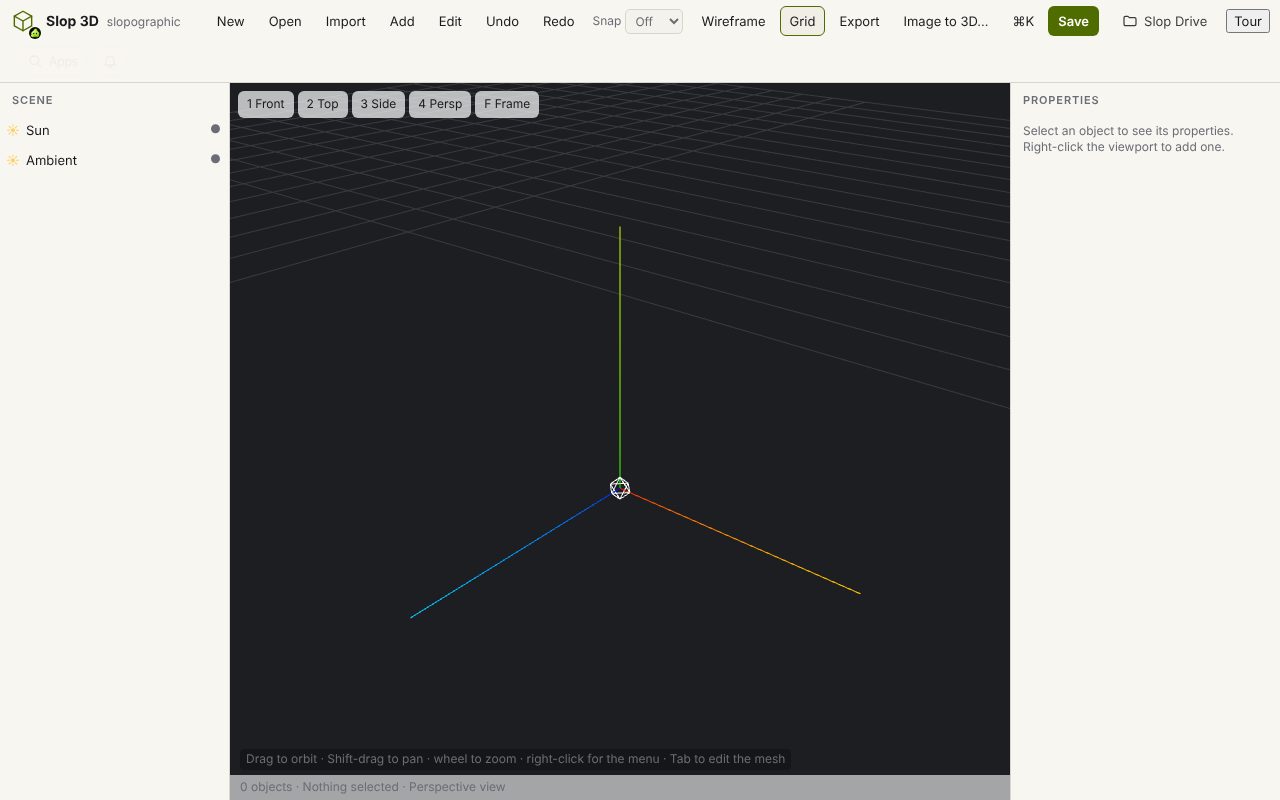
- Choose Open, then From disk…, and pick the .fbx file. If its textures are separate files, select them too, in the same pick.
- Orbit, pan and zoom with the mouse; the outliner lists every part by its name.
- Select a part to see its colour, roughness and metallic values in the inspector.
- Export the model as GLB, glTF, OBJ, STL, PLY or USDZ, or render a PNG picture.
Slop 3D shows the model in the pose it stands in and does not play animations. To keep the animation clips in a GLB, convert the FBX with File convert instead.
Your files stay on this device: Slop 3D runs in your browser, with no upload, no account and no watermark.
Questions
Will the textures show?
Yes. Textures packed inside the FBX are used, and textures it names are found among the files you pick with it.
Does it play the animation?
No. The model opens in its current pose. File convert turns an FBX into a GLB with its animations kept.
Which FBX versions are read?
FBX 7.0 (2011) and newer, binary and ASCII. Older ASCII files are refused with a message that names the version, and older binary files may not open.
Is the FBX uploaded?
No. The file is read in your browser and stays on your device.
More with Slop 3D
Related apps
 PhotoSlop
Live
Photoshop, rebuilt for the browser. SlopVector
Live
Illustrator, rebuilt for the browser. SlopIsolate
Beta
Remove backgrounds with AI that runs on your device.