Slop 3D · free, in your browser
Convert GLB to OBJ
Some tools only take OBJ. Import your GLB or glTF into Slop 3D, check it in the viewport, and export it as OBJ, with no converter to install.
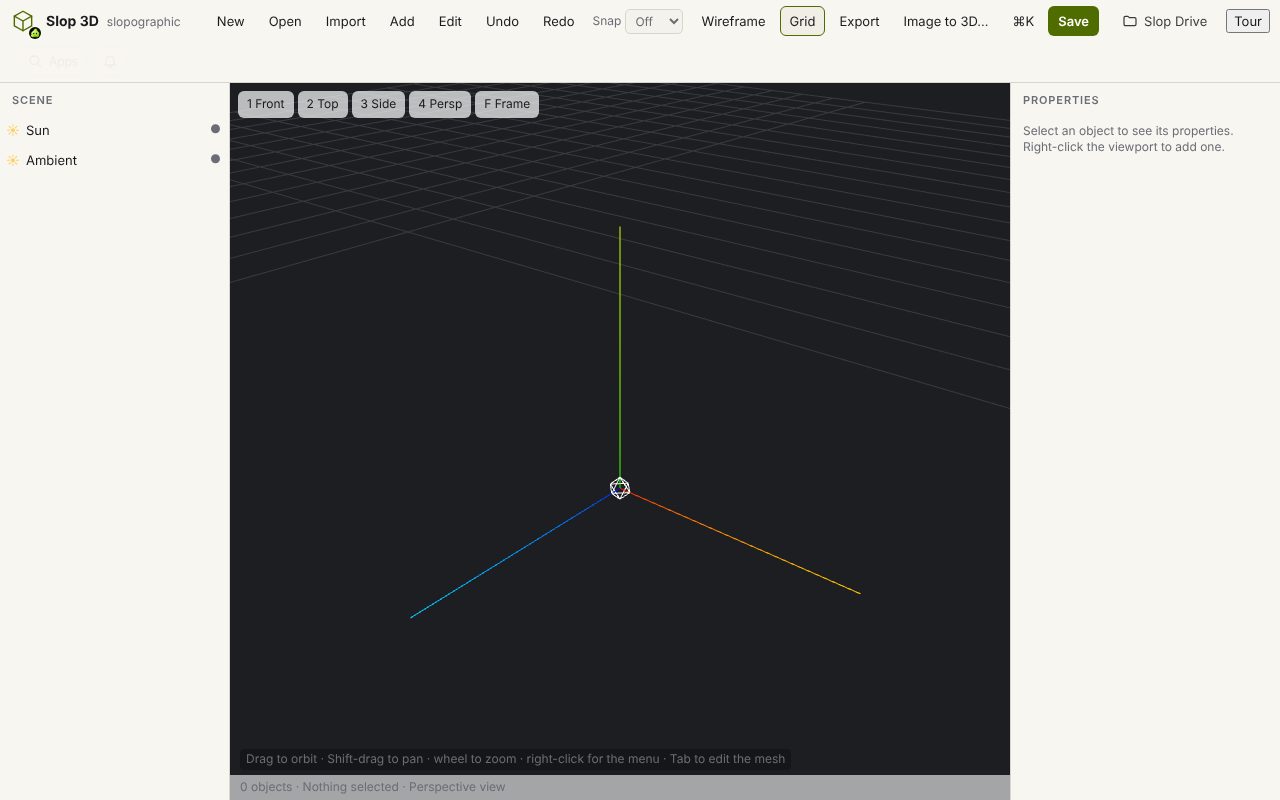
How to do it
- Choose Import and pick the .glb or .gltf file (with its .bin and textures if they are separate).
- Check the model in the viewport, and delete or move parts if you need to.
- Choose Export > Export OBJ…: it downloads a zip with the OBJ, its MTL file and the textures as PNG.
Your files stay on this device: Slop 3D runs in your browser, with no upload, no account and no watermark.
Questions
What does the OBJ contain?
Vertex positions, normals, UV coordinates and faces, with an MTL file for the materials and PNG files for the textures, together in one zip.
Can I convert OBJ to GLB?
Yes. Import the OBJ (with its MTL and textures) and choose Export GLB…, or use the OBJ to GLB page in File convert.
Is the file uploaded?
No. The conversion happens in your browser.
More with Slop 3D
Related apps
 PhotoSlop
Live
Photoshop, rebuilt for the browser. SlopVector
Live
Illustrator, rebuilt for the browser. SlopIsolate
Beta
Remove backgrounds with AI that runs on your device.