Slop Sheets · free, in your browser
Open an XLSX file without Excel
Someone sent you a spreadsheet and you have no Excel. Drop it on Slop Sheets to read every sheet, sort and filter it, and save the part you need.
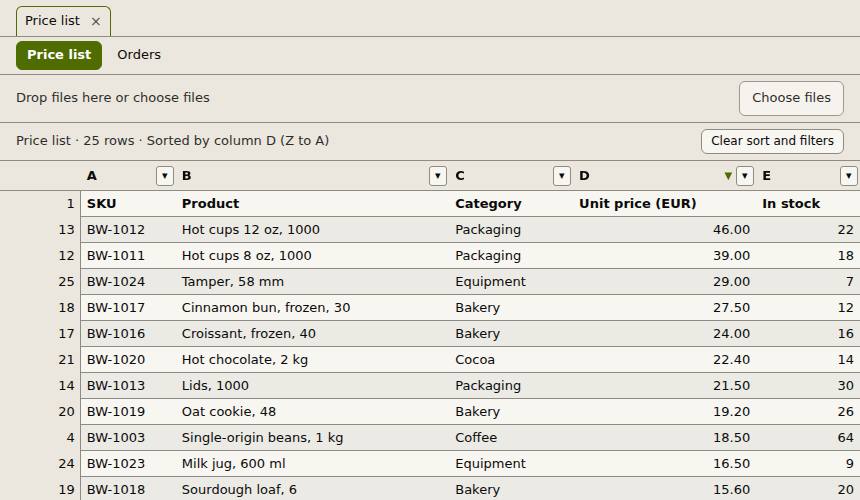
How to do it
- Drop the .xlsx file on the page, or choose Open. Several files open as tabs.
- Switch between the workbook's sheets with the sheet tabs.
- Click a column header to sort, or use its filter button to pick values, search text or compare numbers.
- Choose Export to save the rows you see, or all rows, as CSV, TSV or XLSX.
- Choose Open in Slop Table to edit the sheet in a full spreadsheet.
Your files stay on this device: Slop Sheets runs in your browser, with no upload, no account and no watermark.
Questions
Do I need Excel or an account?
No. The file is read by the page in your browser. There is nothing to install and nothing to sign up for.
Are formulas calculated?
The viewer shows the results Excel saved in the file. Formulas are not run again, so the values match what the sender last saw.
Can it open .xls or .ods files?
Not yet. Old .xls and .ods files are refused with a message; save them as .xlsx or .csv first.
Is the spreadsheet uploaded?
No. It is opened on your device and never leaves it.
More with Slop Sheets
Related apps
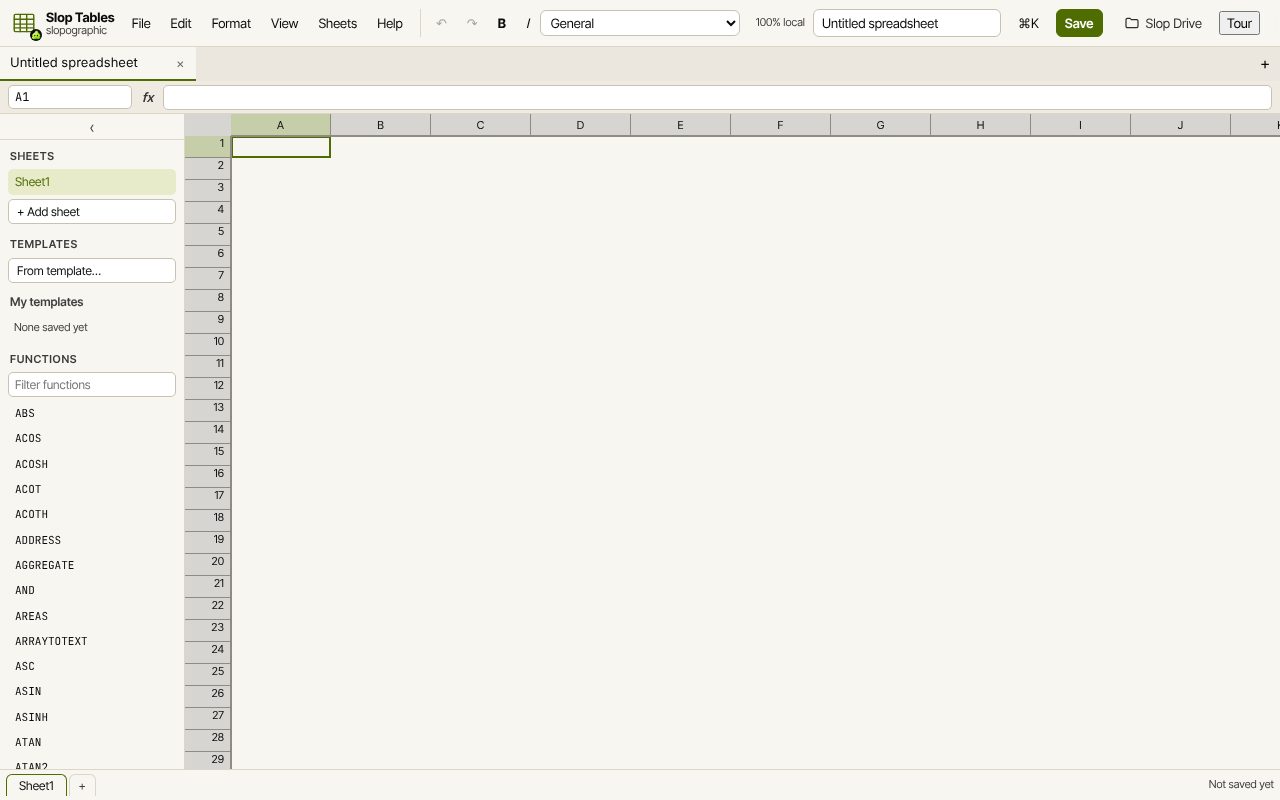 Slop Tables
In development
Excel and Google Sheets, rebuilt for the browser. SlopLabel
Beta
Design and print barcode labels.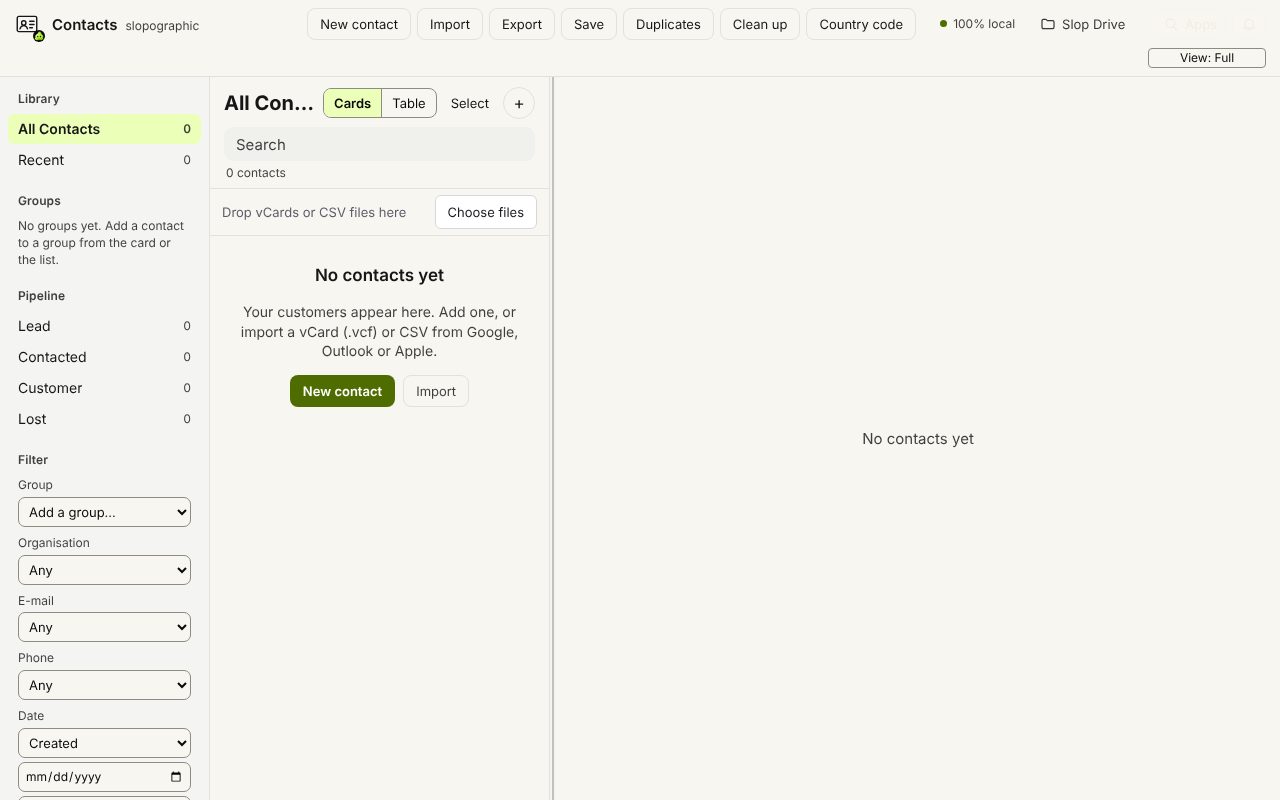 Slop Contacts
In development
Address book: vCard and CSV in and out, duplicates merged.