Slop Resize · free, in your browser
Scale up pixel art without blurring it
Normal resizing smooths pixel art into mush. Slop Resize can keep the hard pixels instead, so a 32×32 sprite becomes a crisp 128×128 for a game, a store page or a print.
How to do it
- Drop your sprites or pixel art on the page; many at once is fine.
- Resize by is set to Percentage at 400%, with Resampling set to Hard pixels (nearest). Use 200% or 300% for other sizes.
- Keep the Picture format at PNG so transparency and exact colours are kept.
- Press Resize all, then Download all (zip).
Your files stay on this device: Slop Resize runs in your browser, with no upload, no account and no watermark.
Questions
Why use whole numbers like 200% or 400%?
Each pixel then becomes an exact 2×2 or 4×4 block. Other percentages make some pixels wider than others.
Is transparency kept?
Yes, in PNG, WebP and AVIF. JPEG has no transparency, so the gaps are filled with the background colour.
Can I go bigger than 400%?
Percentage goes up to 400%. For more, use Width and height with Hard pixels, up to 16384 pixels a side.
More with Slop Resize
- Resize many images at once
- Compress an image to 100 KB or less
- Resize a video to 1080p, 720p or any size
- Resize RAW photos in bulk
Related apps
 Slop AI Tools
Beta
OCR, speech to text, denoise, auto tags and portrait blur. On your device.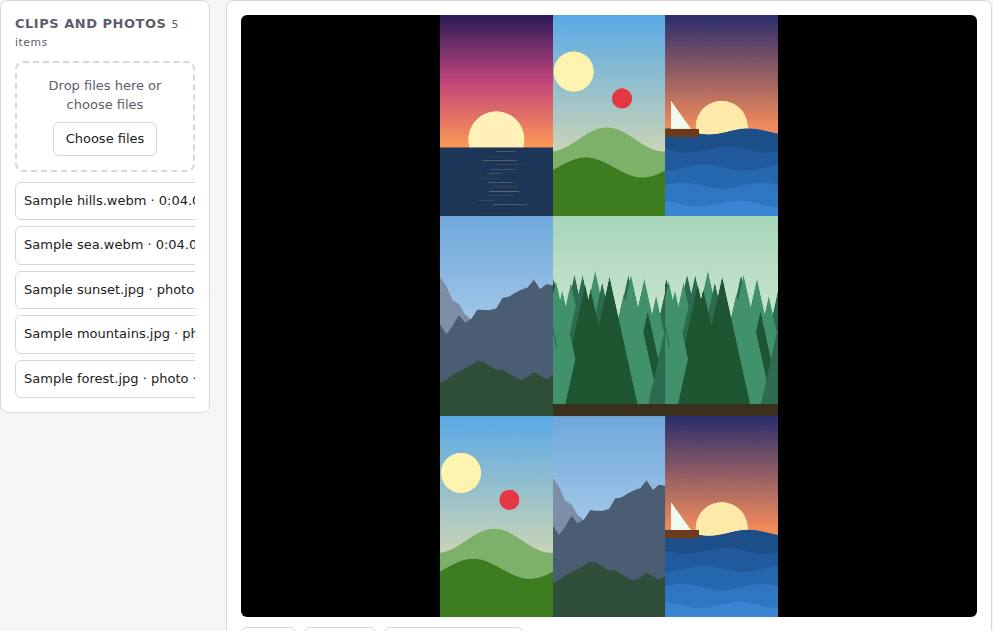 Reel Remix
In development
Clips and photos in, a random edit out, then fine-tune in SlopCut.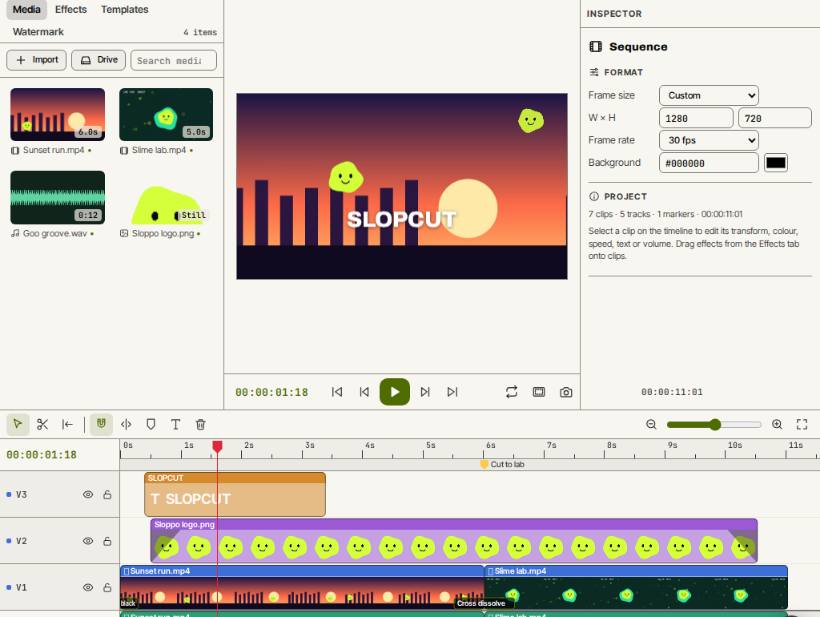 SlopCut
Beta
A video editor that never uploads your footage.