Slop Resize · free, in your browser
Compress an image to 100 KB or less
Application forms, job sites and government portals often ask for a photo under a set size. Type the limit and Slop Resize searches for the highest quality that still fits, for one picture or a whole batch.
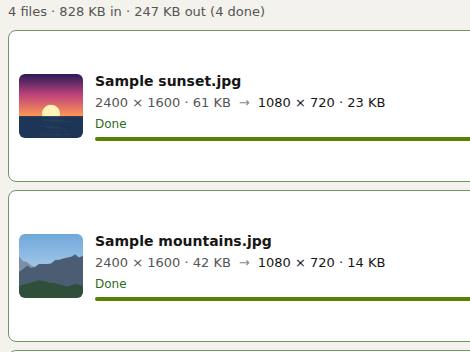
How to do it
- Drop the picture (or several) on the page.
- Resize by is set to Maximum file size (pictures), with 100 KB. Change the number if your limit is different.
- Leave Width and height at 0 to keep the pixel size, or type a size if the form also asks for one.
- Press Resize all, then check the size after on each row and download.
The limit works for JPEG, WebP and AVIF, whose quality can be lowered step by step. PNG has no quality setting, so a PNG can only get smaller by getting fewer pixels: set a width and height as well, or choose JPEG.
Your files stay on this device: Slop Resize runs in your browser, with no upload, no account and no watermark.
Questions
How does it reach the size?
It encodes the picture at different qualities and keeps the best one under your limit, in seven steps between low quality and the quality you chose.
What if it still does not fit?
Give it fewer pixels too: type a smaller width or height. A smaller picture needs fewer bytes at the same quality.
Can I compress to 50 KB or 20 KB?
Yes. Type any number of KB in Maximum file size (KB). Very small limits need a smaller width and height to stay readable.
Is the photo uploaded?
No. The compression runs in your browser and the photo never leaves your device.
More with Slop Resize
- Resize many images at once
- Resize a video to 1080p, 720p or any size
- Scale up pixel art without blurring it
- Resize RAW photos in bulk
Related apps
 Slop AI Tools
Beta
OCR, speech to text, denoise, auto tags and portrait blur. On your device. Reel Remix
In development
Clips and photos in, a random edit out, then fine-tune in SlopCut.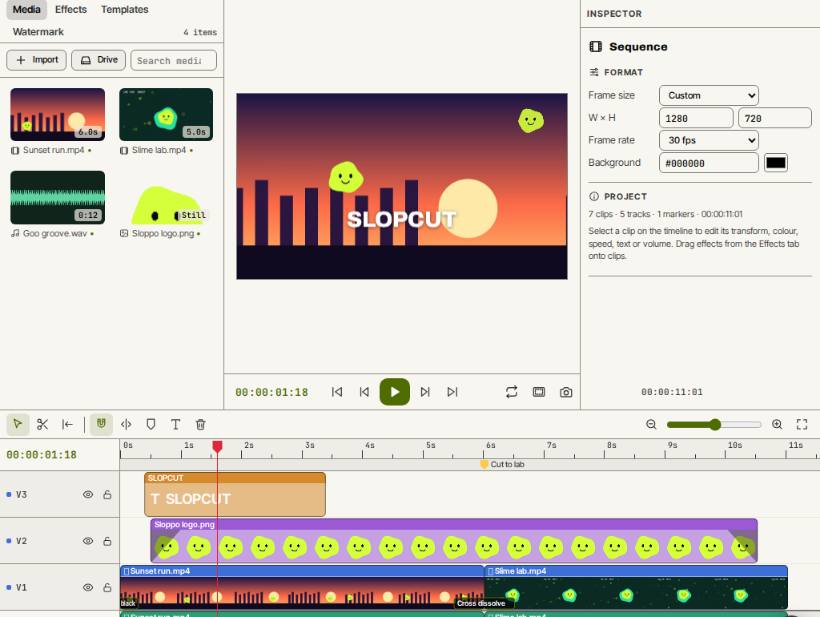 SlopCut
Beta
A video editor that never uploads your footage.