Slop Resize · free, in your browser
Resize many images at once
Drop dozens or hundreds of photos and give them all the same size: a width, a height, a long edge or a percentage. Slop Resize does them one by one on your device and hands you a ZIP.
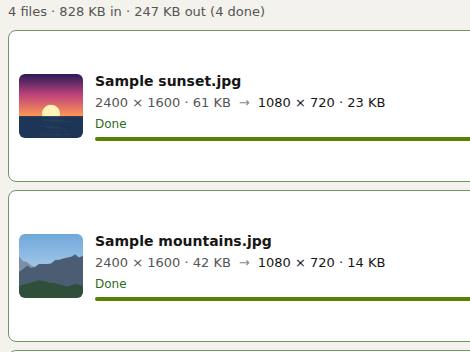
How to do it
- Drop your photos on the page, or choose Open…. Each one joins the queue.
- Under Resize by, pick Width and height, Percentage or Long edge, and type the size. Long edge 1920 is set for you.
- Choose the Picture format (JPEG, PNG, WebP or AVIF where your browser can write it) and the quality.
- Press Resize all (Ctrl+Enter). Each row shows the size before and after.
- Choose Download all (zip) to get every result in one file.
Long edge is the easy choice for a mixed batch: portrait and landscape photos both end up with their longer side at the size you pick, and keep their shape. The originals are never changed; the results are copies named like photo-1920x1280.jpg.
Your files stay on this device: Slop Resize runs in your browser, with no upload, no account and no watermark.
Questions
How many images can I resize at once?
There is no fixed number. The queue works through the files one at a time on your device, so a big batch just takes longer.
Will the photos keep their proportions?
Yes, with Long edge or Percentage, and with Width and height when Keep aspect ratio is ticked. Untick it only if you want to stretch.
Are my photos uploaded?
No. Every picture is decoded, resized and encoded in your browser.
Can I save my settings for next time?
Yes. Save the settings as a preset; they are kept in Slop Drive, or in this browser without it.
More with Slop Resize
- Compress an image to 100 KB or less
- Resize a video to 1080p, 720p or any size
- Scale up pixel art without blurring it
- Resize RAW photos in bulk
Related apps
 Slop AI Tools
Beta
OCR, speech to text, denoise, auto tags and portrait blur. On your device.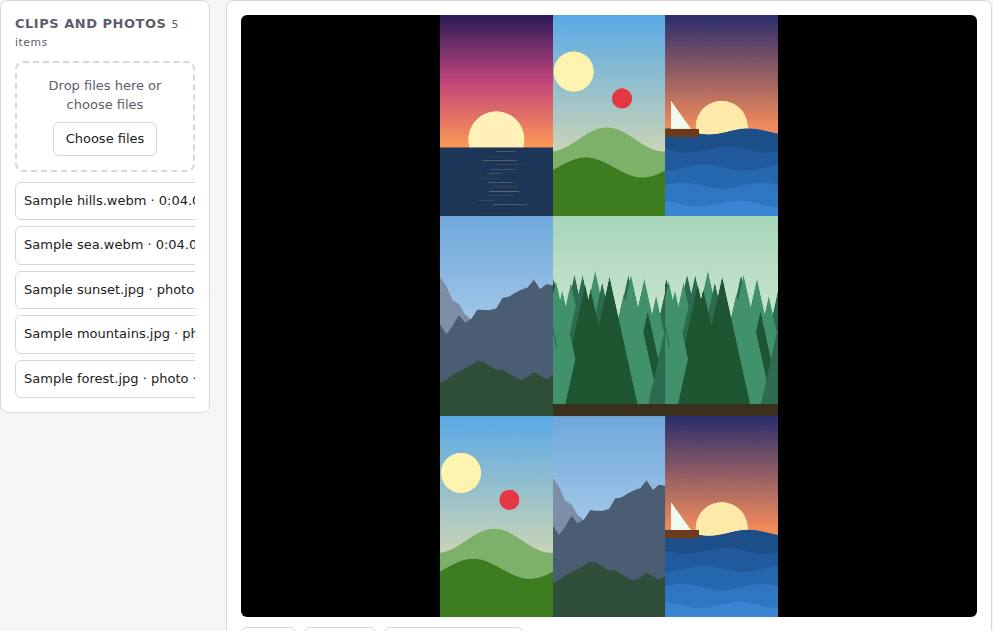 Reel Remix
In development
Clips and photos in, a random edit out, then fine-tune in SlopCut.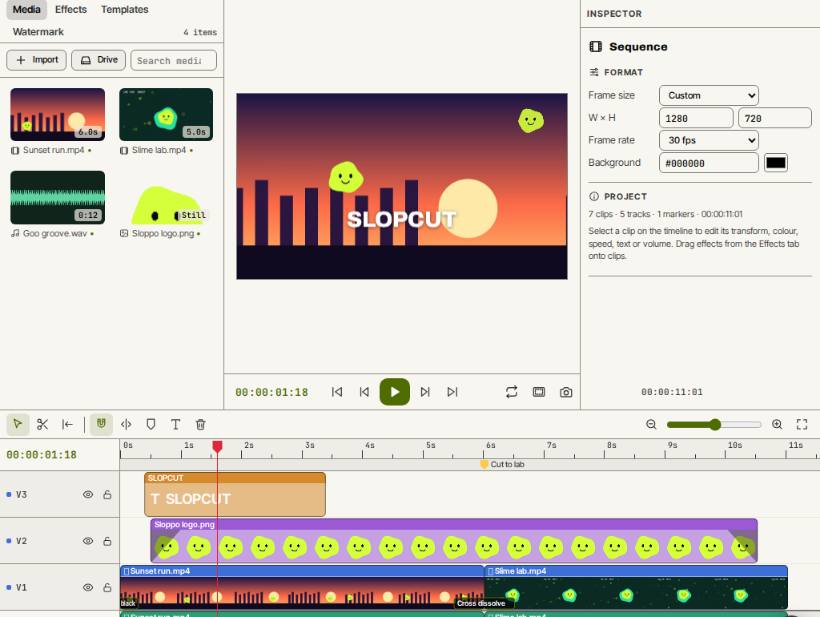 SlopCut
Beta
A video editor that never uploads your footage.