Slop Inventory · free, in your browser
Do a stock count (stocktake)
Count what is really on the shelf, see how it differs from what the books say, and correct it all at once. Nothing changes until you post the count.
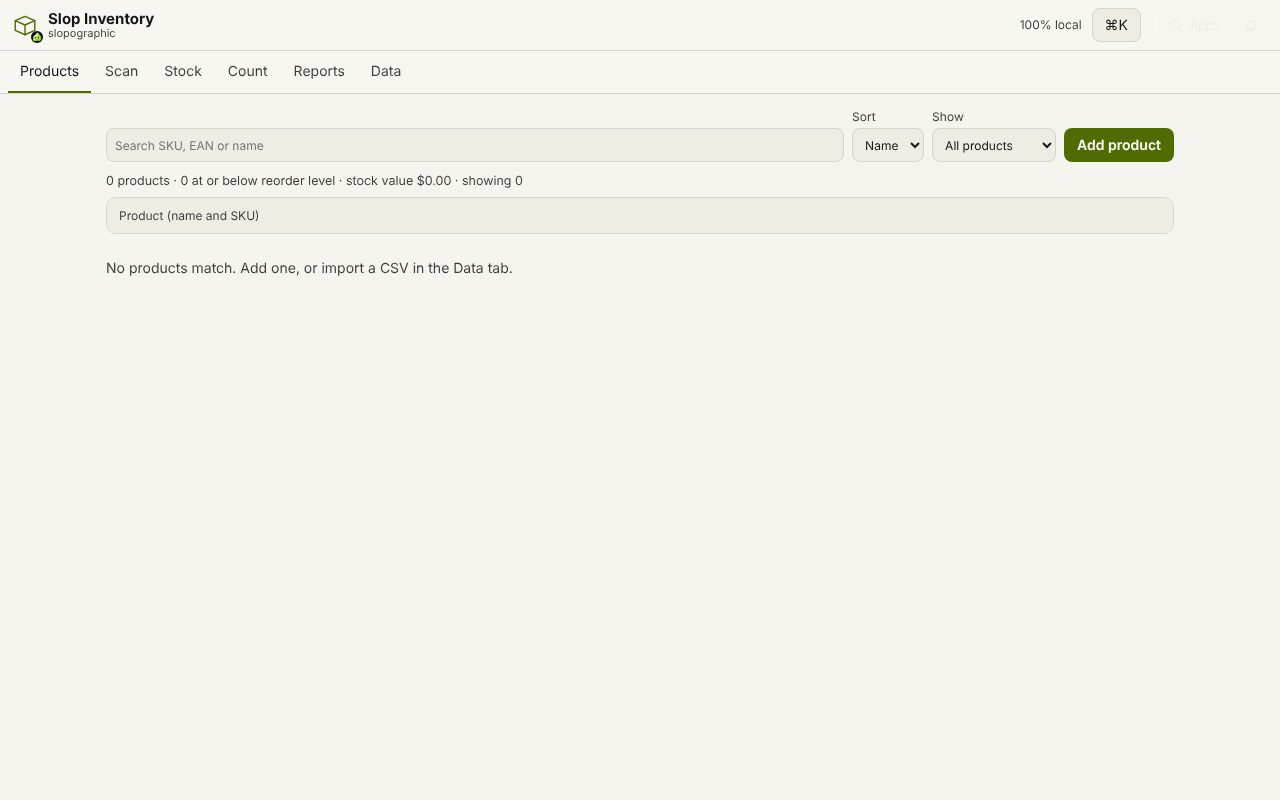
How to do it
- Open the Count tab, pick the location and choose Start count.
- Scan each item with the Count action in the Scan tab, or type the figure with Set counted.
- Choose Review differences to see every product where the count and the books disagree.
- Add a note for this count, then choose Post count. Each difference becomes an adjustment.
Your files stay on this device: Slop Inventory runs in your browser, with no upload, no account and no watermark.
Questions
What if I stop halfway?
Keep counting adds to the same count. Cancel count writes nothing. The open count lives in the tab that started it, so post it before you reload the page.
Do count scans change stock straight away?
No. In Count mode a scan adds to the counted quantity only. Stock changes when the count is posted.
Can I count one location at a time?
Yes. A count is for one location, and stock is kept per location, so you can count the shop and the store room separately.
More with Slop Inventory
- A free alternative to an inventory spreadsheet
- Scan barcodes into your inventory
- Low stock alerts and reorder levels
- A free Sortly alternative for stock tracking
Related apps
 SlopLabel
Beta
Design and print barcode labels. Slop Tables
In development
Excel and Google Sheets, rebuilt for the browser. Slop Contacts
In development
Address book: vCard and CSV in and out, duplicates merged.