Slop Inventory · free, in your browser
Low stock alerts and reorder levels
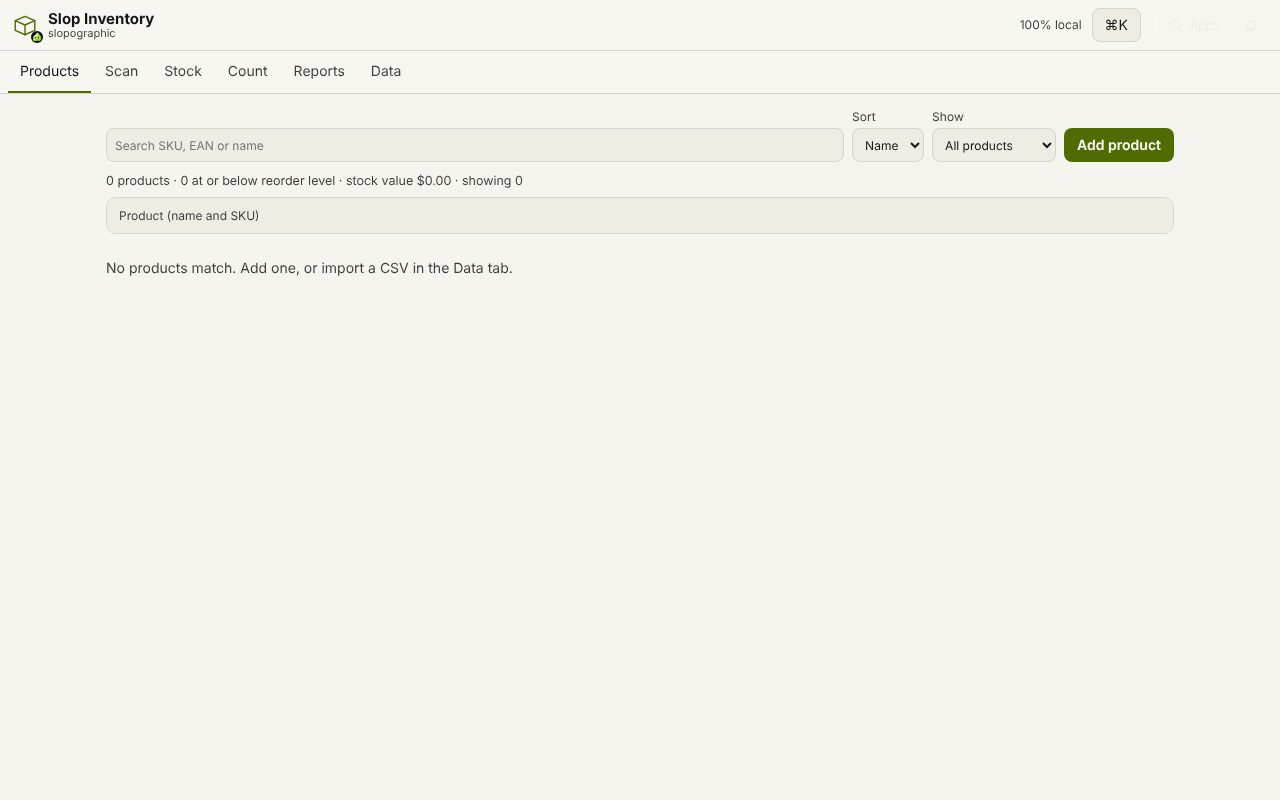
Set the level at which a product should be reordered. Slop Inventory flags anything at or below it, and one click starts a purchase order for the right quantity.
How to do it
- Open a product and type its Reorder level (or import the levels in the CSV).
- Use Low stock only in Products, or Low stock in Reports, to see everything at or below its level.
- Choose Reorder next to a product.
- Slop Purchases opens a new purchase order with the supplier and price it was last bought at, and a quantity that brings it back above the level, less what is already on order.
- Check it, save it and choose Place order.
Your files stay on this device: Slop Inventory runs in your browser, with no upload, no account and no watermark.
Questions
What if a product has no reorder level?
Then it is never flagged as low. Only products with a level are watched.
Does the reorder count stock already on order?
Yes. The suggested quantity takes off what is already on order in Slop Purchases, so you do not order twice.
Are alerts sent by email?
No. The low stock list is in the app, and nothing is sent anywhere. Check it when you plan your buying.
More with Slop Inventory
- A free alternative to an inventory spreadsheet
- Scan barcodes into your inventory
- Do a stock count (stocktake)
- A free Sortly alternative for stock tracking
Related apps
 SlopLabel
Beta
Design and print barcode labels. Slop Tables
In development
Excel and Google Sheets, rebuilt for the browser. Slop Contacts
In development
Address book: vCard and CSV in and out, duplicates merged.