SlopCut · free, in your browser
A free CapCut alternative that never uploads your footage
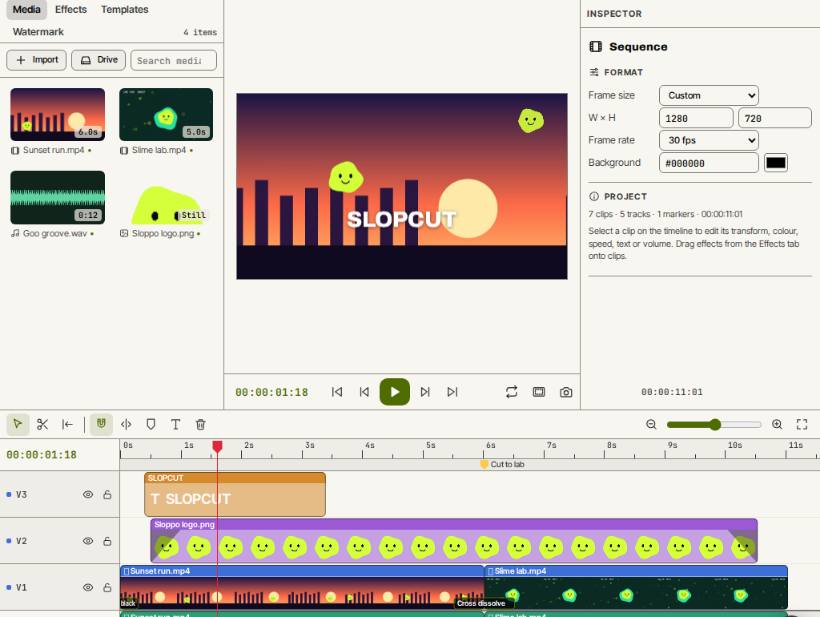
SlopCut is a multi-track video editor that runs in your browser. Trim, split, add transitions, titles and graphics, grade the colour and export MP4, with your clips kept on your own device.
How to do it
- Open SlopCut. There is no account and nothing to install.
- Drop your clips, music and photos on the page.
- Edit on the timeline: trim, split with S, and add transitions and titles from Effects.
- Try Sequence ▸ Random edit… (Shift+R) for an automatic cut, or a split-screen layout from Templates.
- Press Export for MP4, WebM or a GIF, at sizes from Phone 1080×1920 to 4K.
SlopCut works in a computer or a phone browser; at phone width the monitor sits on top and the panels become tabs. There are no cloud projects: save a project as a .slopedit file or to Slop Drive to carry on later.
Your files stay on this device: SlopCut runs in your browser, with no upload, no account and no watermark.
Questions
Is Slopographic connected to CapCut?
No. Slopographic is not affiliated with CapCut or its owner. CapCut is a trademark of its owner, named here only for comparison.
Does it work offline?
Yes. File ▸ Download app saves SlopCut as one .html file that runs without a connection. Online or offline, your footage is never uploaded.
What do I need?
A recent browser. MP4 export uses WebCodecs, which current Chrome, Edge and Safari have; where it is missing, SlopCut records WebM in real time instead.
Is there a watermark?
No. Your exports carry no watermark unless you add one yourself.
More with SlopCut
- Merge videos into one
- Trim or cut a video
- Make a GIF from a video
- Add text to a video
- Make a split screen video
Related apps
 Slop AI Tools
Beta
OCR, speech to text, denoise, auto tags and portrait blur. On your device.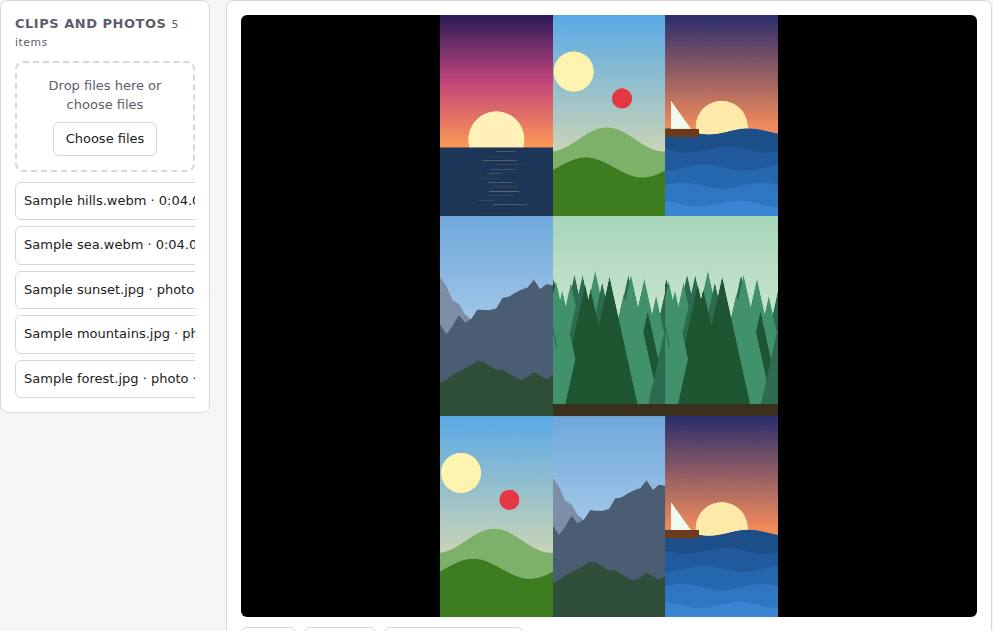 Reel Remix
In development
Clips and photos in, a random edit out, then fine-tune in SlopCut.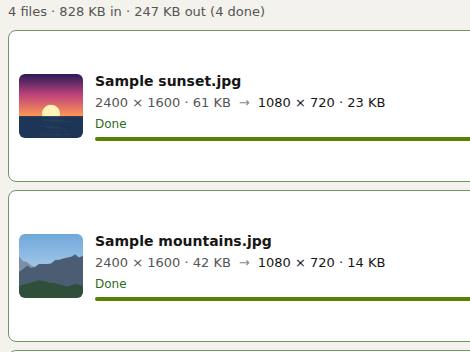 Slop Resize
Beta
Resize pictures and videos to a size, a percentage or a file limit. Nothing uploaded.