Slop Orders · free, in your browser
Simple order management for a small business
Keep sales orders in one list, from draft to confirmed to fulfilled. Slop Orders takes the stock out when you fulfil and turns the order into an invoice, all in your browser.
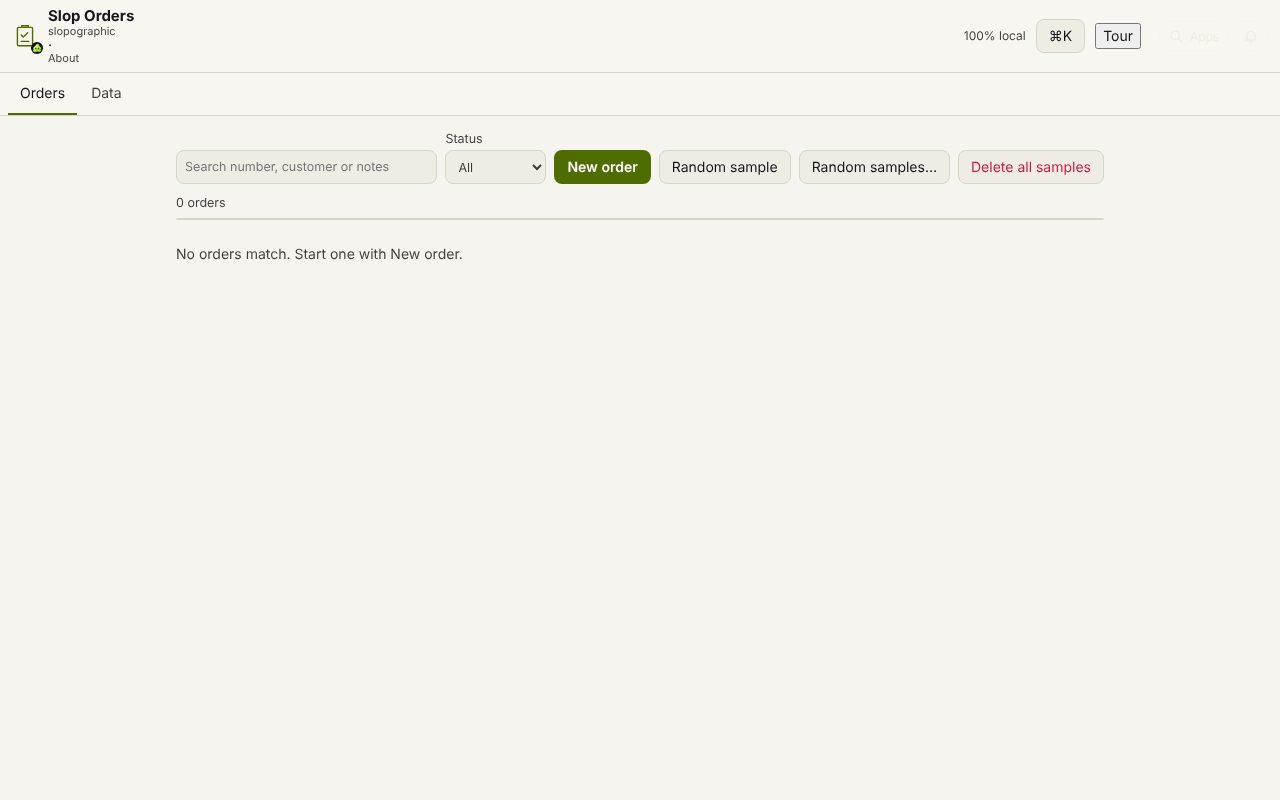
How to do it
- Choose New order, then pick the customer or add one with New customer.
- Add lines from your product catalogue (with SKU and price) or as custom lines, with Tax % and Discount %.
- Choose Confirm order when the customer has agreed.
- Choose Fulfil… when it ships: the stock is checked and taken out, one movement per product, with the order number.
- Choose Convert to invoice to make the draft invoice, then issue it in Slop Invoices.
If there is not enough stock, fulfilment is refused and nothing changes. Orders cannot be deleted, because each takes a number when it is made; cancel one instead and it stays in the list.
Your files stay on this device: Slop Orders runs in your browser, with no upload, no account and no watermark.
Questions
Does it share products and stock with my inventory?
Yes. Orders use the products and stock of Slop Inventory, and the customers of Slop Contacts and Slop CRM. They are the same records, not copies.
Can I export an order as a PDF?
Yes. Export PDF downloads the order in one of five templates, with your company block, the lines, the totals and the notes.
Can I find an order quickly?
Search by number, customer or notes, filter by status, or right-click a row for Open, Confirm, Fulfil, Cancel and Convert.
More with Slop Orders
Related apps
 Slop PDF
Live
Organise, edit and sign PDFs. Nothing uploaded. SlopLabel
Beta
Design and print barcode labels. Slop Reports
Beta
Totals and lists across Contacts, Invoices, Expenses and CRM, with profit by month. Read-only.