Slop Orders · free, in your browser
Print a delivery note or packing slip
Put a delivery note in the box: your company, the order number and date, who it goes to, every line with its quantity and unit, and a line for the receiver to sign. No prices are shown.
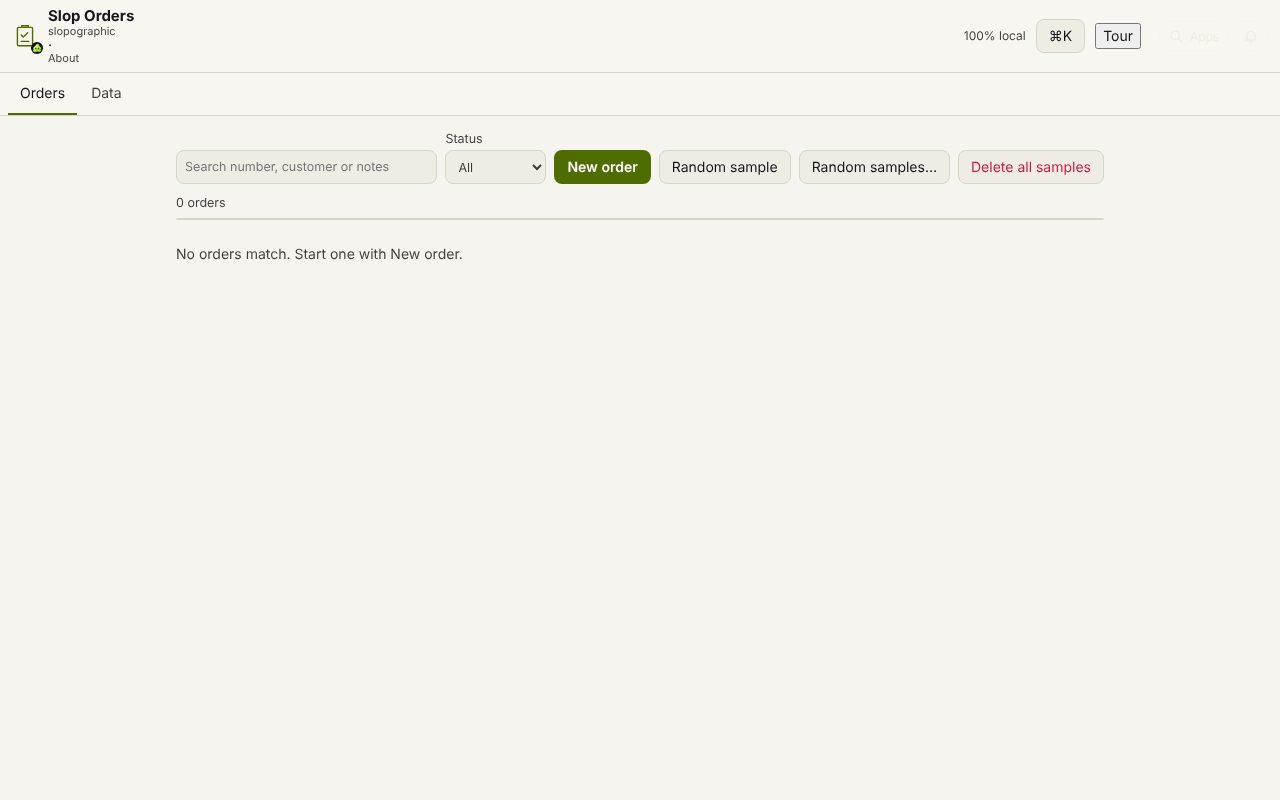
How to do it
- Open the order in Slop Orders.
- Choose Delivery note.
- Check the lines: SKU, description, quantity and unit, with the number of lines and items.
- Choose Print…, or save it as PDF from the print dialog.
- Choose Address label to open a 4 × 2 inch parcel label in SlopLabel.
Your files stay on this device: Slop Orders runs in your browser, with no upload, no account and no watermark.
Questions
Why are there no prices on it?
A delivery note goes in the parcel, so it lists only what was sent and how many. The prices are on the order and the invoice.
Is a delivery note the same as a packing slip?
They are used for the same thing: a list of what is in the shipment. This one also has a line for the receiver's signature.
Can I print a shipping label too?
Yes. Address label opens the customer's address as a 4 × 2 inch label in SlopLabel, ready to print.
More with Slop Orders
Related apps
 Slop PDF
Live
Organise, edit and sign PDFs. Nothing uploaded. SlopLabel
Beta
Design and print barcode labels. Slop Reports
Beta
Totals and lists across Contacts, Invoices, Expenses and CRM, with profit by month. Read-only.