Slop EML · free, in your browser
Convert an MBOX mailbox to PDF
A mailbox export holds many emails in one .mbox file. Slop EML splits it into messages you can read, search, tick and save as PDF.
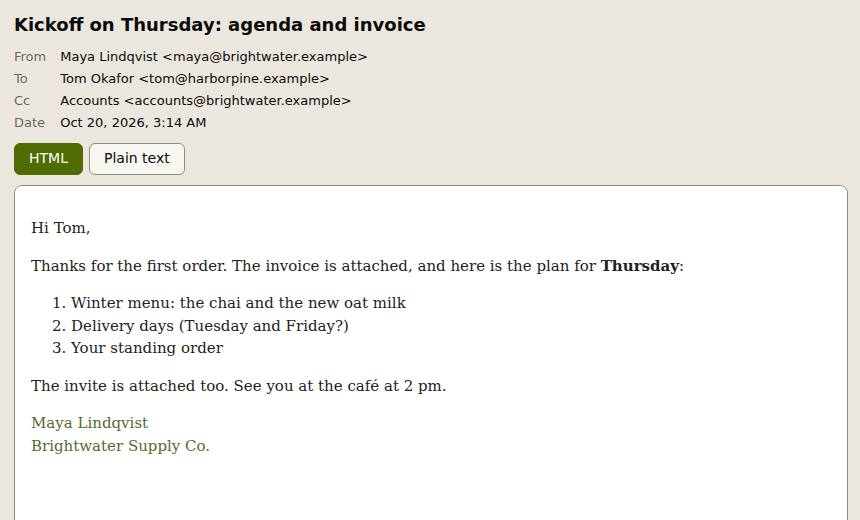
How to do it
- Drop the .mbox file on the page. Each email in it appears in the list.
- Search by sender, subject or attachment name, and tick the messages you need.
- Choose Combine into one PDF, or Export for one PDF per message, plain text, HTML, Markdown or the original .eml files.
- Export the list as CSV for a spreadsheet of dates, senders and subjects.
Your files stay on this device: Slop EML runs in your browser, with no upload, no account and no watermark.
Questions
Where do I get an .mbox file?
Google Takeout exports Gmail as .mbox. Thunderbird keeps each folder as an mbox file, and Apple Mail can export a mailbox.
How big can the mailbox be?
It is read in your browser, so it depends on your device's memory. Mailboxes of a few hundred megabytes are fine on a computer.
Are attachments kept?
Yes. Save all attachments puts them in a ZIP with one folder per message.
More with Slop EML
Related apps
 Slop PDF
Live
Organise, edit and sign PDFs. Nothing uploaded. SlopLabel
Beta
Design and print barcode labels. Slop Reports
Beta
Totals and lists across Contacts, Invoices, Expenses and CRM, with profit by month. Read-only.