Slop Effects · free, in your browser
Make animated text
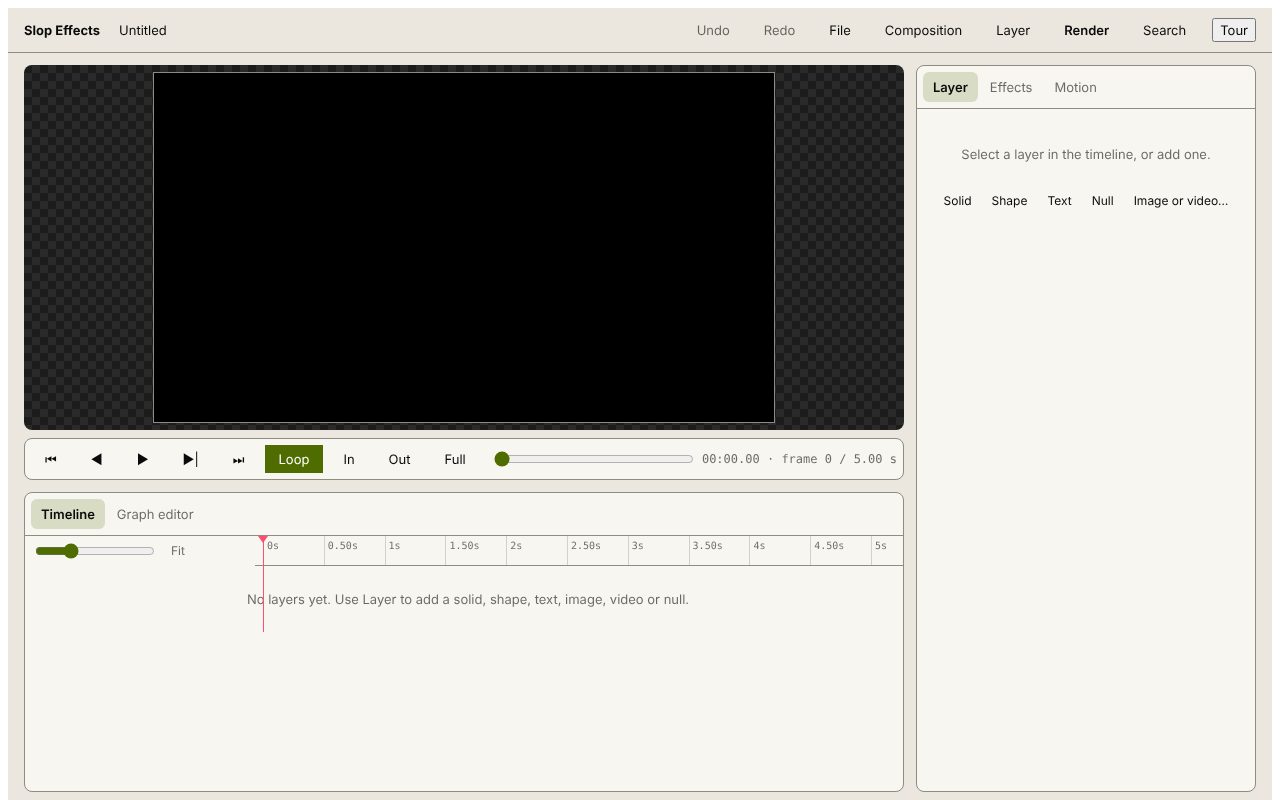
Titles for a video, an animated caption for a reel, a lower third or a short kinetic quote: add a text layer, give it a move and render it. Slop Effects works like a small motion design app in your browser.
How to do it
- Pick a composition size: YouTube 1920×1080, Shorts/Reels/TikTok 1080×1920, square, portrait, 4K or custom.
- Add a text layer from the Layer menu and type your words; choose the font, weight, size and colour.
- In the Motion tab, choose Animate in and Animate out (Fade in, Slide up, Pop or Spin in), or set your own keyframes for position, scale, rotation and opacity.
- Shape the timing with the easings and the Graph editor, and add effects such as Glow or Drop shadow.
- Press Render and choose MP4, WebM or a PNG sequence.
For text you can lay over other footage, tick Transparent background and render a PNG sequence: the frames keep their transparency and most video editors import them as one clip.
Your files stay on this device: Slop Effects runs in your browser, with no upload, no account and no watermark.
Questions
Can I export with a transparent background?
Yes, as a PNG sequence in a ZIP. MP4 and WebM are rendered with the background colour.
Can I use my own fonts?
The font picker has a set of fonts and a Get more button for more. Text options are font, weight, size, alignment and colour.
How long can an animation be?
A composition can run from 0.1 to 600 seconds, at 24, 25, 30, 50 or 60 frames per second.
Is anything uploaded?
No. Editing and rendering happen in your browser.
More with Slop Effects
Related apps
 Slop AI Tools
Beta
OCR, speech to text, denoise, auto tags and portrait blur. On your device. Reel Remix
In development
Clips and photos in, a random edit out, then fine-tune in SlopCut.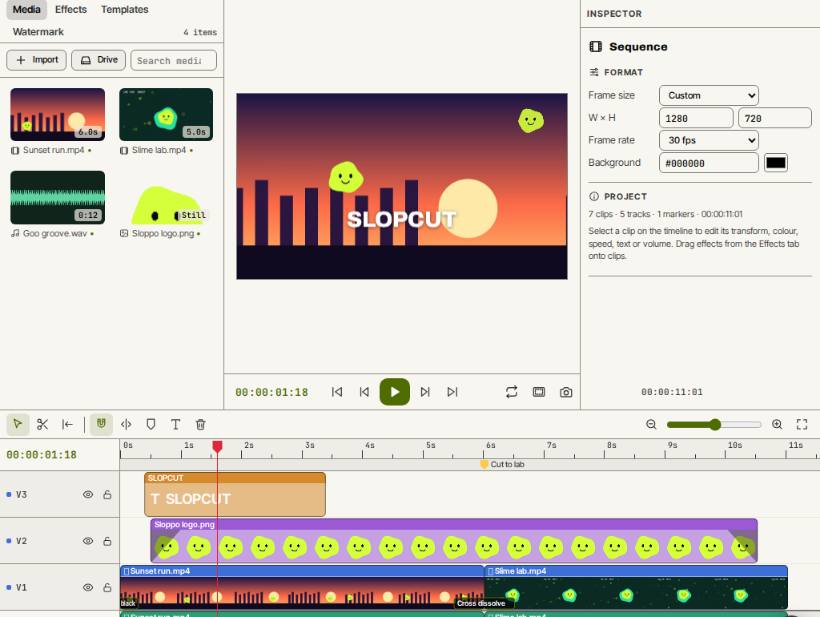 SlopCut
Beta
A video editor that never uploads your footage.