Slop Effects · free, in your browser
A free After Effects alternative in your browser
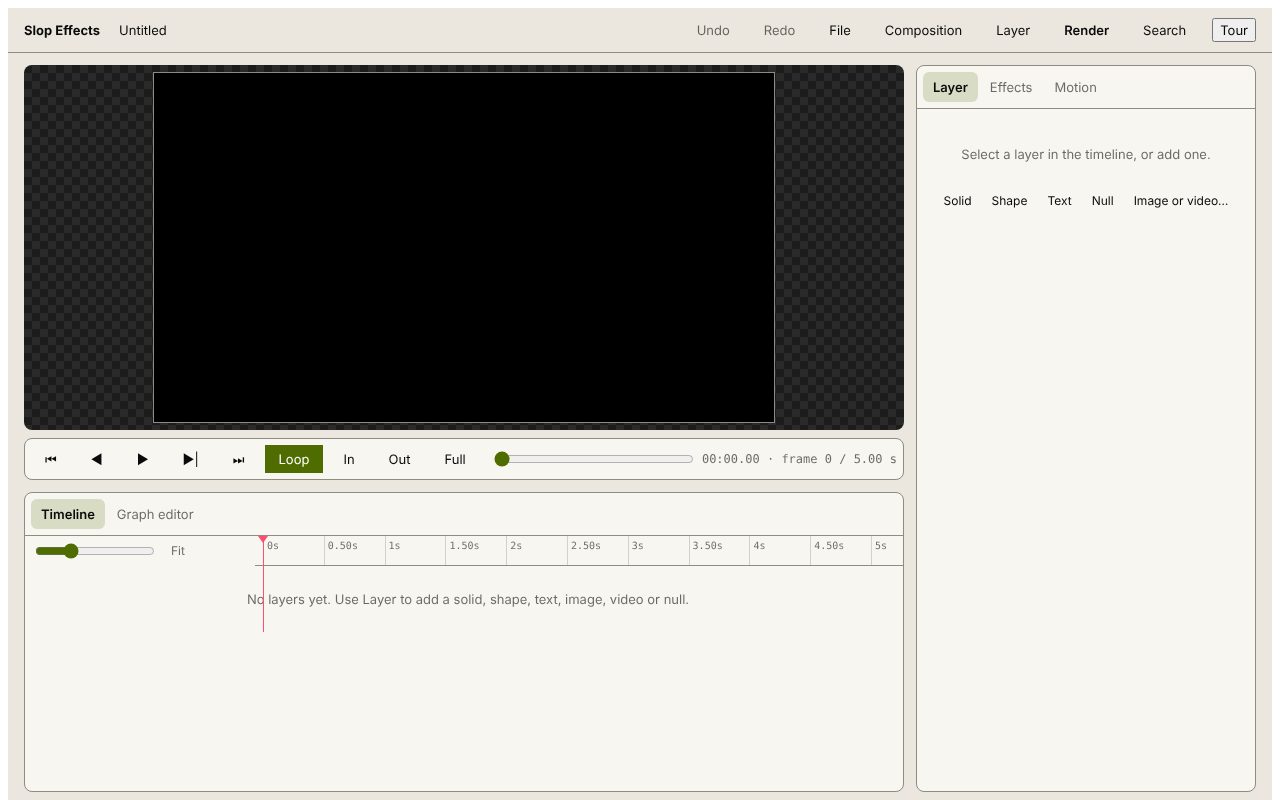
For simple motion graphics, such as animated titles, logo reveals and social clips, without an install or a subscription. Slop Effects has a timeline with layers and keyframes, and nothing leaves your computer.
How to do it
- Pick a composition size and frame rate, or a custom size up to 7680×4320.
- Add solid, shape, text, image, video and null layers, and parent layers to each other.
- Keyframe position, anchor point, scale, rotation, opacity and effect settings, with Linear, Ease, Hold or custom bezier easing.
- Add Blur, Drop shadow, Glow, Colour correction, Grain, Vignette or Glitch.
- Render to MP4, WebM or a PNG sequence with transparency.
What it does not have yet: masks, track mattes, expressions, 3D layers, audio and keyframes for colour or text. It suits short, simple animations.
Your files stay on this device: Slop Effects runs in your browser, with no upload, no account and no watermark.
Questions
Is Slop Effects free?
Yes. There is no plan, no account and no watermark on the render.
Can it open After Effects projects?
No. It saves its own project files to Slop Drive. Import footage and pictures into it instead.
Is Slop Effects made by Adobe?
No. Slopographic is not affiliated with Adobe. After Effects is a trademark of its owner, and the name is used here only to say what this app can stand in for.
More with Slop Effects
Related apps
 Slop AI Tools
Beta
OCR, speech to text, denoise, auto tags and portrait blur. On your device.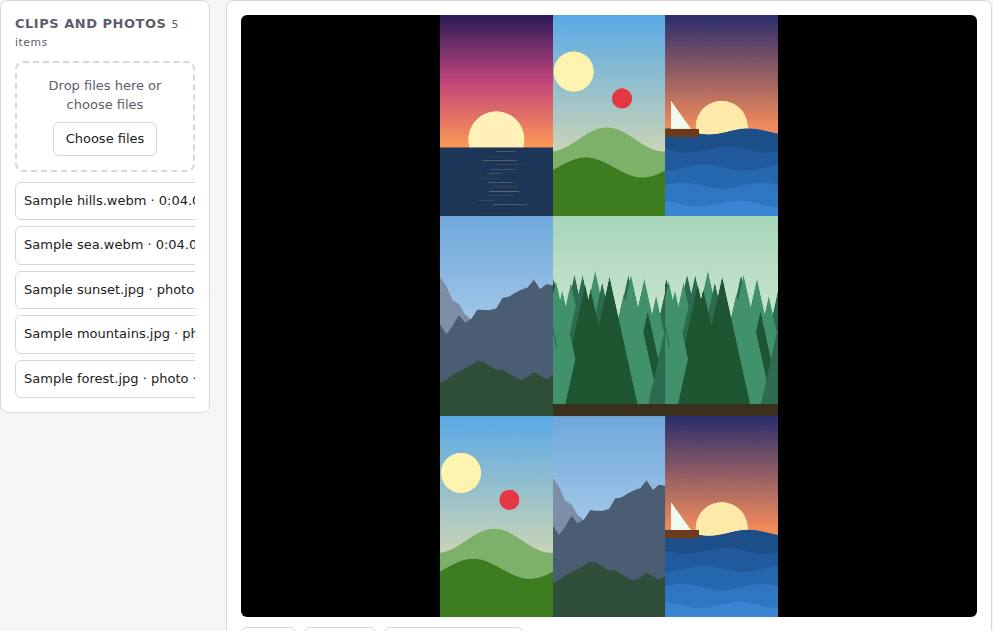 Reel Remix
In development
Clips and photos in, a random edit out, then fine-tune in SlopCut.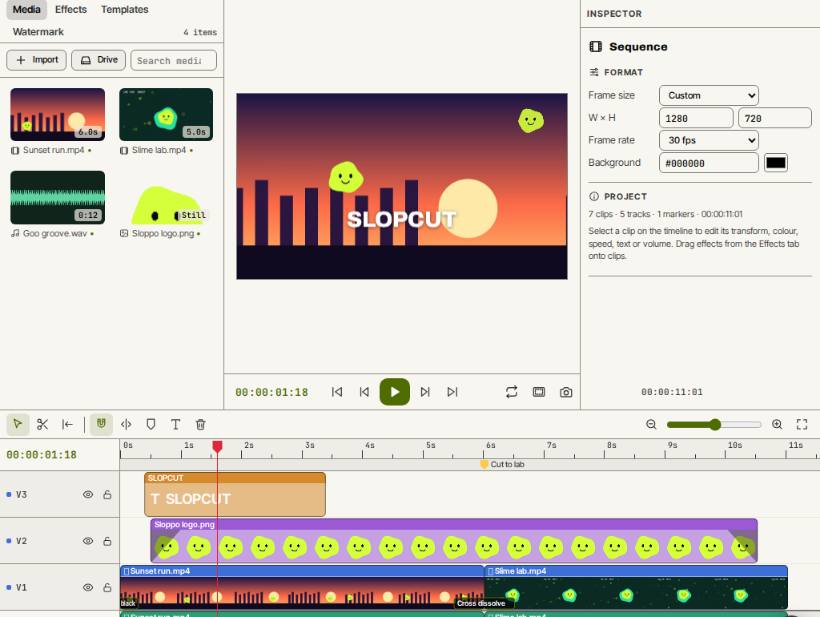 SlopCut
Beta
A video editor that never uploads your footage.