Slop Effects · free, in your browser
Add a glitch effect to a video
Digital glitch, film grain and a dark vignette for a music video, an intro or a reel. Drop in a clip or a picture, stack the effects and animate how strong they are over time.
How to do it
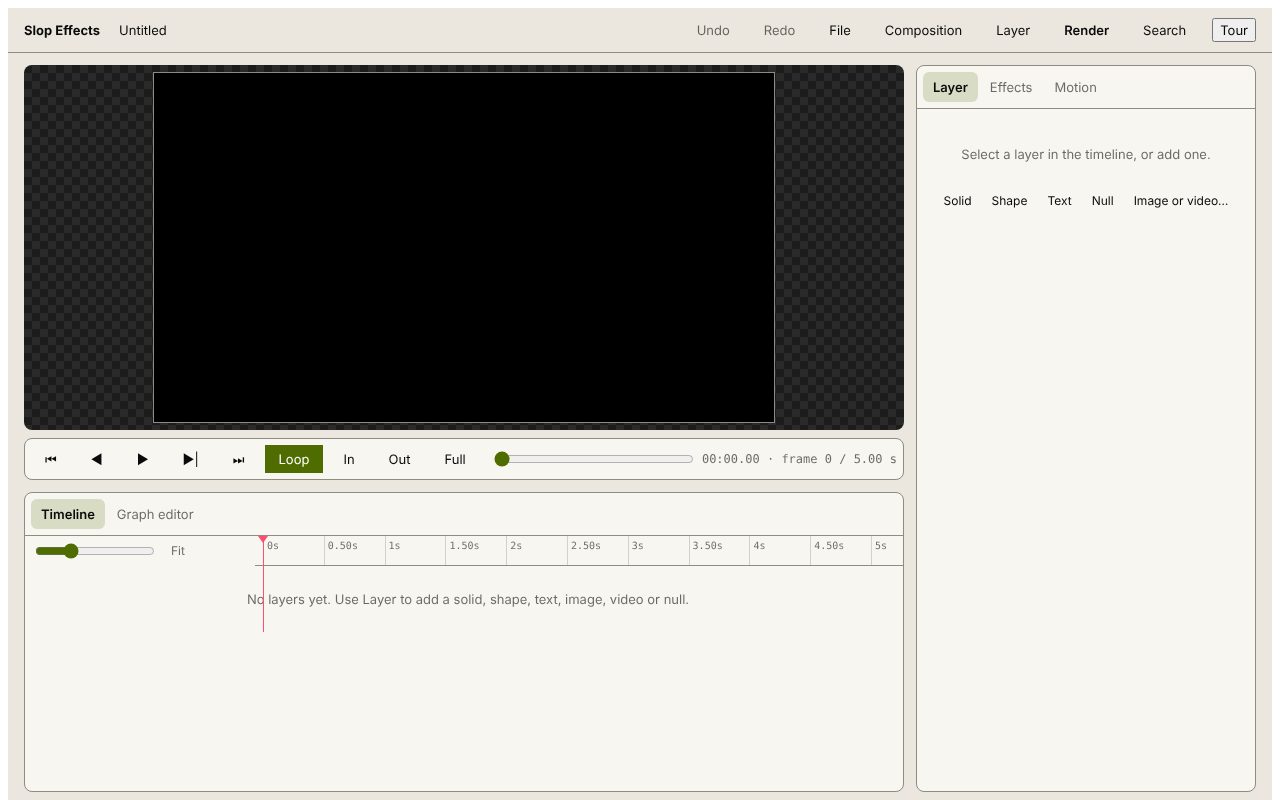
- Choose a composition size and add your clip or picture with Layer > Image or video from this computer….
- Select the layer and add the Glitch effect; stack Grain, Vignette or Colour correction with it if you like.
- Keyframe the effect settings so the glitch hits where you want it, or use Random motion for jitter.
- Press Render and choose MP4 or WebM video.
Your files stay on this device: Slop Effects runs in your browser, with no upload, no account and no watermark.
Questions
Is the sound of my video kept?
No. Slop Effects has no audio yet, so the render is silent. Put the sound back in a video editor such as SlopCut.
Why does rendering take as long as the video?
MP4 and WebM are recorded in real time by the browser, so a 20-second composition takes about 20 seconds to render.
Which effects are there?
Blur, Drop shadow, Glow, Colour correction, Grain, Vignette and Glitch. Each can be stacked, reordered, turned off and keyframed.
More with Slop Effects
Related apps
 Slop AI Tools
Beta
OCR, speech to text, denoise, auto tags and portrait blur. On your device. Reel Remix
In development
Clips and photos in, a random edit out, then fine-tune in SlopCut.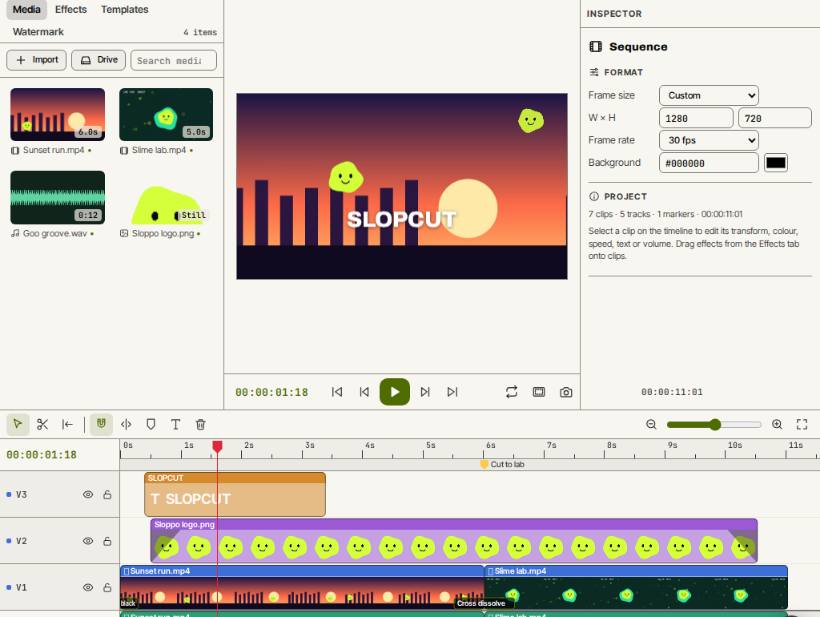 SlopCut
Beta
A video editor that never uploads your footage.