Slop Contacts · free, in your browser
Convert VCF (vCard) contacts to CSV
Drop a .vcf file from your phone, Apple Contacts or another app, check the contacts, and download them as a spreadsheet. The file is read in your browser and never uploaded.
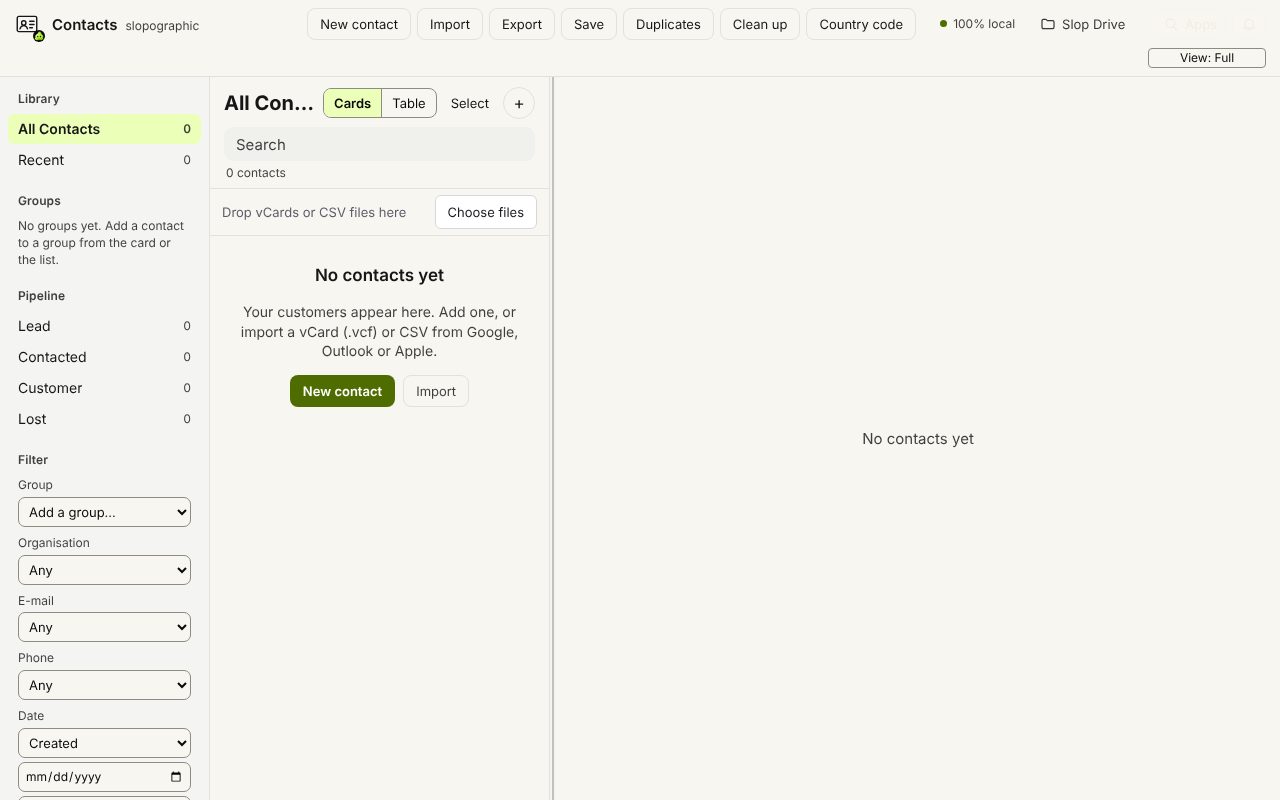
How to do it
- Drop the .vcf file on the contact list, or choose Import. Any number of cards per file works.
- Check the preview: each contact is new or a duplicate of one already in the list. Choose Import.
- Choose Export and pick the format: CSV (one column per e-mail and phone), Excel workbook (.xlsx), Google Contacts CSV or Outlook CSV.
- Download the file and open it in your spreadsheet or the other app.
Your files stay on this device: Slop Contacts runs in your browser, with no upload, no account and no watermark.
Questions
Which vCard versions can it read?
vCard 2.1, 3.0 and 4.0, with folded lines, quoted-printable text and UTF-8, so exports from older phones work too.
Are photos kept?
No. Photos in a vCard are skipped on import, so they are not in the CSV either.
Can I export only some contacts?
Yes. Select them first (Shift or Ctrl click, or the checkboxes in the Table view), then Export: only the selection is written.
More with Slop Contacts
Related apps
 SlopLabel
Beta
Design and print barcode labels.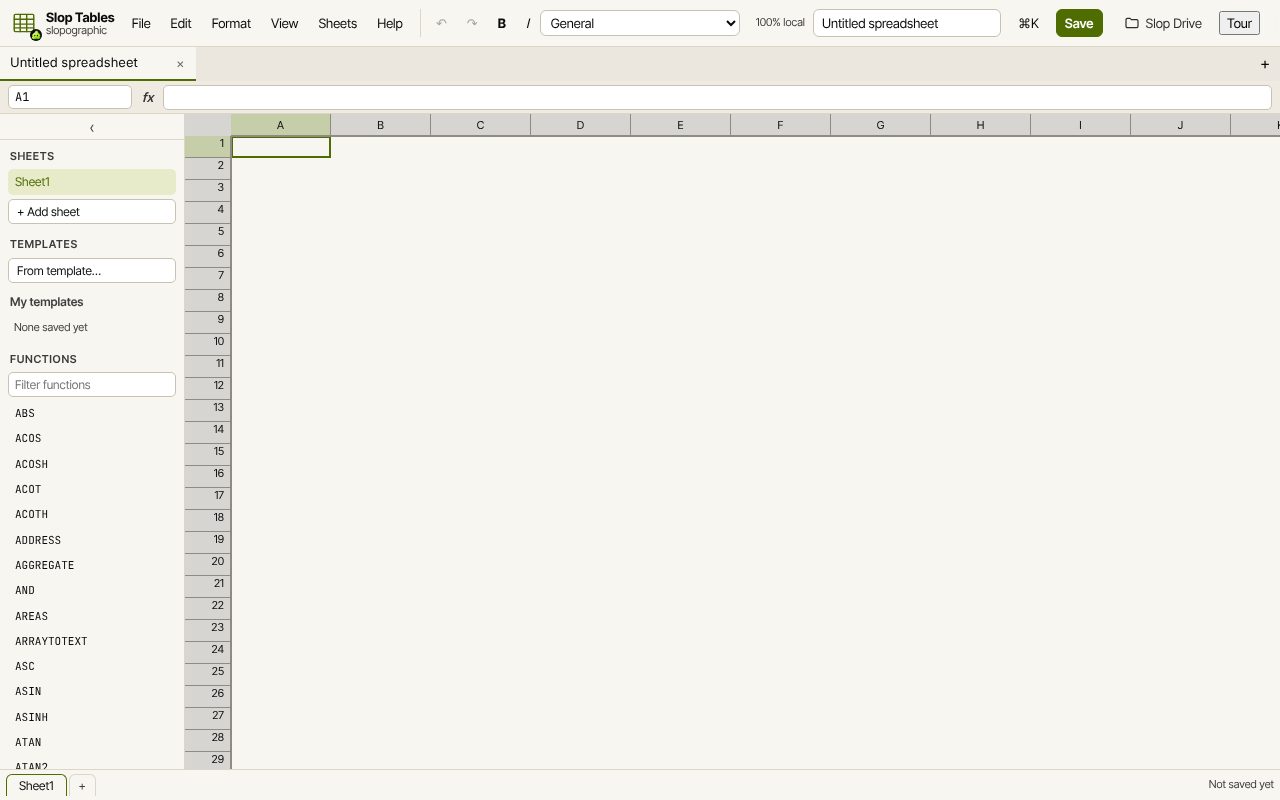 Slop Tables
In development
Excel and Google Sheets, rebuilt for the browser.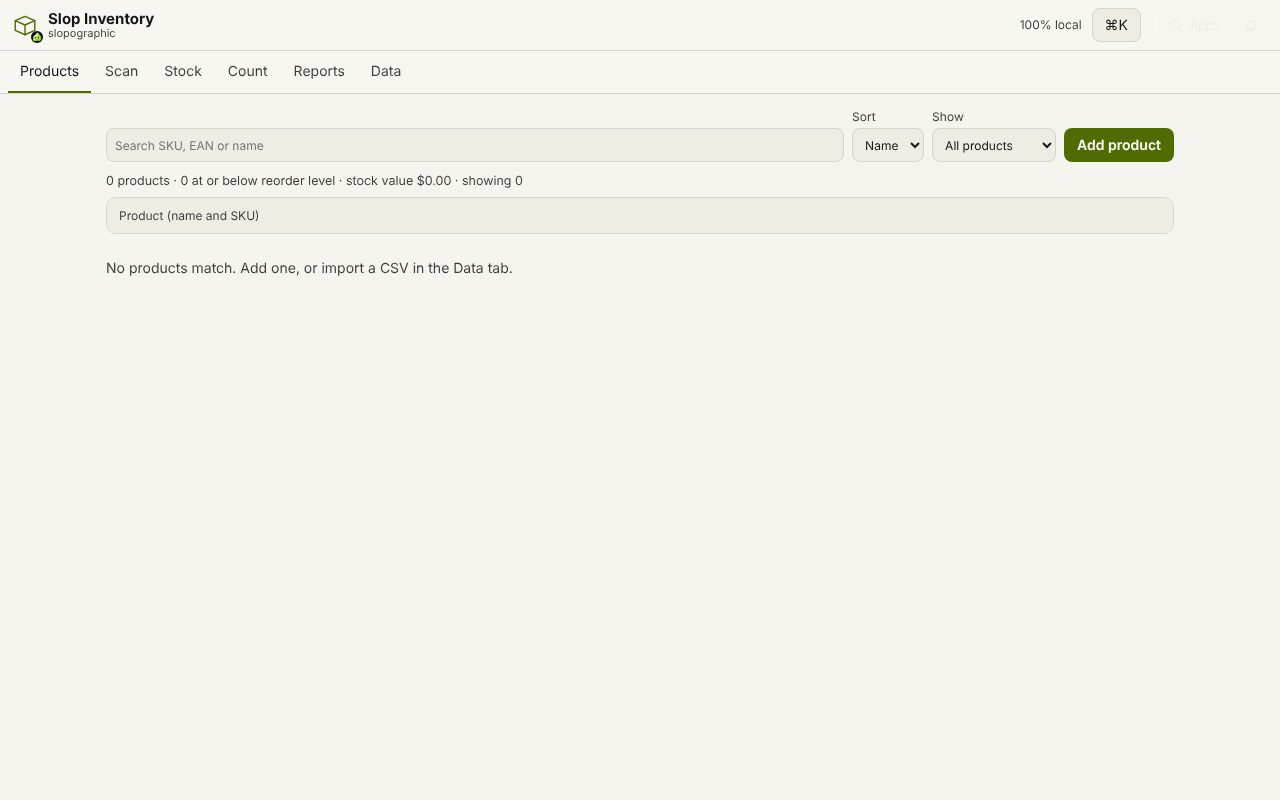 Slop Inventory
In development
Products, stock and barcode scanning. Nothing uploaded.