Slop Contacts · free, in your browser
Find and merge duplicate contacts
Import the contacts from your phone, Google or Outlook, let Slop Contacts find the duplicates, and merge them so every phone number, e-mail and address is kept on one contact.
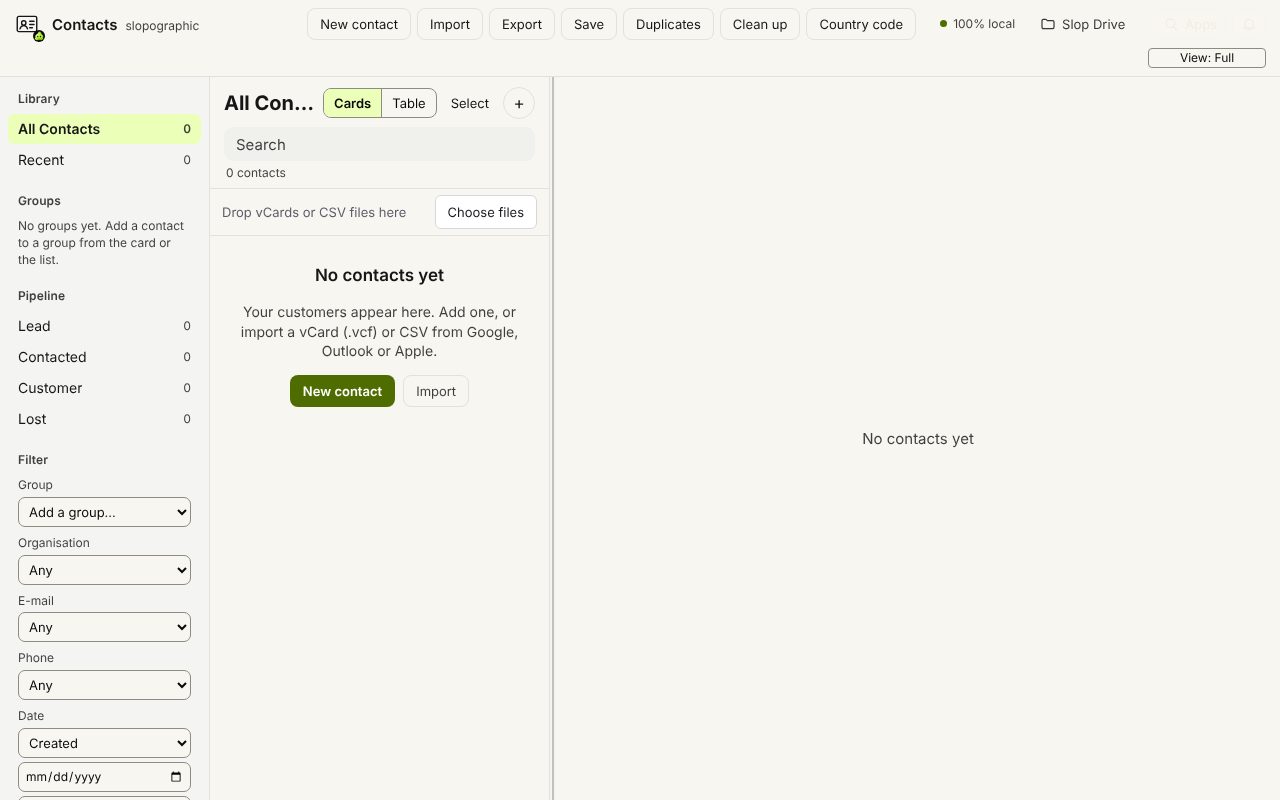
How to do it
- Import your contacts: a .vcf or a CSV export from your phone, Google or Outlook.
- Choose Duplicates (or Find duplicates… in the command palette, Ctrl+K).
- Check each group of matches. Merge one group, or Merge all.
- Use Clean up to trim spaces, title-case names, lowercase e-mail addresses and remove empty fields.
- Export the clean list as vCard or CSV and import it back where it came from.
Your files stay on this device: Slop Contacts runs in your browser, with no upload, no account and no watermark.
Questions
How does it decide two contacts are the same?
They share a phone number (compared as digits, with your default country code), an e-mail address in any case, or the same name and organisation.
Will merging lose any details?
No phone number, e-mail, address or group is lost: a merge keeps all of them. Single fields such as the job title come from the fullest contact first.
Can I undo a merge?
Merges and bulk changes have no undo, so keep your original export file. An import itself can be undone from its message for a few seconds.
More with Slop Contacts
Related apps
 SlopLabel
Beta
Design and print barcode labels.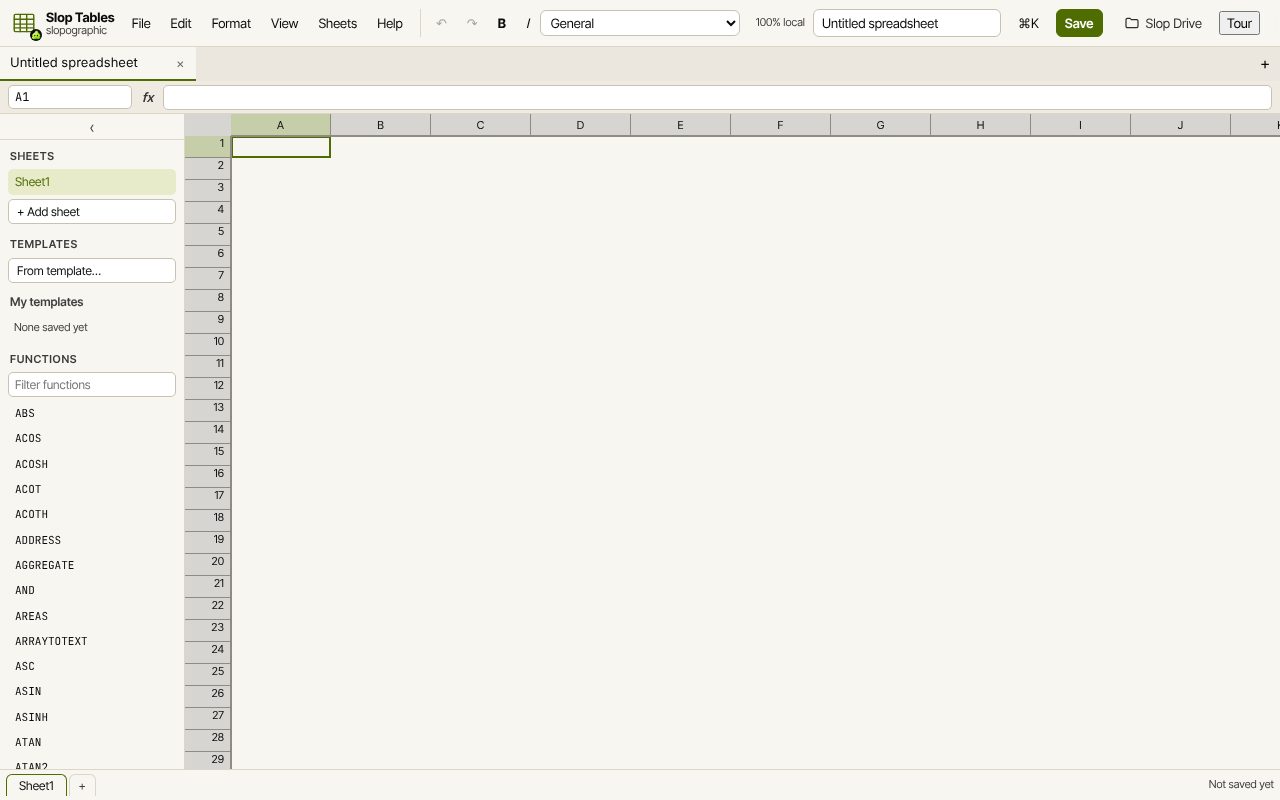 Slop Tables
In development
Excel and Google Sheets, rebuilt for the browser.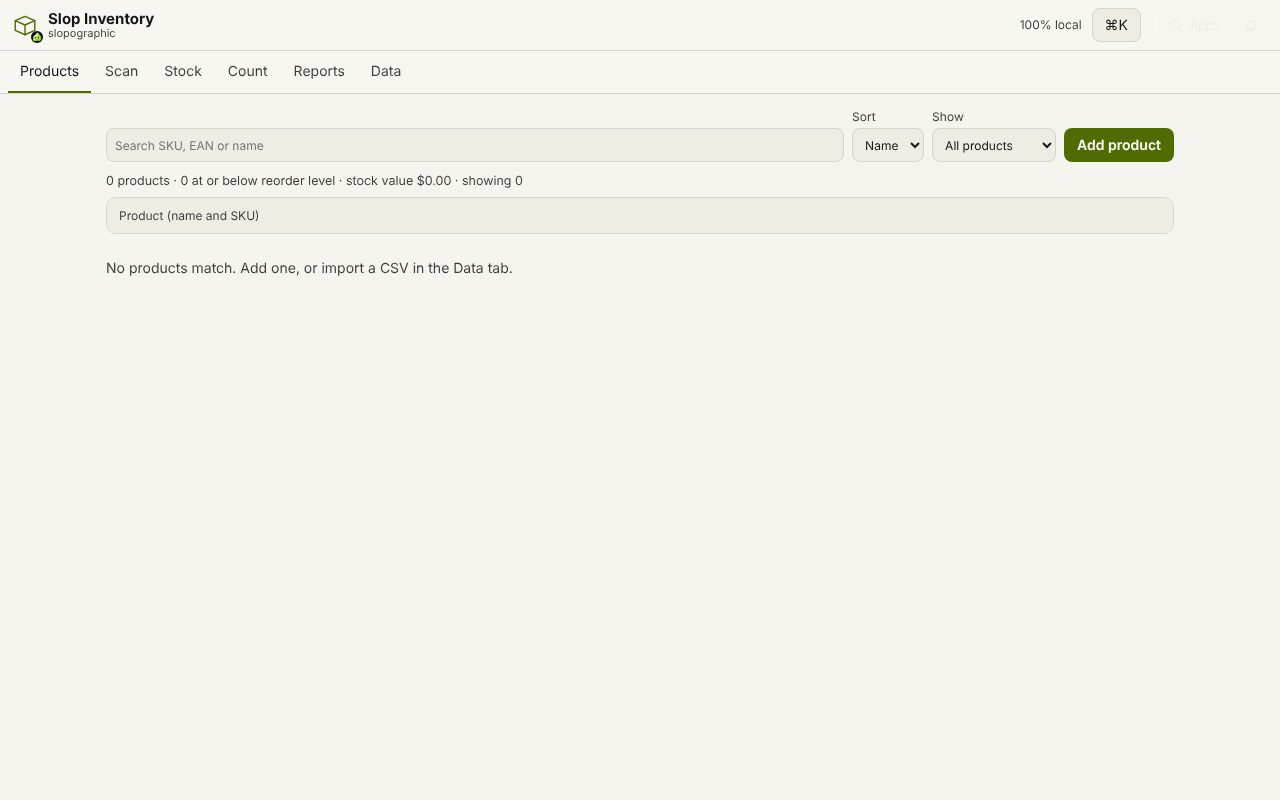 Slop Inventory
In development
Products, stock and barcode scanning. Nothing uploaded.