SlopClean · free, in your browser
Remove the location from a photo
Phones often save the exact place a photo was taken. Check a picture for GPS data and remove it, and anything else you choose, before it leaves your hands.
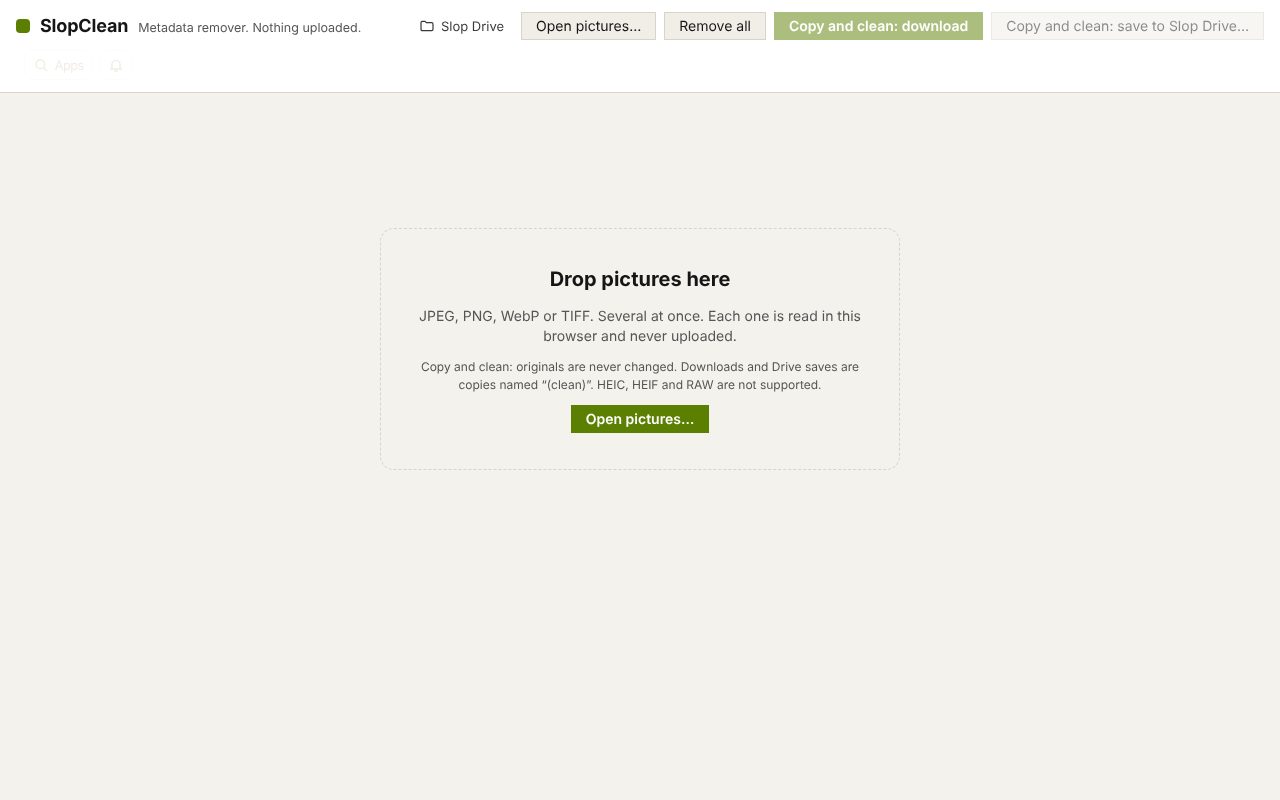
How to do it
- Drop the photo on the page.
- Look for Location (GPS) on its card: it shows the position the photo holds.
- Keep Location (GPS) ticked in What to remove. Untick other categories if you want to keep them, such as the date.
- Choose Copy and clean: download and share the cleaned copy.
Your files stay on this device: SlopClean runs in your browser, with no upload, no account and no watermark.
Questions
Does removing the location keep the date?
If you untick Dates and times, the dates stay in the main EXIF block. XMP and similar blocks are removed whole, because they can repeat the location; the card lists what was in them.
Do social networks remove the location anyway?
Some do and some do not, and files sent by e-mail or chat apps often keep it. Removing it yourself means you do not have to rely on them.
Is the photo uploaded to check it?
No. The photo is read in your browser, so the location is never sent anywhere.
More with SlopClean
Related apps
 PhotoSlop
Live
Photoshop, rebuilt for the browser. SlopVector
Live
Illustrator, rebuilt for the browser. SlopIsolate
Beta
Remove backgrounds with AI that runs on your device.