SlopClean · free, in your browser
See the hidden data in a photo
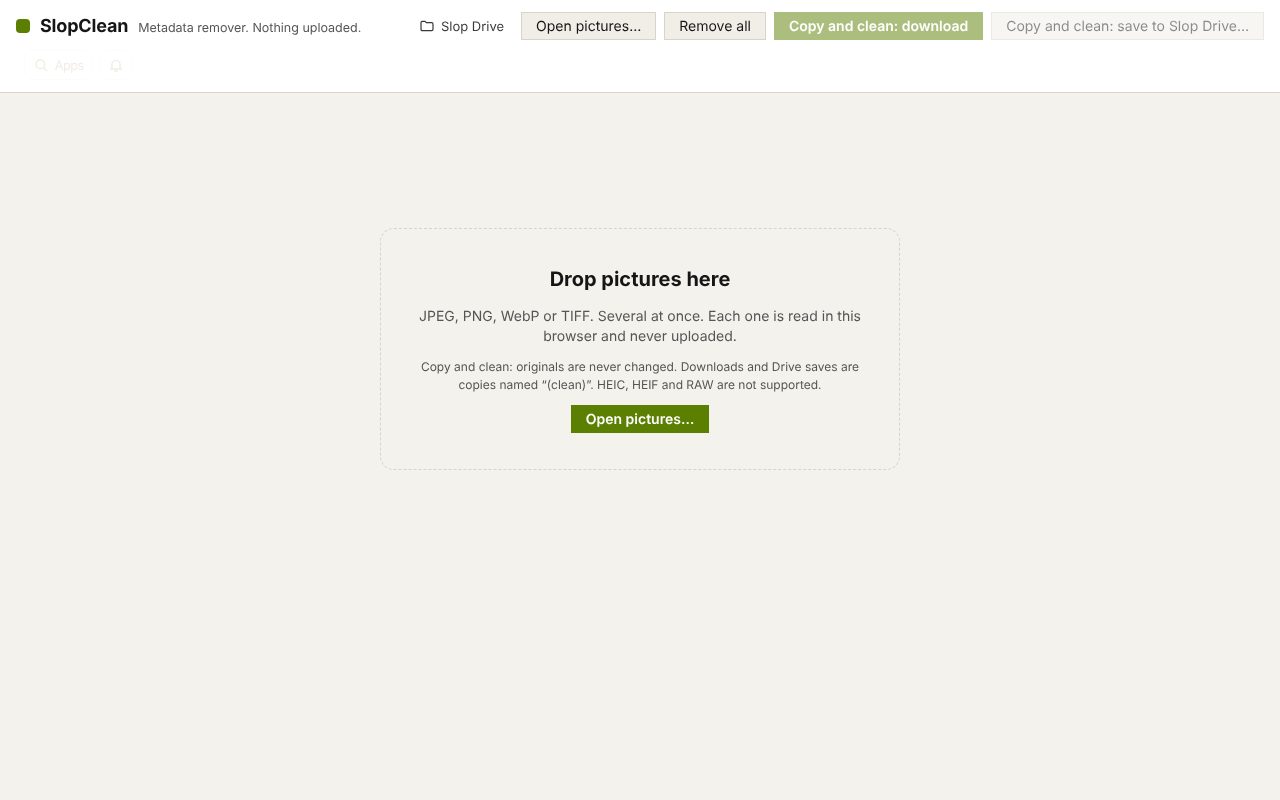
Drop a photo to see what it says about itself: the camera and lens, serial numbers, when it was taken, the software used, the author, and where it was taken.
How to do it
- Drop one or more photos on the page.
- Read each card: the fields are grouped into categories such as Location (GPS), Dates and times, and Camera and lens make and model.
- Look at Embedded thumbnail picture and XMP, IPTC, Photoshop and other blocks for data that is easy to miss.
- If you want it gone, choose Copy and clean: download.
Your files stay on this device: SlopClean runs in your browser, with no upload, no account and no watermark.
Questions
Which formats can it read?
JPEG, PNG, WebP and TIFF. HEIC, HEIF and RAW files are not supported.
Why does a photo show an embedded thumbnail?
Cameras and editors often store a small preview inside the file. It can show the picture before a crop, so it is worth removing.
Is the photo uploaded?
No. It is read in your browser and nothing is sent anywhere.
More with SlopClean
Related apps
 PhotoSlop
Live
Photoshop, rebuilt for the browser. SlopVector
Live
Illustrator, rebuilt for the browser. SlopIsolate
Beta
Remove backgrounds with AI that runs on your device.