SlopClean · free, in your browser
Remove EXIF data from a photo
Photos carry hidden data: the camera and its serial number, the date, the software, often the GPS position. SlopClean shows it all and removes it without touching the picture.
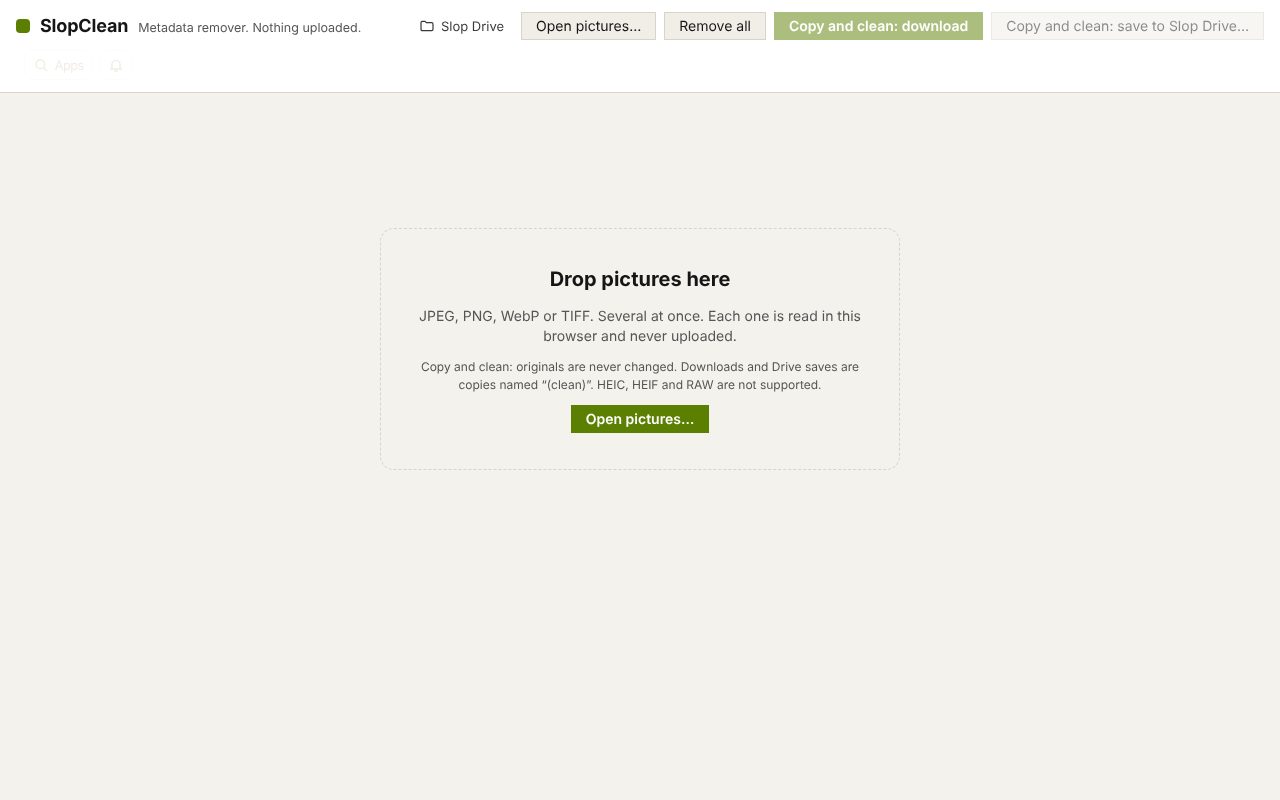
How to do it
- Drop the photos on the page, or choose Open pictures. Each one gets a card listing what it holds.
- In What to remove, keep the categories ticked that should go. The colour profile and print size are kept unless you tick them.
- Check the cards: each line is marked Removed or Kept.
- Choose Copy and clean: download. Several photos come as a ZIP, and the copies are named (clean).
Your files stay on this device: SlopClean runs in your browser, with no upload, no account and no watermark.
Questions
Does removing EXIF lower the quality?
No. The metadata blocks are taken out and the picture data is copied byte for byte, so it is not compressed again.
Which formats work?
JPEG, PNG, WebP and TIFF. HEIC, HEIF and RAW files are not supported.
Are my originals changed?
No. The cleaned files are copies; the originals stay as they were.
Are the photos uploaded?
No. Reading and cleaning happen in your browser.
More with SlopClean
Related apps
 PhotoSlop
Live
Photoshop, rebuilt for the browser. SlopVector
Live
Illustrator, rebuilt for the browser. SlopIsolate
Beta
Remove backgrounds with AI that runs on your device.