Slop AI Tools guide
Getting started with Slop AI Tools
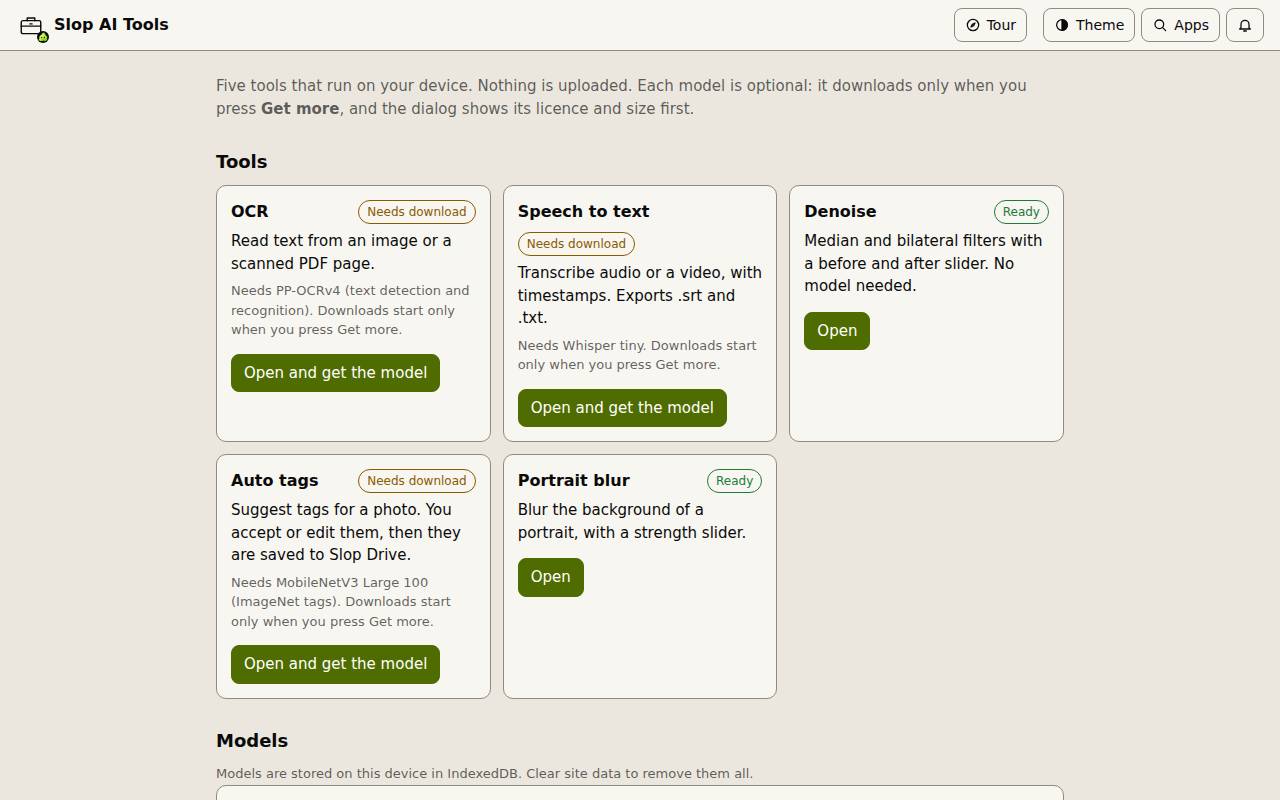
Slop AI Tools gathers five small AI tools that run on your device. Nothing is uploaded, and each model downloads only when you ask for it.
The five tools
OCR reads text from an image or a scanned PDF page. Speech to text transcribes audio or a video, with timestamps. Denoise cleans up a noisy photo with a before and after slider. Auto tags suggests tags for a photo and saves them to Slop Drive. Portrait blur blurs the background behind a person.
Denoise and Portrait blur are ready at once. The others show Needs download until you get their model.
Get a model
Choose Open and get the model on a tool, then Get more…. The dialog shows the model, its licence, where it comes from and its size before anything downloads. Choose Download. Each file is checked before it is stored on this device. The Models list at the bottom of the hub shows what you have and can remove it.
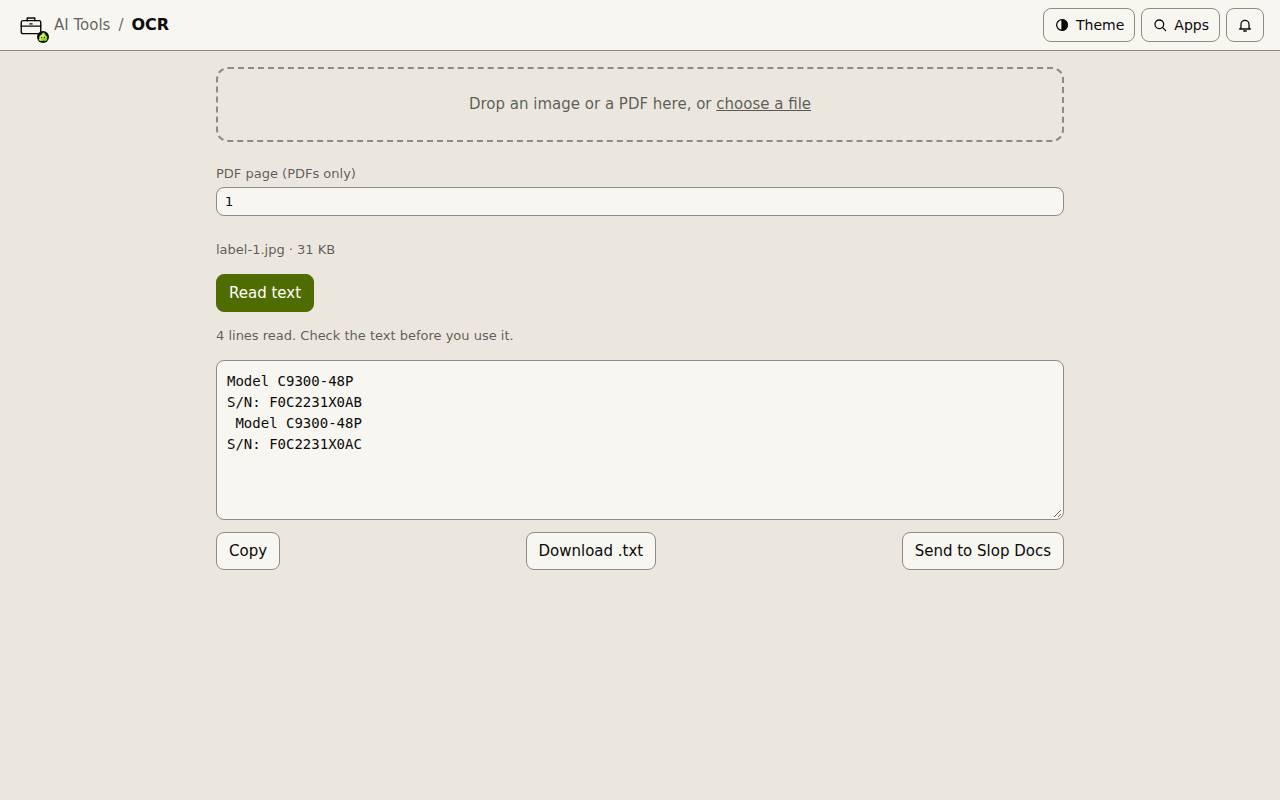
Read text from an image
- Open OCR.
- Drop an image or a PDF, or choose a file. For a PDF, set the PDF page.
- Choose Read text. The text appears in the box, where you can correct it.
- Choose Copy, Download .txt or Send to Slop Docs.