Slop AI Tools · free, in your browser
Reduce noise and grain in a photo
Smooth the grain out of a dark shot, or the speckle and dust out of a scan. Slop AI Tools applies classic filters on your device and lets you compare before and after.

How to do it
- Open Denoise in Slop AI Tools (this page's link takes you there).
- Drop a photo on the page, or choose a file.
- Pick a Filter: Median for speckle and dust, Bilateral for grain while keeping edges, or Median, then bilateral.
- Set the Strength and press Apply. Drag the before and after slider to compare.
- Press Download PNG.
Your files stay on this device: Slop AI Tools runs in your browser, with no upload, no account and no watermark.
Questions
Is this an AI denoiser?
No. Denoise uses classic median and bilateral filters, which need no model and no download. They are fast and predictable, but they cannot rebuild lost detail the way a trained model can.
Is there a size limit?
Large photos are reduced to 2048 pixels on their long side, for the preview and for the download.
Is my photo uploaded?
No. The filters run in your browser, and the picture stays on your device.
More with Slop AI Tools
Related apps
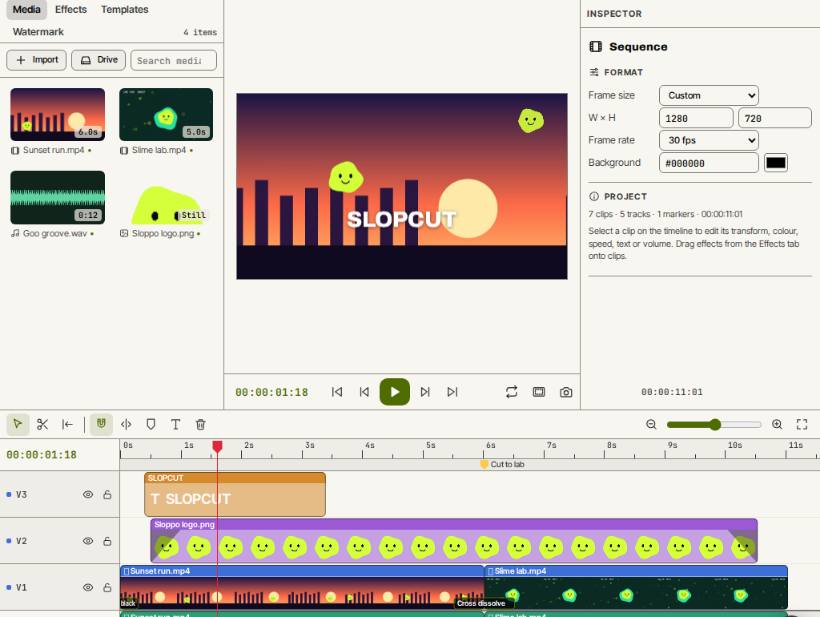 SlopCut
Beta
A video editor that never uploads your footage. Slop Watermark
Beta
Watermark photos, videos and PDFs at once with your logo or text. Nothing uploaded.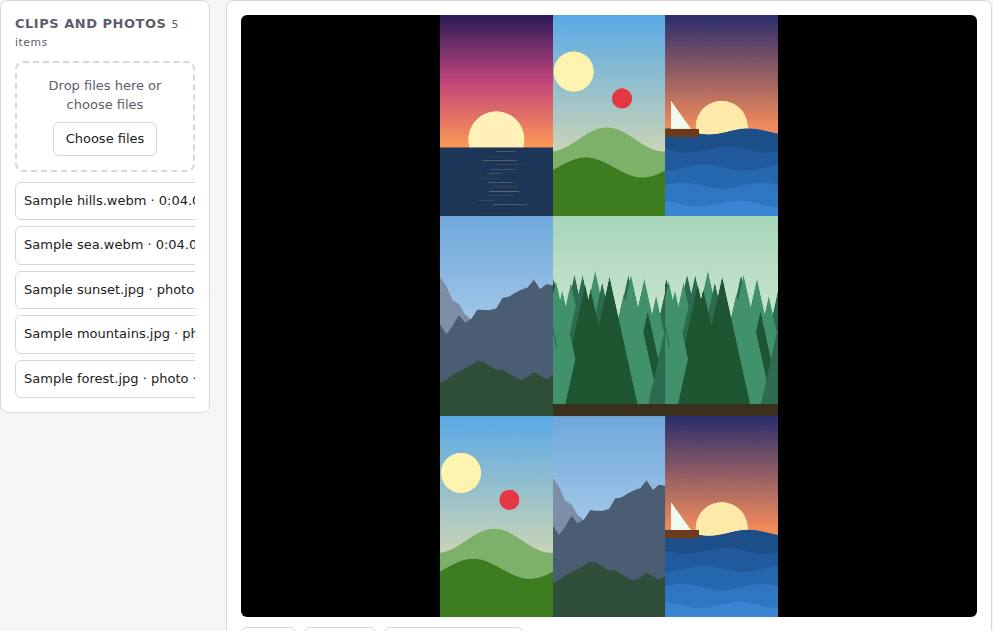 Reel Remix
In development
Clips and photos in, a random edit out, then fine-tune in SlopCut.