Slop AI Tools · free, in your browser
Blur the background of a portrait photo
Drop a photo of a person and the background blurs while they stay sharp. The person is found by an AI model that comes with the site, so there is nothing to download first.

How to do it
- Open Portrait blur in Slop AI Tools (this page's link takes you there).
- Drop a portrait on the page, or choose a file. The model finds the person.
- Drag Blur strength until the background looks right. The preview changes at once.
- Press Download PNG to save the picture at its full size.
Your files stay on this device: Slop AI Tools runs in your browser, with no upload, no account and no watermark.
Questions
Does it work on photos without a person?
It is made for portraits, so it looks for people. For a product or a pet, SlopIsolate cuts out any subject and can put a blurred background behind it.
Is my photo uploaded?
No. The model (MODNet, which ships with the site) runs in your browser, and the picture never leaves your device.
What size is the result?
The download is a PNG at the size of your original photo. Only the preview on the page is scaled down to fit.
More with Slop AI Tools
Related apps
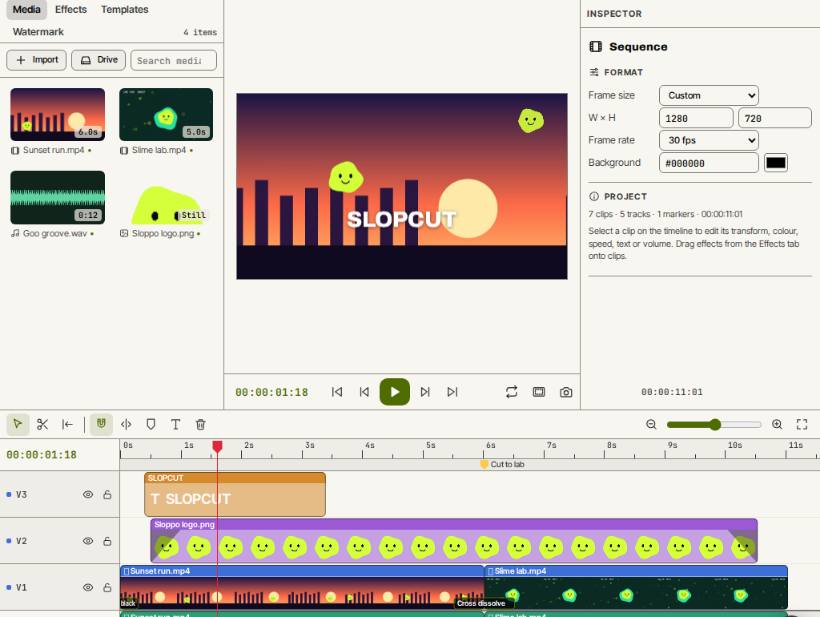 SlopCut
Beta
A video editor that never uploads your footage. Slop Watermark
Beta
Watermark photos, videos and PDFs at once with your logo or text. Nothing uploaded. Reel Remix
In development
Clips and photos in, a random edit out, then fine-tune in SlopCut.