Slop To-do · free, in your browser
A free online to-do list, no sign-up
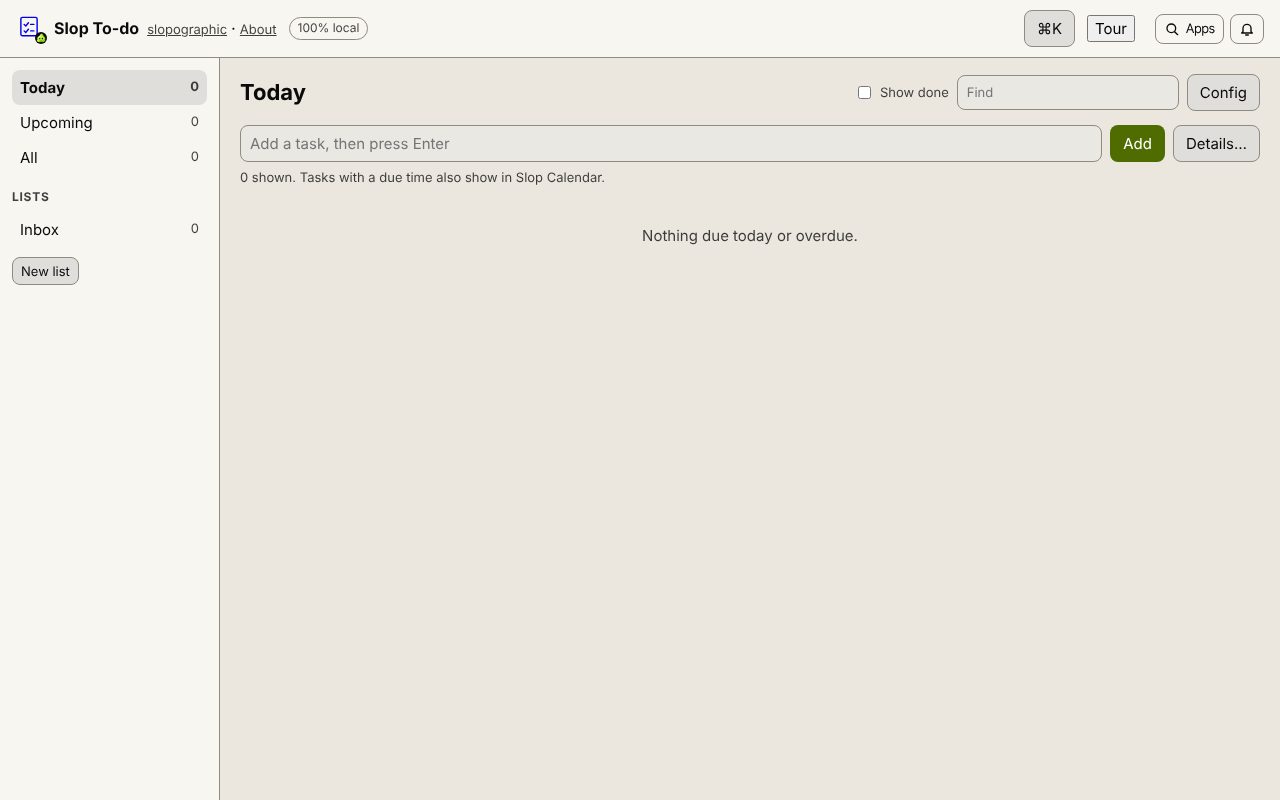
Type a task and press Enter. Give it a due date and time, a list, tags, subtasks or a repeat when you need to, and see at a glance what is due Today and what is Upcoming.
How to do it
- Open Slop To-do, type in Add a task and press Enter.
- Press Details… (or open a task) to set the Due date, Due time, Priority, List, Tags, Repeat and Reminder.
- Add subtasks inside a task and tick them off as you go.
- Switch between Today, Upcoming, All and your lists, and use Find to search.
- Tick a task to complete it. A repeating task moves on to its next date instead.
Your files stay on this device: Slop To-do runs in your browser, with no upload, no account and no watermark.
Questions
Do I need an account?
No. Slop To-do opens in your browser and keeps your tasks on this device, with nothing uploaded.
Can tasks show on a calendar?
Yes. A task with a due time appears in Slop Calendar, and completing it in either app updates both.
Does it sync between devices?
No. Tasks are stored in this browser only, so a phone and a computer each keep their own list.
Can I get a reminder?
Yes: at the due time, or 15 minutes, 1 hour or 1 day before. It pops up while Slop To-do, Calendar or Reminders is open, and as a browser notification if you allow it.
More with Slop To-do
Related apps
 Slop PDF
Live
Organise, edit and sign PDFs. Nothing uploaded. SlopLabel
Beta
Design and print barcode labels. Slop Reports
Beta
Totals and lists across Contacts, Invoices, Expenses and CRM, with profit by month. Read-only.