SlopIsolate · free, in your browser
White background for product photos
Marketplaces such as Amazon, Etsy, eBay and Shopify look best with a pure white background. Drop your product shots and SlopIsolate puts each item on white, ready to upload.

How to do it
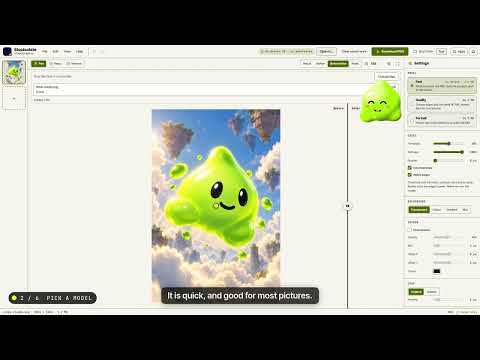
- Drop your product photos on the page: one, or a whole shoot.
- Each photo is cut out and placed on pure white (#ffffff). Add a soft shadow if you like.
- Use Crop to fit the product with an even margin, then apply the look to all photos.
- Export all as JPG for your shop listing, or PNG if you want to keep a transparent copy.
Your files stay on this device: SlopIsolate runs in your browser, with no upload, no account and no watermark.
Questions
Is the background pure white (#ffffff)?
Yes. The page opens with a white background set, and the colour is exactly #ffffff unless you choose another one.
Will it work for Amazon main images?
It gives you a pure white background and a cropped product, which is what Amazon asks for. Check the rest of the marketplace rules, such as the minimum size, for your listing.
Can I add a shadow so the product does not float?
Yes. Turn on Drop shadow and set its blur, opacity and offset; the setting can be applied to every photo in the batch.
What if the cutout misses a detail?
Use the Keep and Remove brushes to paint back or take away parts of the subject, then export again.
More with SlopIsolate
- Bulk background remover: hundreds of images at once
- Make a transparent PNG from any picture
- Remove the background from a video
Related apps
 PhotoSlop
Live
Photoshop, rebuilt for the browser. SlopVector
Live
Illustrator, rebuilt for the browser. Slop AI Tools
Beta
OCR, speech to text, denoise, auto tags and portrait blur. On your device.