Slop Reports guide
Getting started with Slop Reports
Slop Reports reads the records of the other business apps and shows them as tables. It is read only: nothing here changes your records.
Pick a report
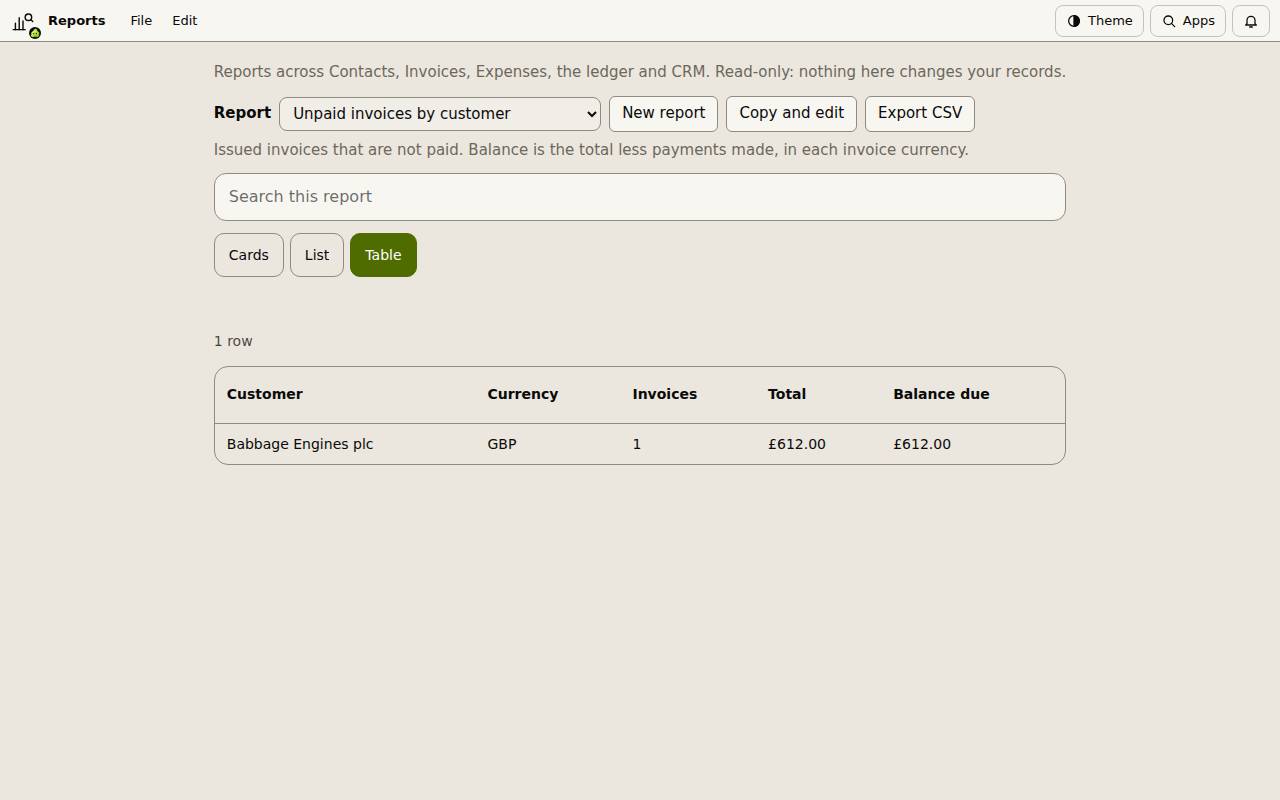
Choose one in the Report list. The built-in reports include Unpaid invoices by customer, Profit by month, Cash flow by month, Sales tax by quarter, Expenses by category, Spend by supplier, Quotes won by month, Hours by customer, Contacts by group, CRM leads by stage and Follow-ups due in the next 14 days.
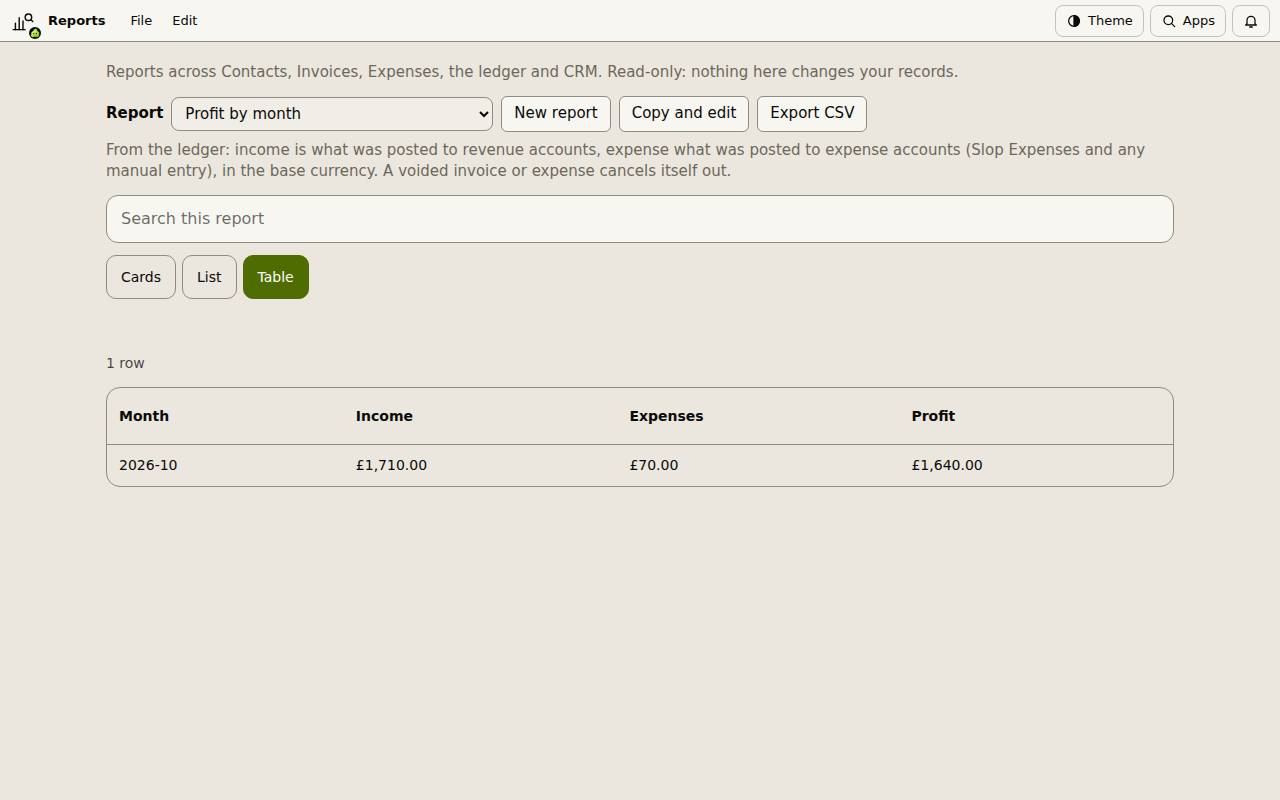
A line under the list says where the numbers come from.
Search, sort and export
Type in Search this report to narrow the rows. Cards, List and Table change how the rows are shown. In the table, choose a column heading to sort by it.
Export CSV downloads what the report shows, for a spreadsheet or your accountant.
Make your own
Copy and edit opens the open report as a definition in JSON, and New report starts a simple one. Change it and choose Save report. Your reports are kept in this browser and listed with the built-in ones.