QR SLOP · free, in your browser
Make a Wi-Fi QR code
Guests point their phone camera at the code and join the network, without typing a long password. Print it for the hallway, a café table, an Airbnb or an office meeting room.
How to do it
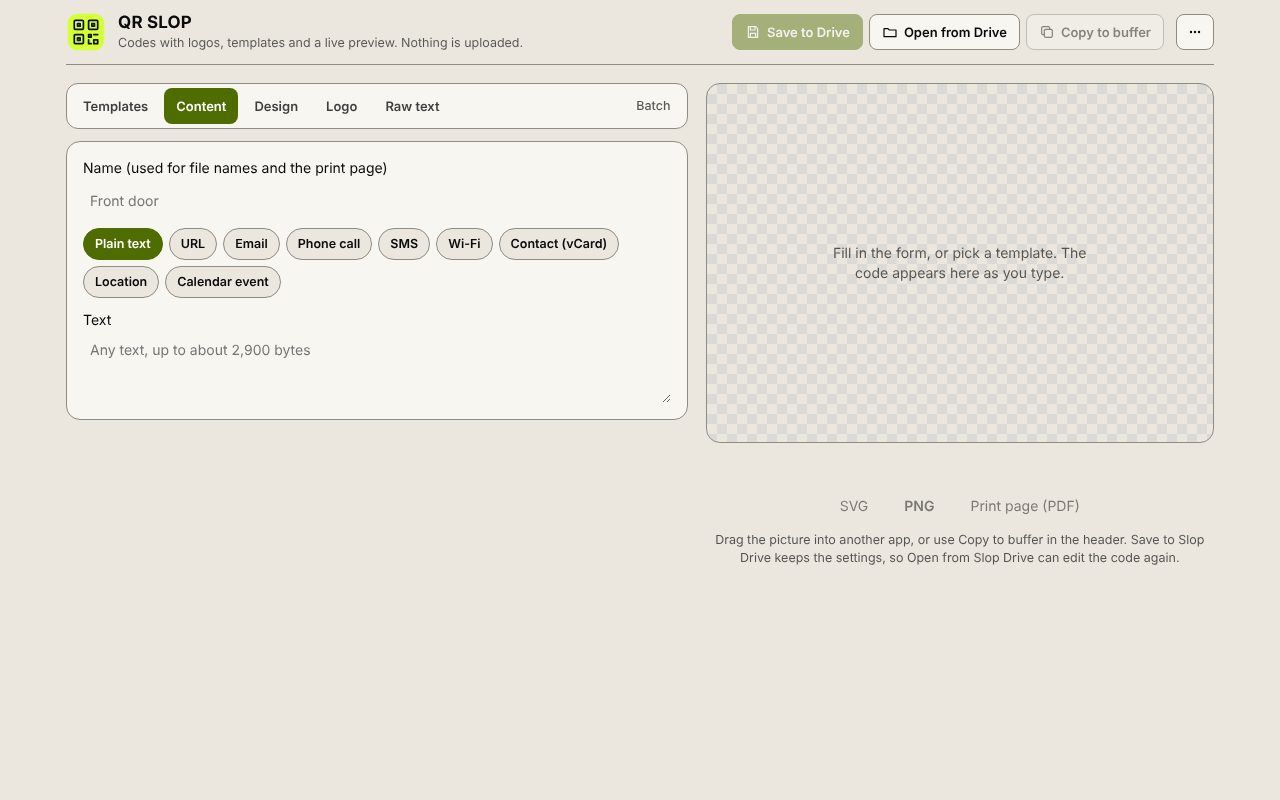
- The Wi-Fi form is open. Type the Network name (SSID).
- Choose the Security (WPA / WPA2, WEP or None) and type the Password. Tick Hidden network if it does not broadcast its name.
- Change the colours or add a logo in the Design and Logo tabs if you like.
- Download a PNG or SVG, or Print page (PDF) for a sheet with the code and its name.
Your files stay on this device: QR SLOP runs in your browser, with no upload, no account and no watermark.
Questions
Which phones can scan it?
Current iPhones and Android phones read Wi-Fi codes with the built-in camera and offer to join the network.
Is my Wi-Fi password sent anywhere?
No. The code is made in your browser, and the password is only inside the picture you download.
What if I change the password?
Make a new code. The password is stored in the code itself, so an old code stops working when the password changes.
More with QR SLOP
- Make a QR code with your logo
- Make a vCard QR code for your contact details
- Make many QR codes at once
- A free QR Code Monkey alternative in your browser
Related apps
 Slop PDF
Live
Organise, edit and sign PDFs. Nothing uploaded. SlopLabel
Beta
Design and print barcode labels. Slop Reports
Beta
Totals and lists across Contacts, Invoices, Expenses and CRM, with profit by month. Read-only.